



Lockly Model X Flex Touch Fingerprint Deadbolt
Bluetooth Smart Lock | Keyless Entry | Biometric Fingerprint | Smartphone Control | Virtual Keypad | Scan-To-Open | Manage from Lockly Home App
Description
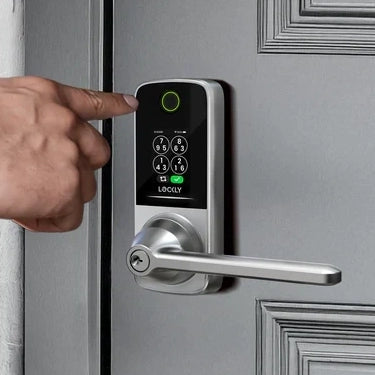
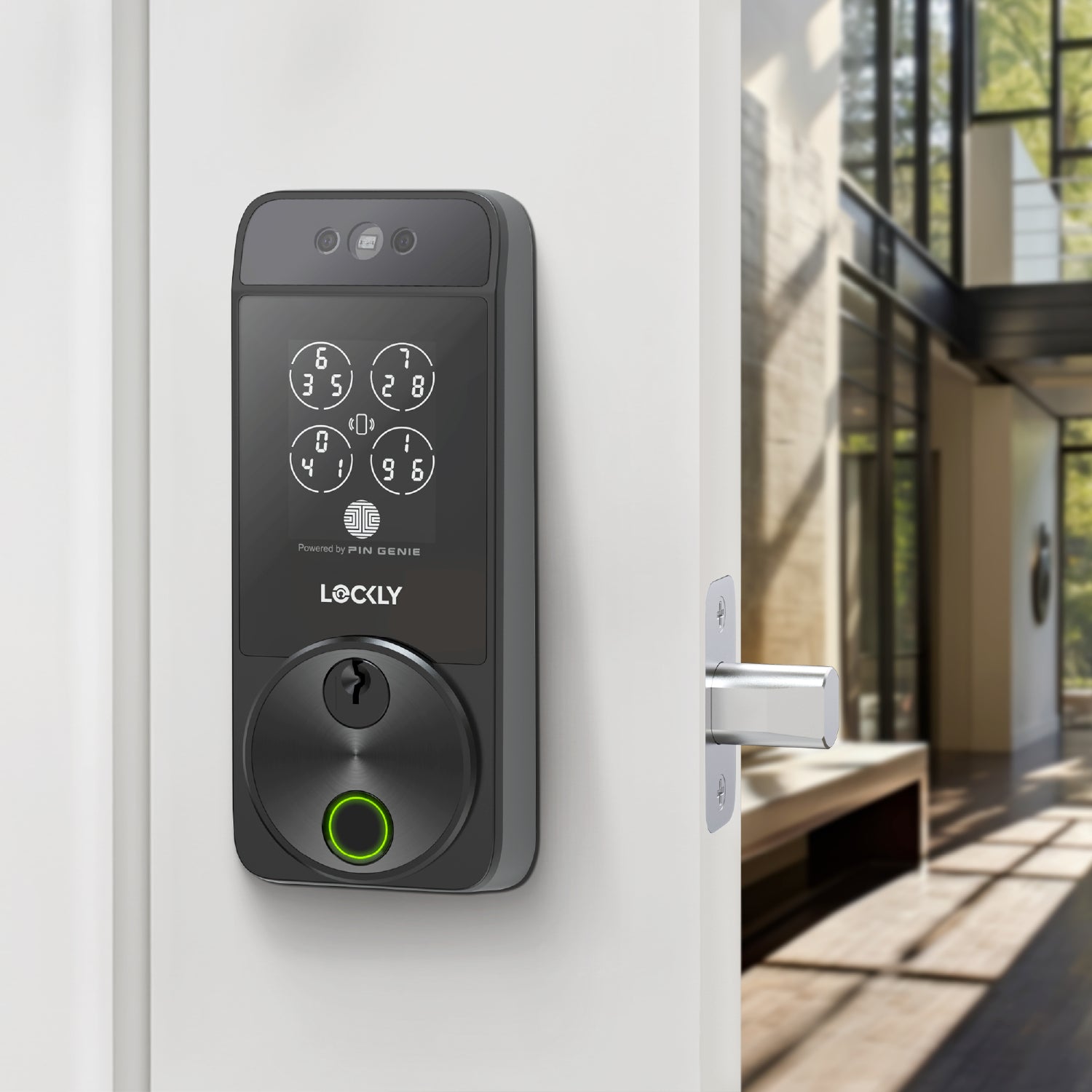
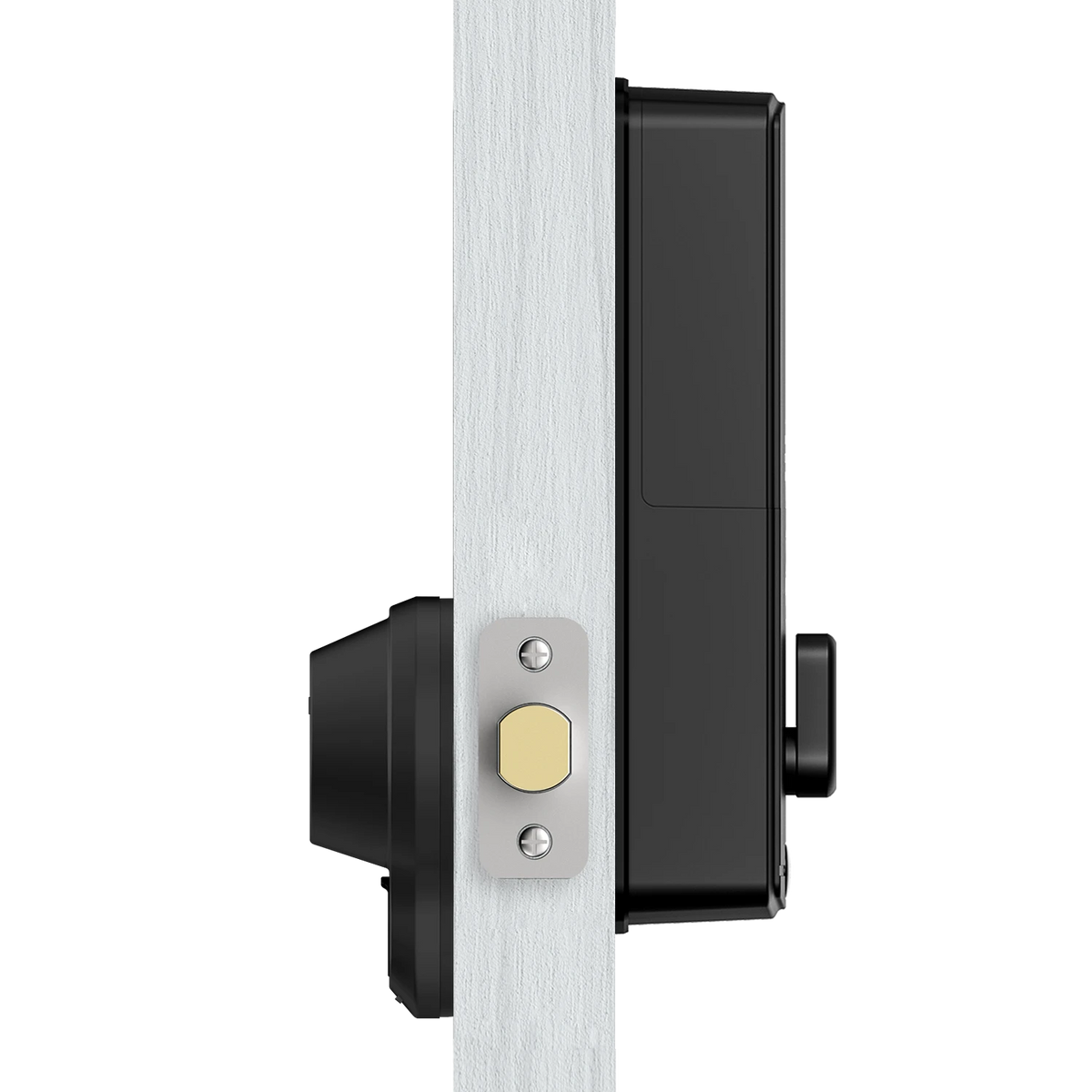
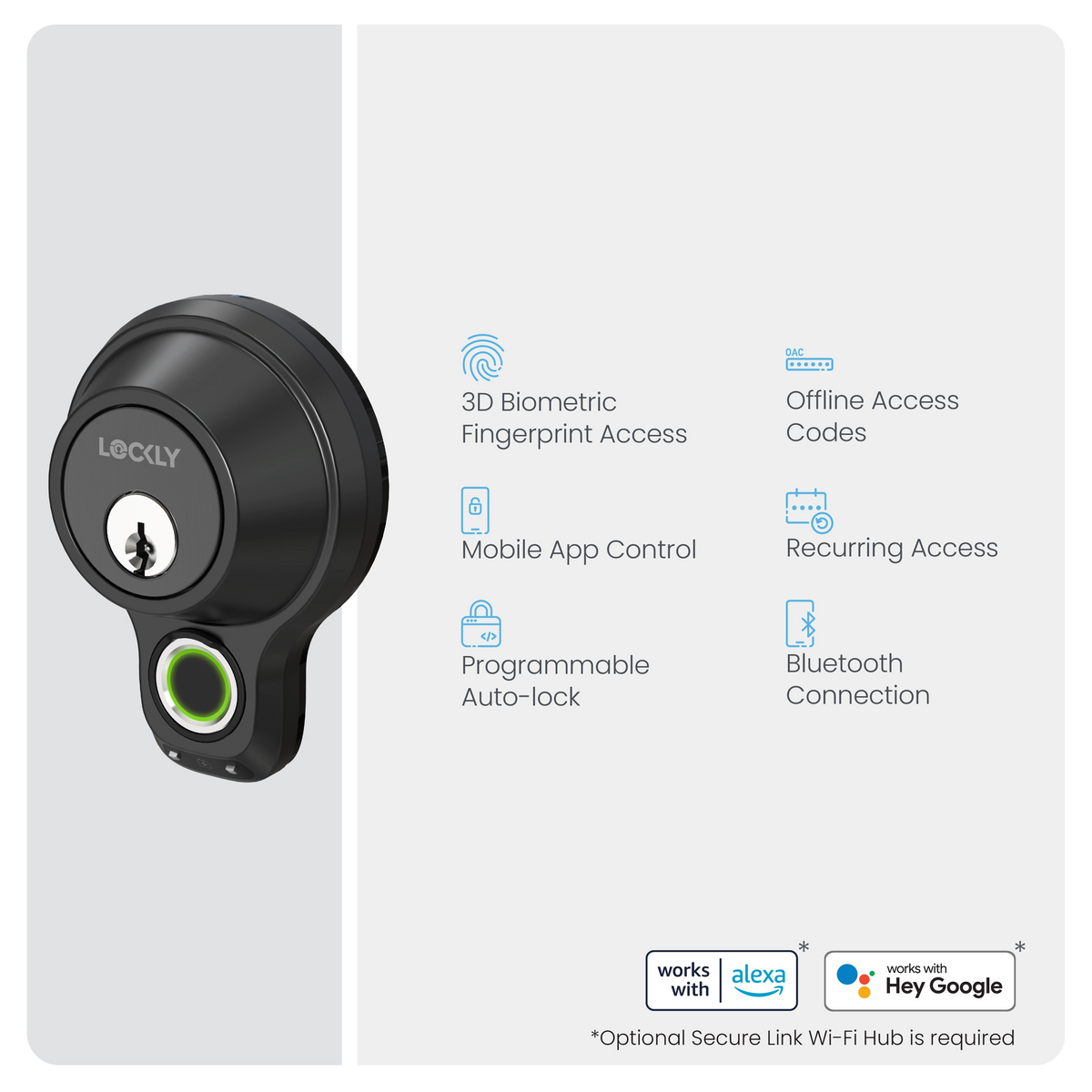
Experience the Model X, a sleek and minimalistic smart lock that integrates award-winning biometric fingerprint technology with the sturdy security of a deadbolt. With its innovative Virtual Keypad feature, you can easily grant guests access using an Offline Access Code™ (OAC)*, allowing them to unlock via a keypad by scanning a QR code.
Easy DIY installation to replace your existing deadbolt in about 15 minutes with basic household tools and the easy-to-follow video instructions.
*3 free OAC per month, subscribe to LocklyOS™ for more.
Support, warranty and returns
Lifetime technical support.
Limited 1-year mechanical & finish warranty and 1-year electronics warranty. Learn more >
Return your purchase within 7 days for a full refund. Hassle-free, guaranteed. Learn more >
Installation and documentations
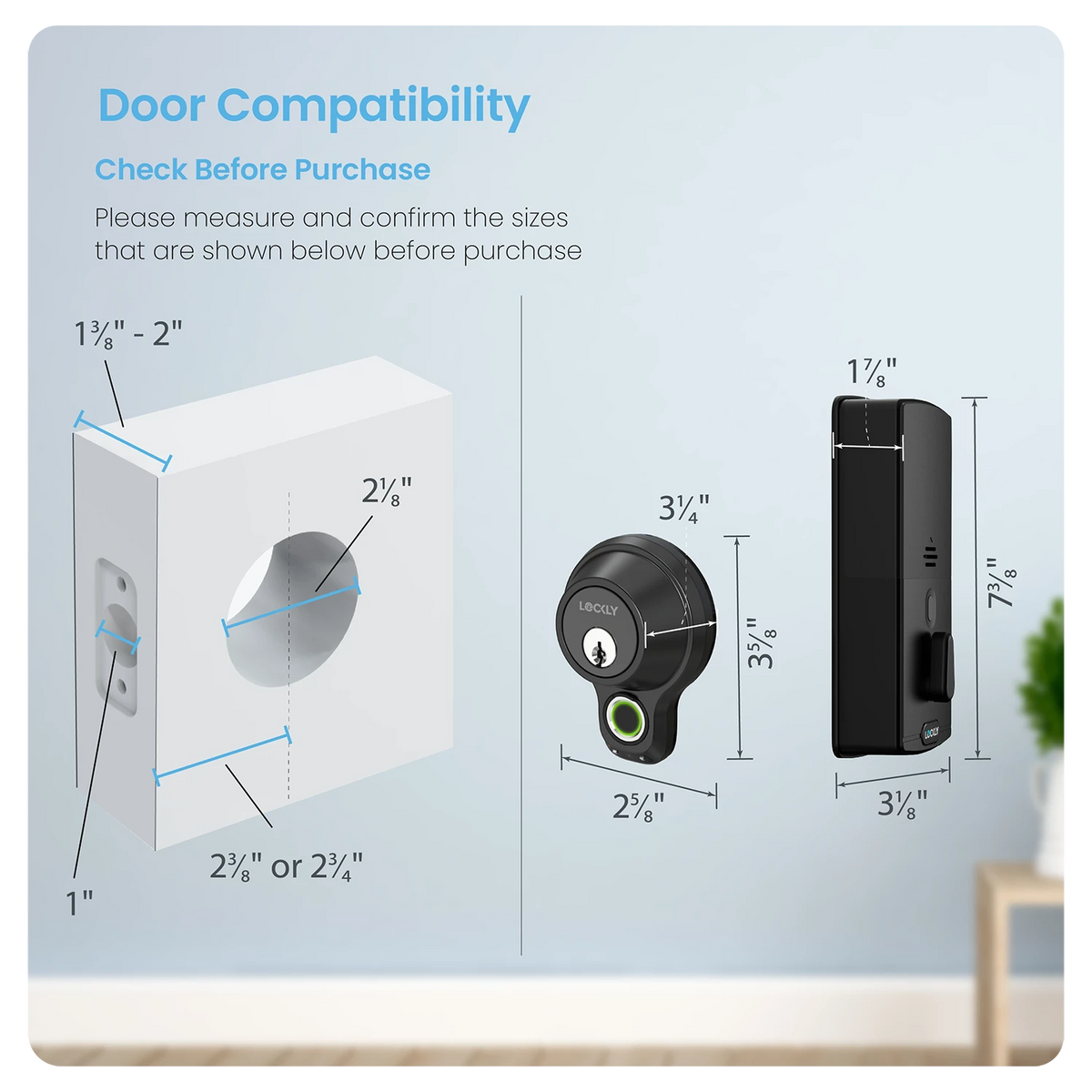
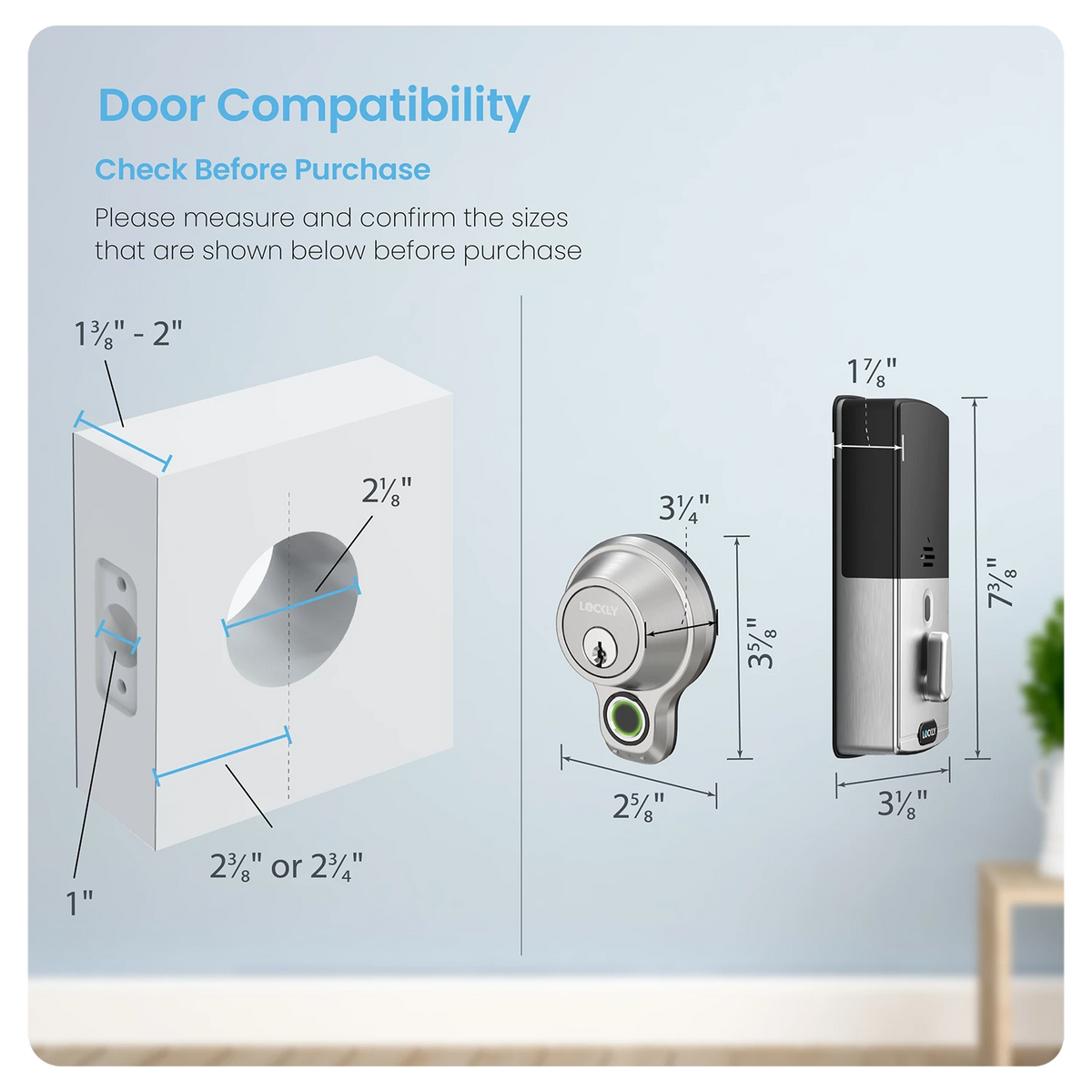
Designed for 30-minute DIY installation with a step-by-step installation video. Check door compatibility before purchase.
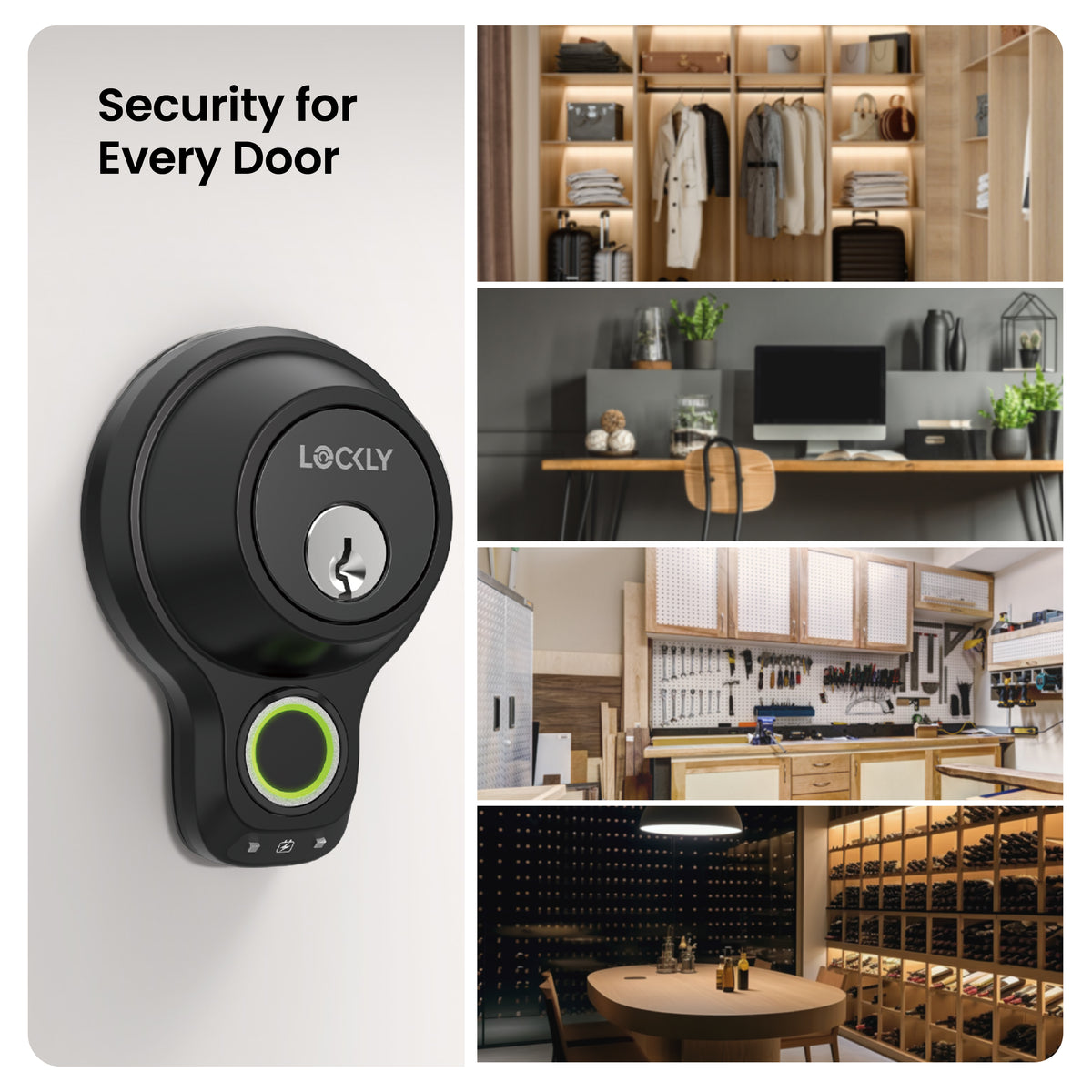
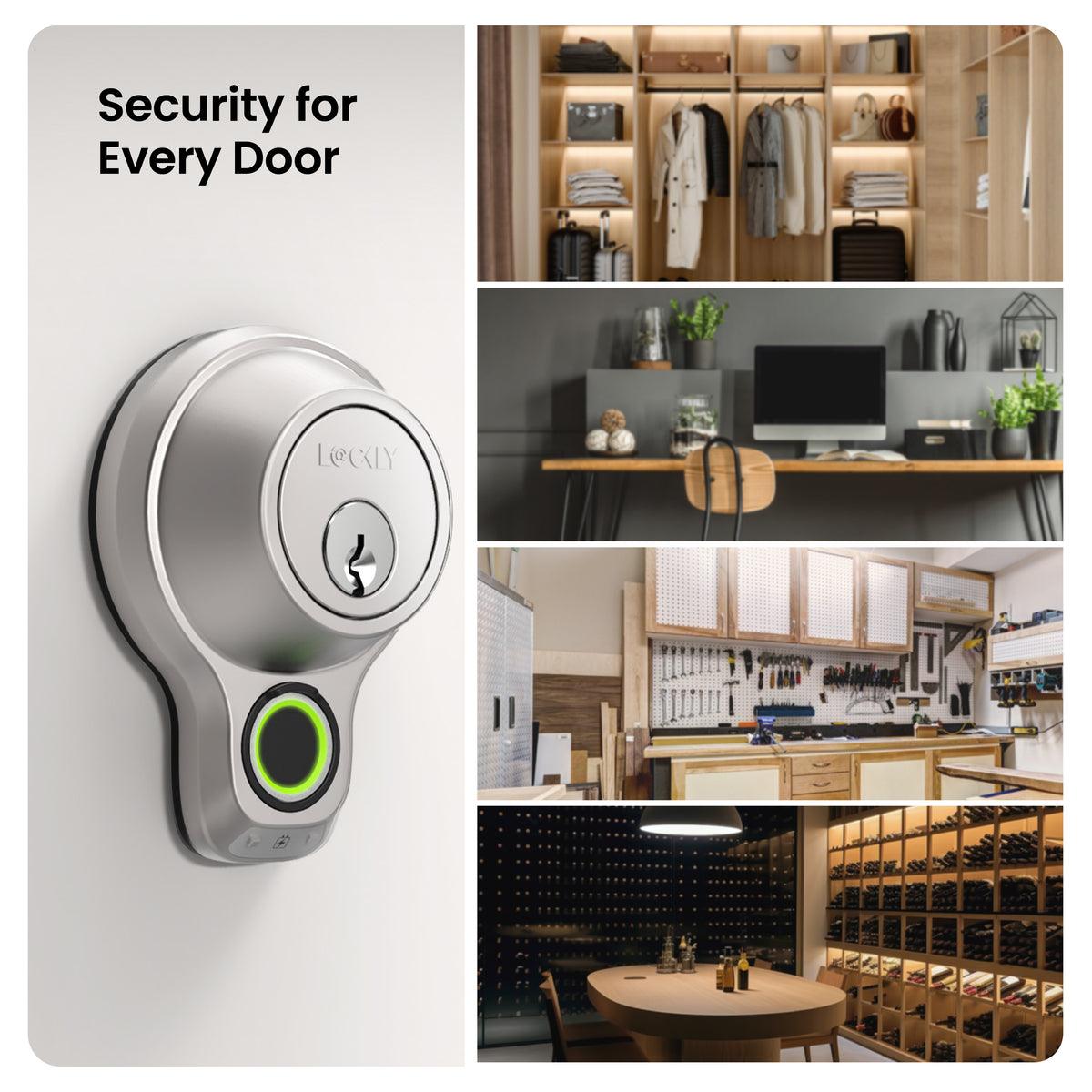
Security for Every Door
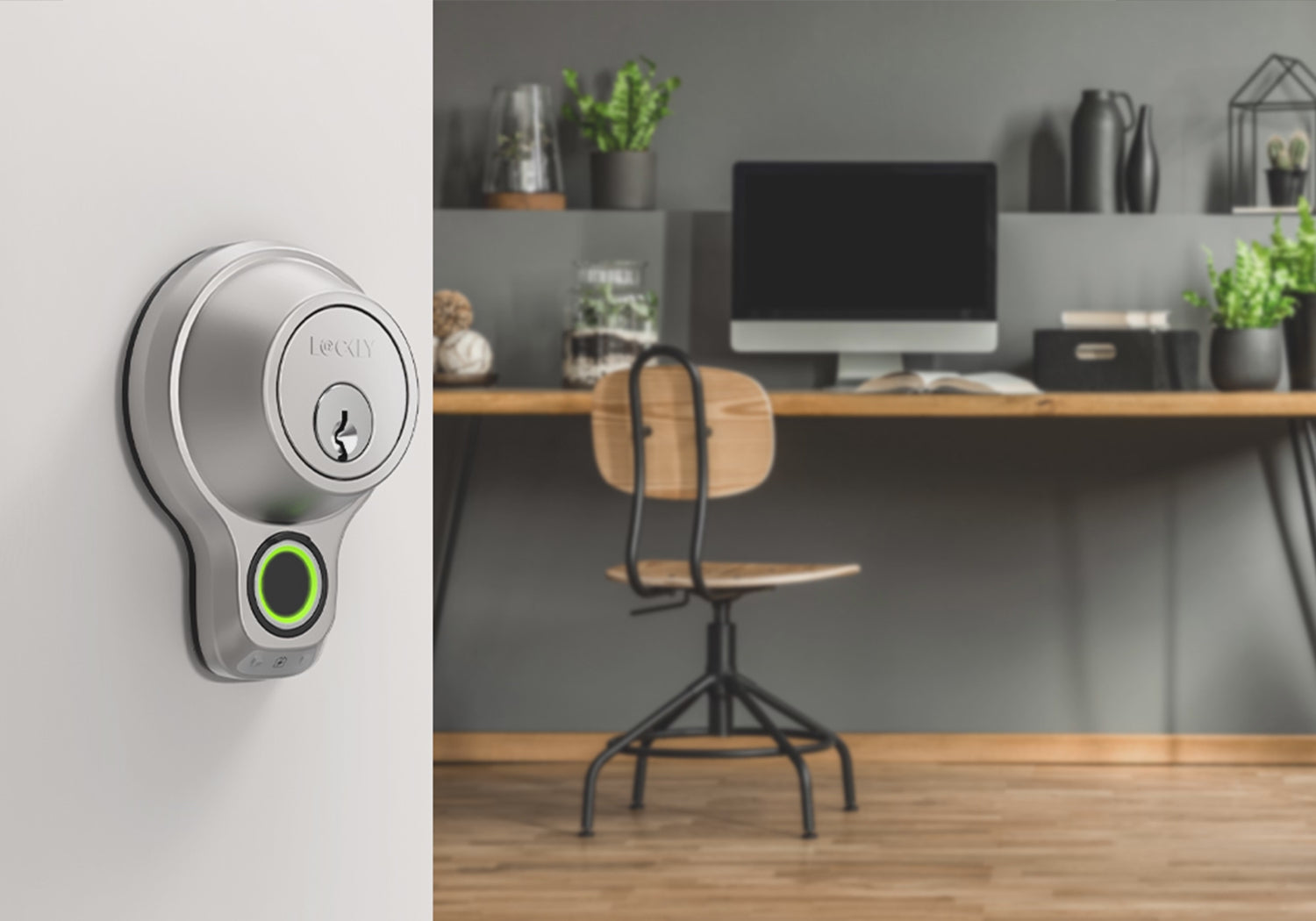
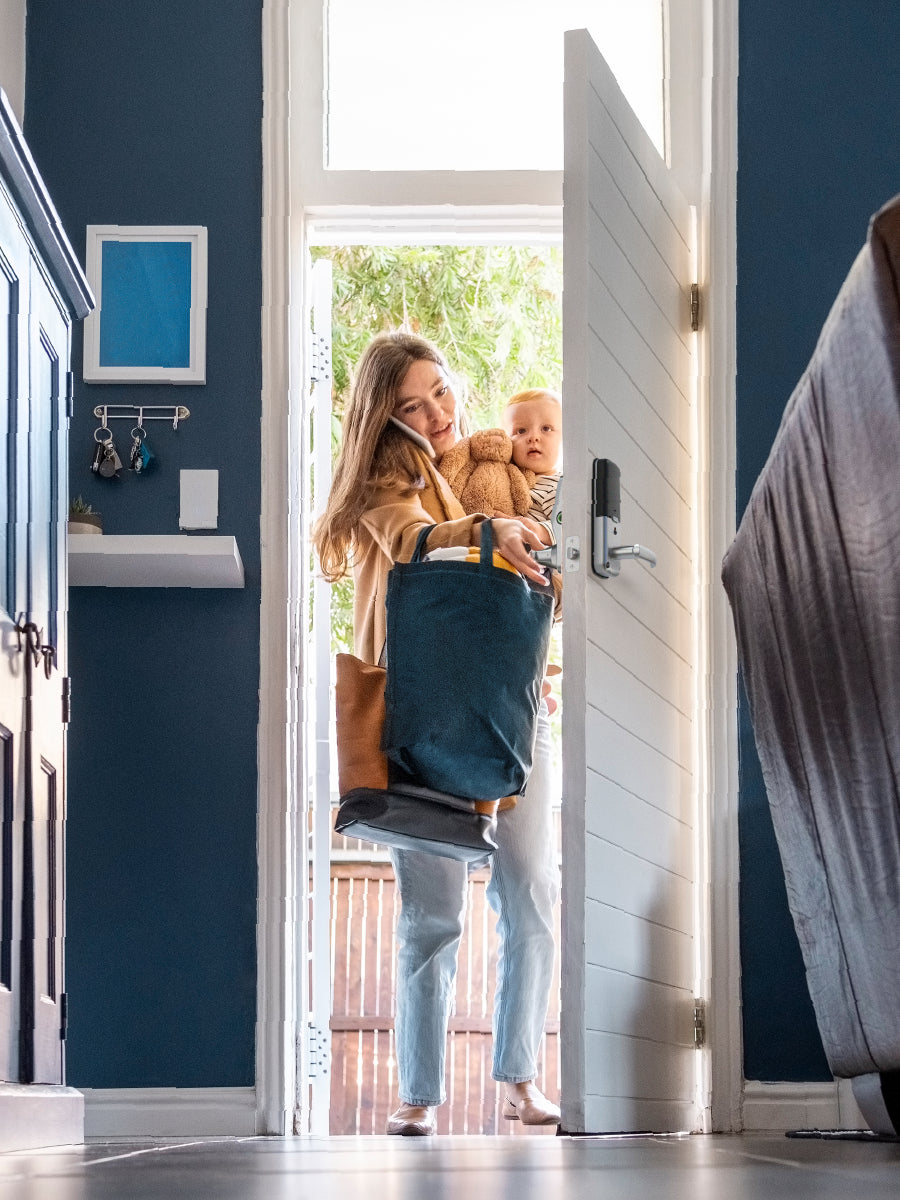
Enjoy the Freedom of Keyless Entry
Unlock a world of convenience! Go keyless and grant access to guests effortlessly — stay smart, secure and worry-free!
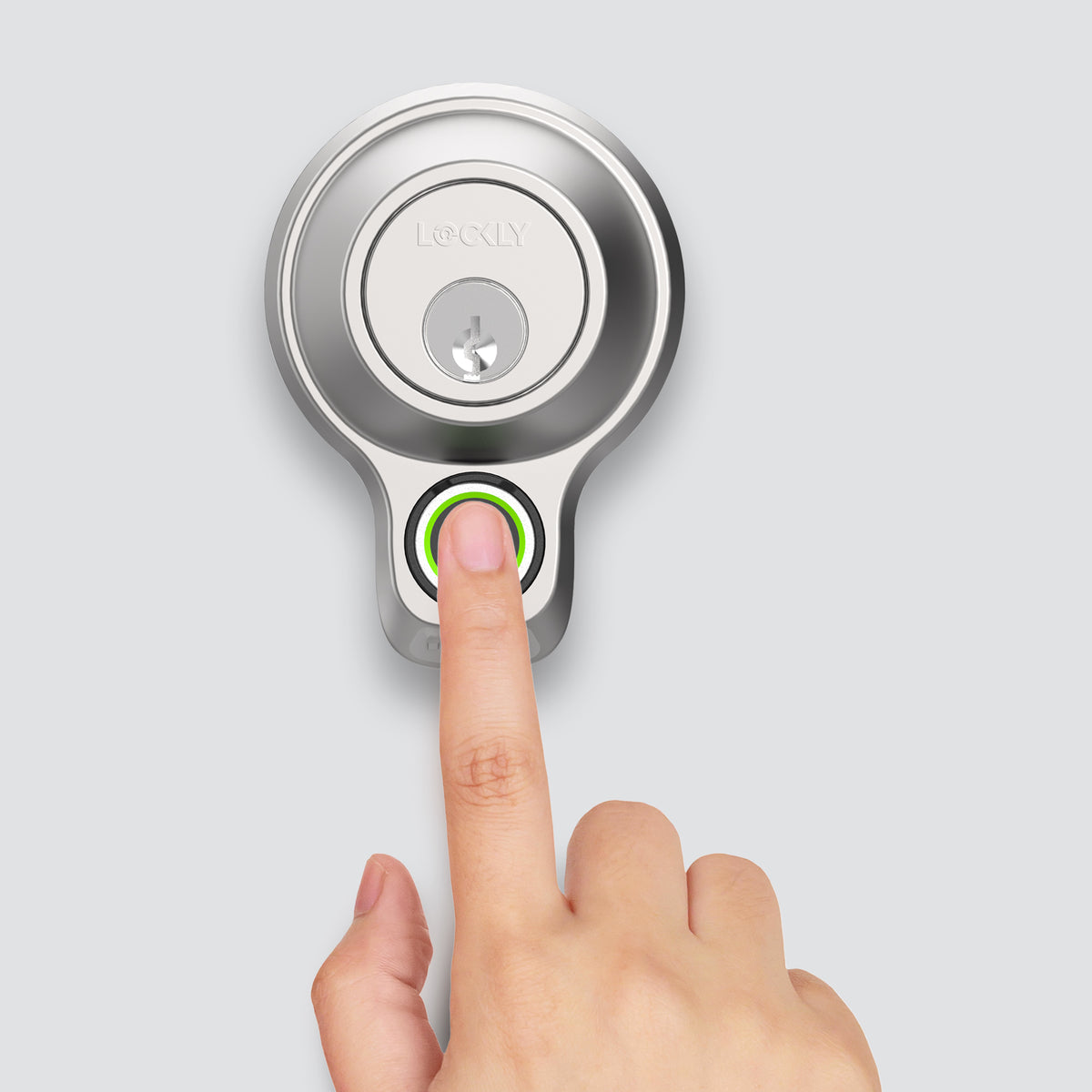
0.3 sec recognition, 3D biometric fingerprint sensor with AI learning to improve speed and accuracy over time. Millions of accesses have been granted and are still counting.
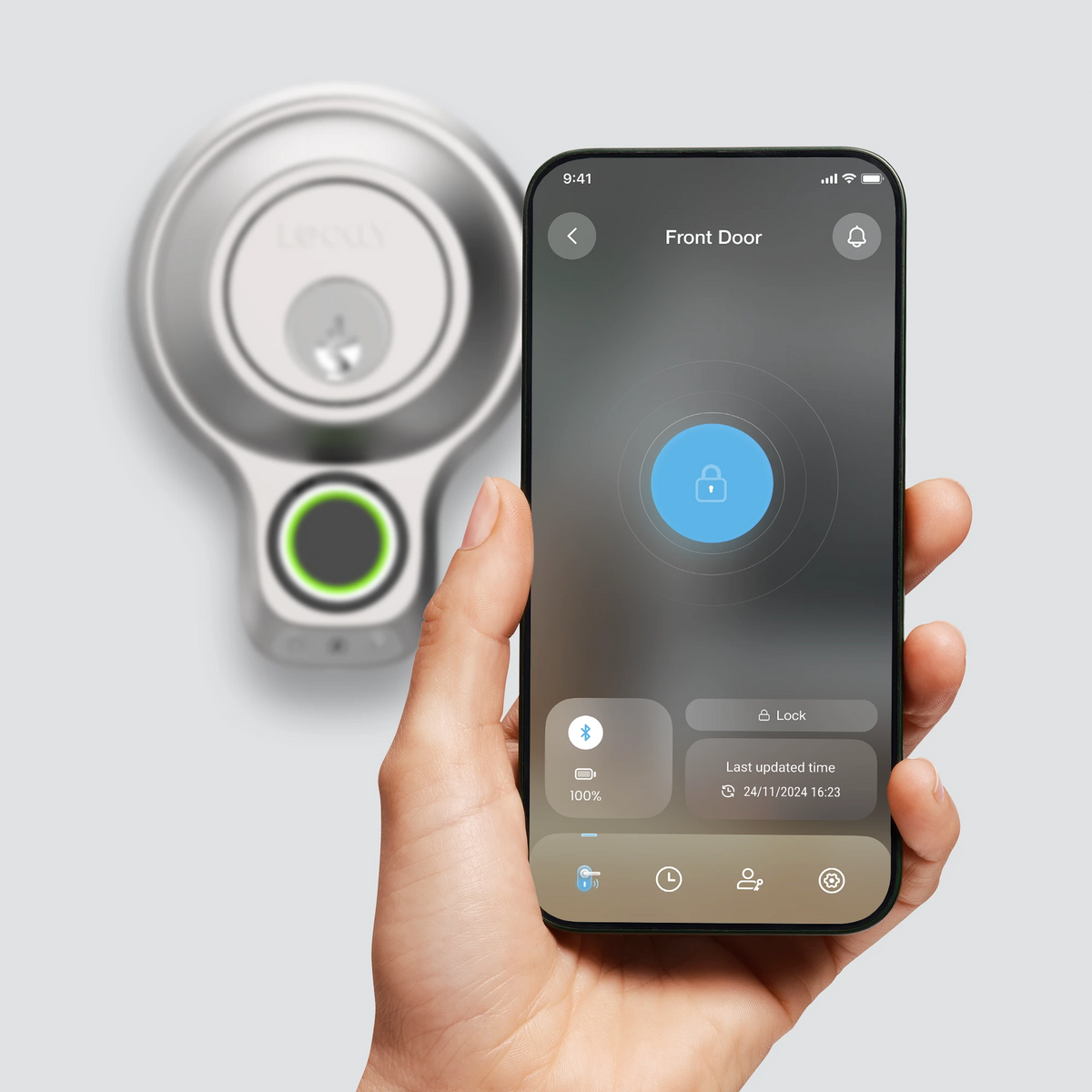
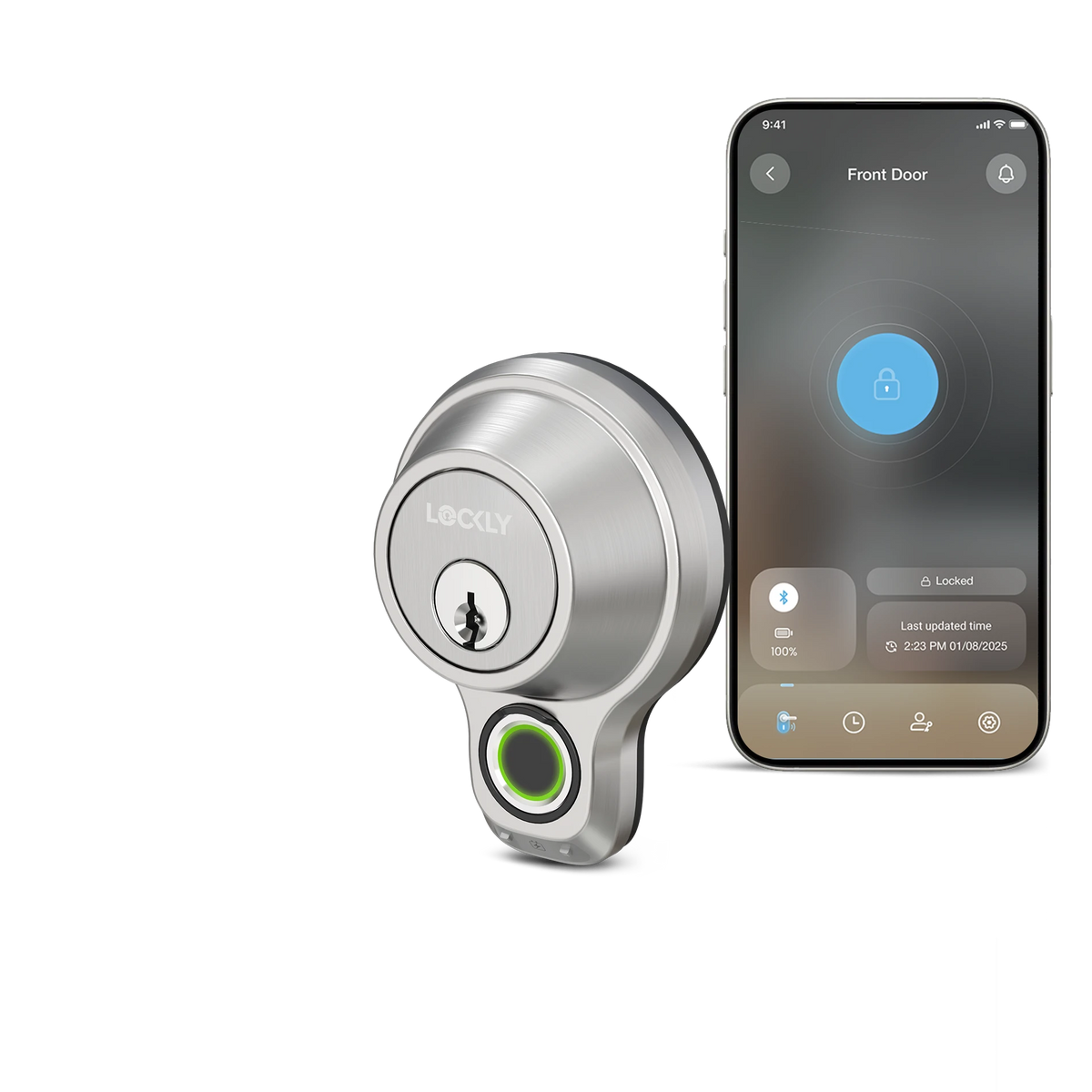
Open or close it with a simple tap, and easily share or revoke access for others through the free Lockly Home app¹.
¹ Manage smart locks for up to 3 properties at no cost. Subscribe to LocklyOS™ for a total access solution to manage additional properties.


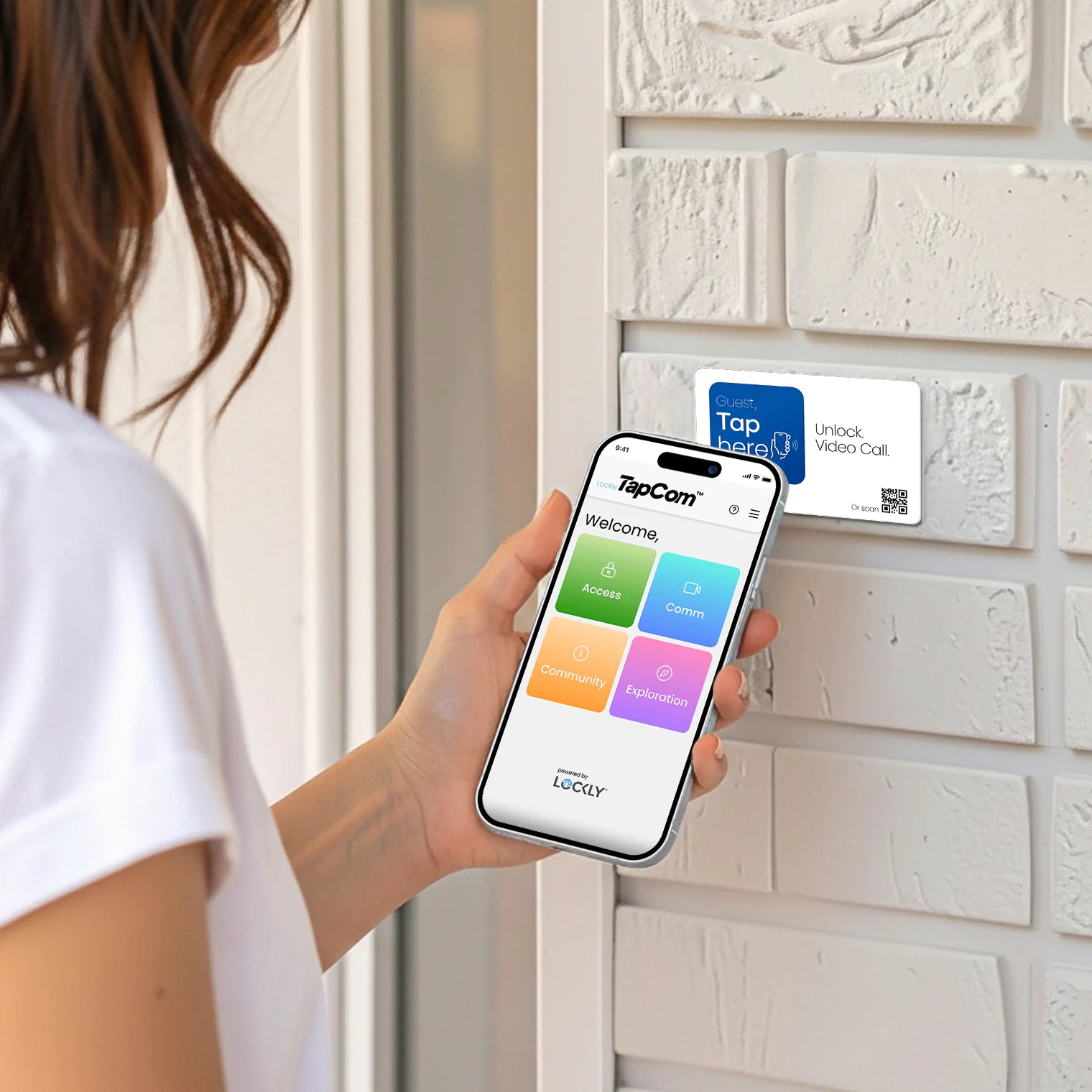
Allow your guests to gain access by scanning the code and entering the single-use Offline Access Code² directly from their phones, without any app download³, using the pioneering Virtual Keypad feature.
² Create up to 3 free single-use OAC per month. Subscribe to LocklyOS™ for more.
³ iOS users are required to download the Lockly Access app from the App Store due to Apple's regulations.
0.3 sec recognition, 3D biometric fingerprint sensor with AI learning to improve speed and accuracy over time. Millions of accesses have been granted and are still counting.
Open or close it with a simple tap, and easily share or revoke access for others through the free Lockly Home app¹.
¹ Manage smart locks for up to 3 properties at no cost. Subscribe to LocklyOS™ for a total access solution to manage additional properties.
Allow your guests to gain access by scanning the code and entering the single-use Offline Access Code² directly from their phones, without any app download³, using the pioneering Virtual Keypad feature.
² Create up to 3 free single-use OAC per month. Subscribe to LocklyOS™ for more.
³ iOS users are required to download the Lockly Access app from the App Store due to Apple's regulations.



Customize security with Lockly Home app
Control Your Lock with Ease
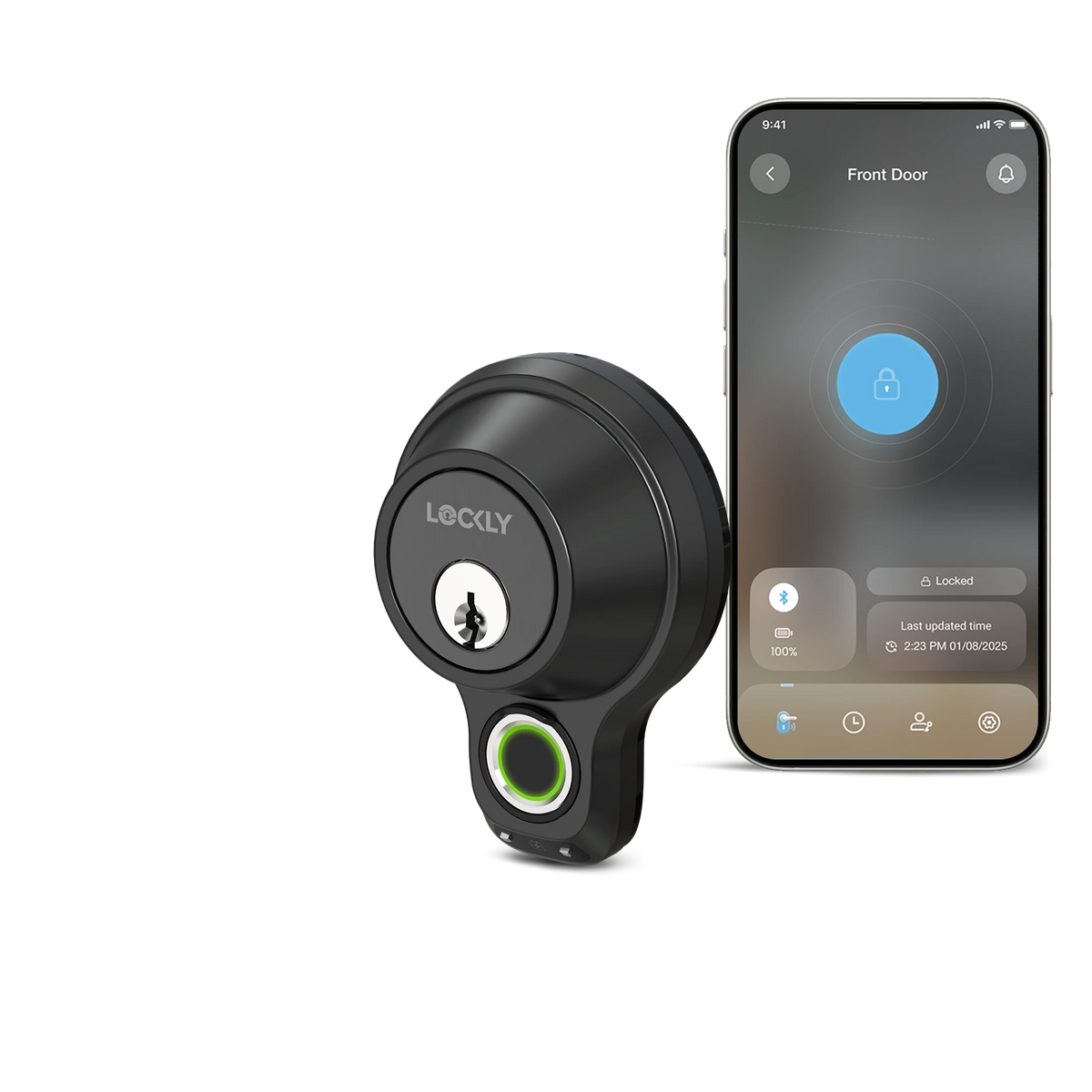
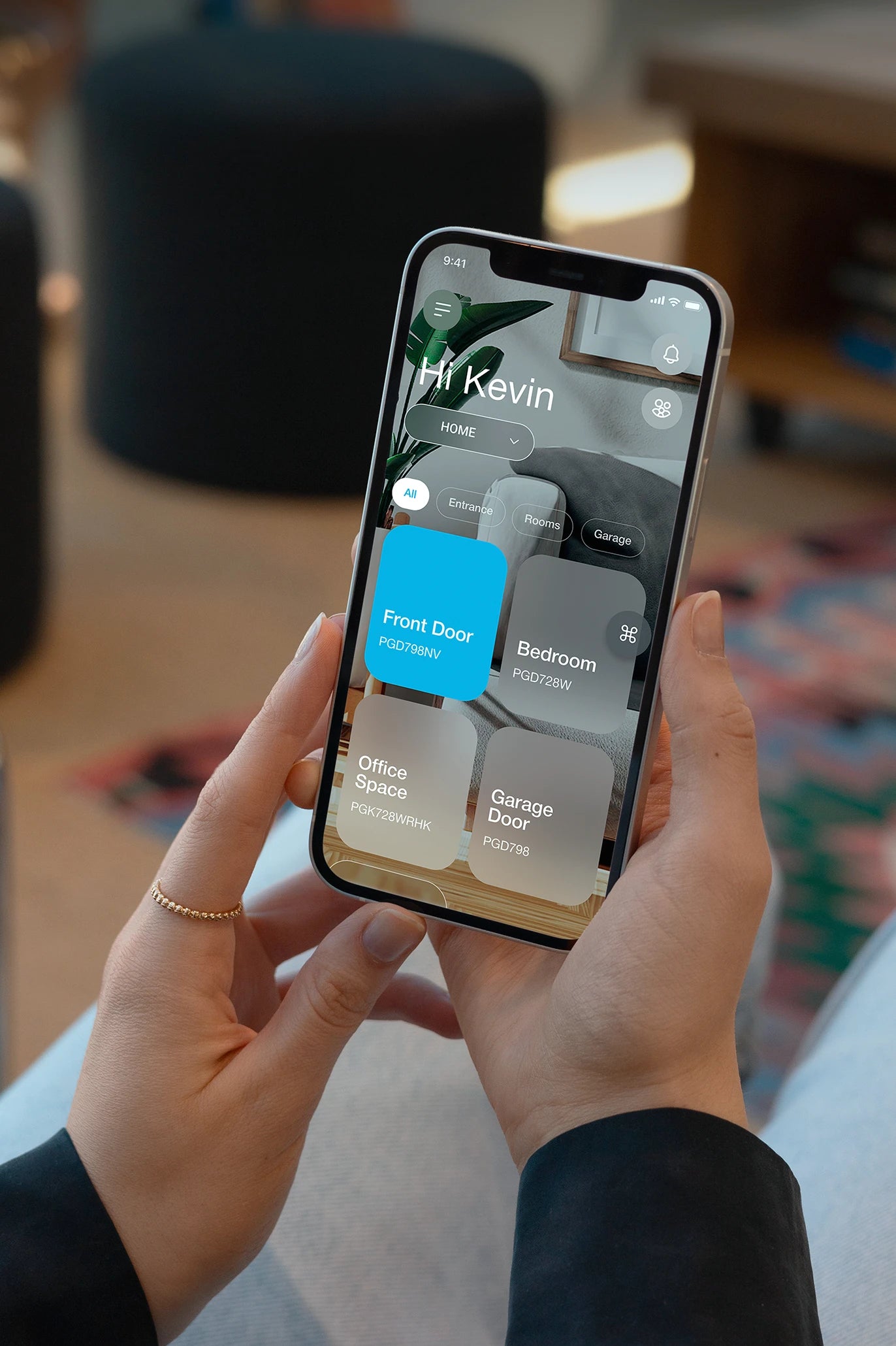
Easily manage your smart lock with the Lockly Home app. Control, customize, and configure your lock for optimal security and convenience tailored to your needs.
Download Lockly Home App Now
iOS App Store|Google Play Store
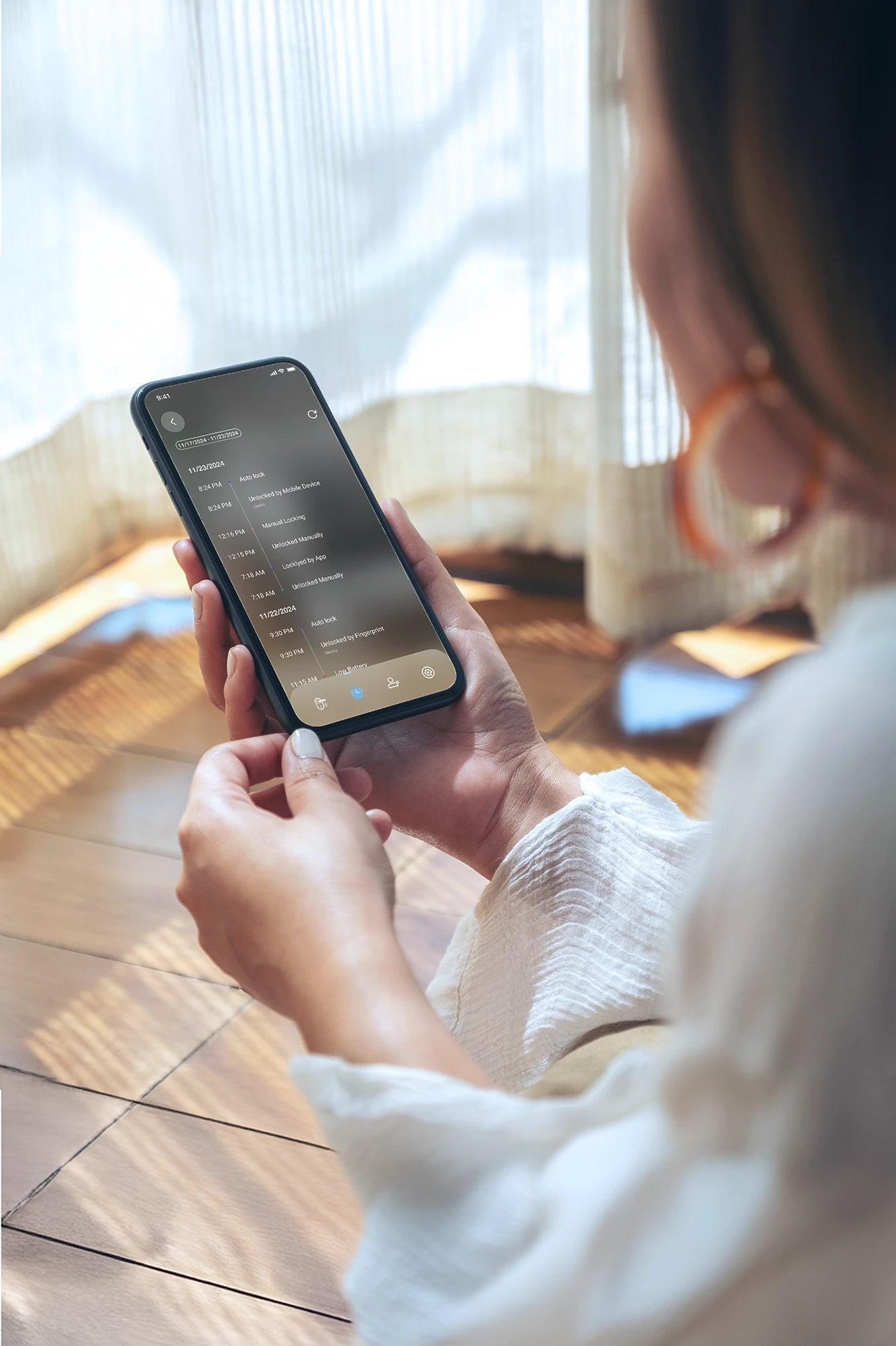
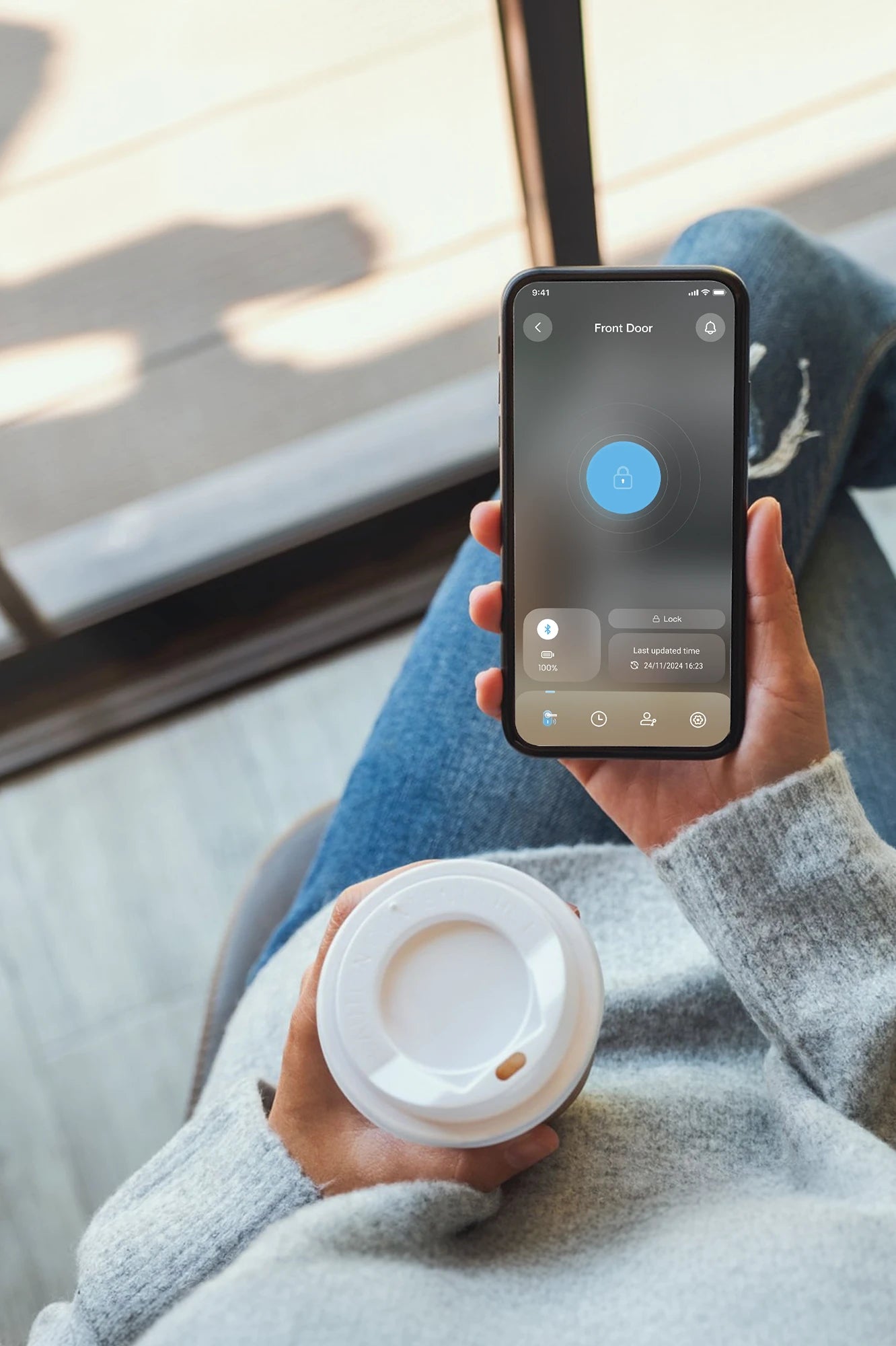
Real-time smartphone control
Lock and unlock your door from your phone when connect with bluetooth.
Access logs
Pairing your lock with the free Lockly Home app via encrypted Bluetooth enables you to track access history⁴ effortlessly! Each time you connect, the app synchronizes the recorded entries⁵, allowing you to see who's coming and going.
⁴ Up to 90 days of activity history. Subscribe to LocklyOS™ for more.
⁵ The device can store up to 50 records; the oldest record will be replaced by the newest once the limit is reached.
Customizing your lock
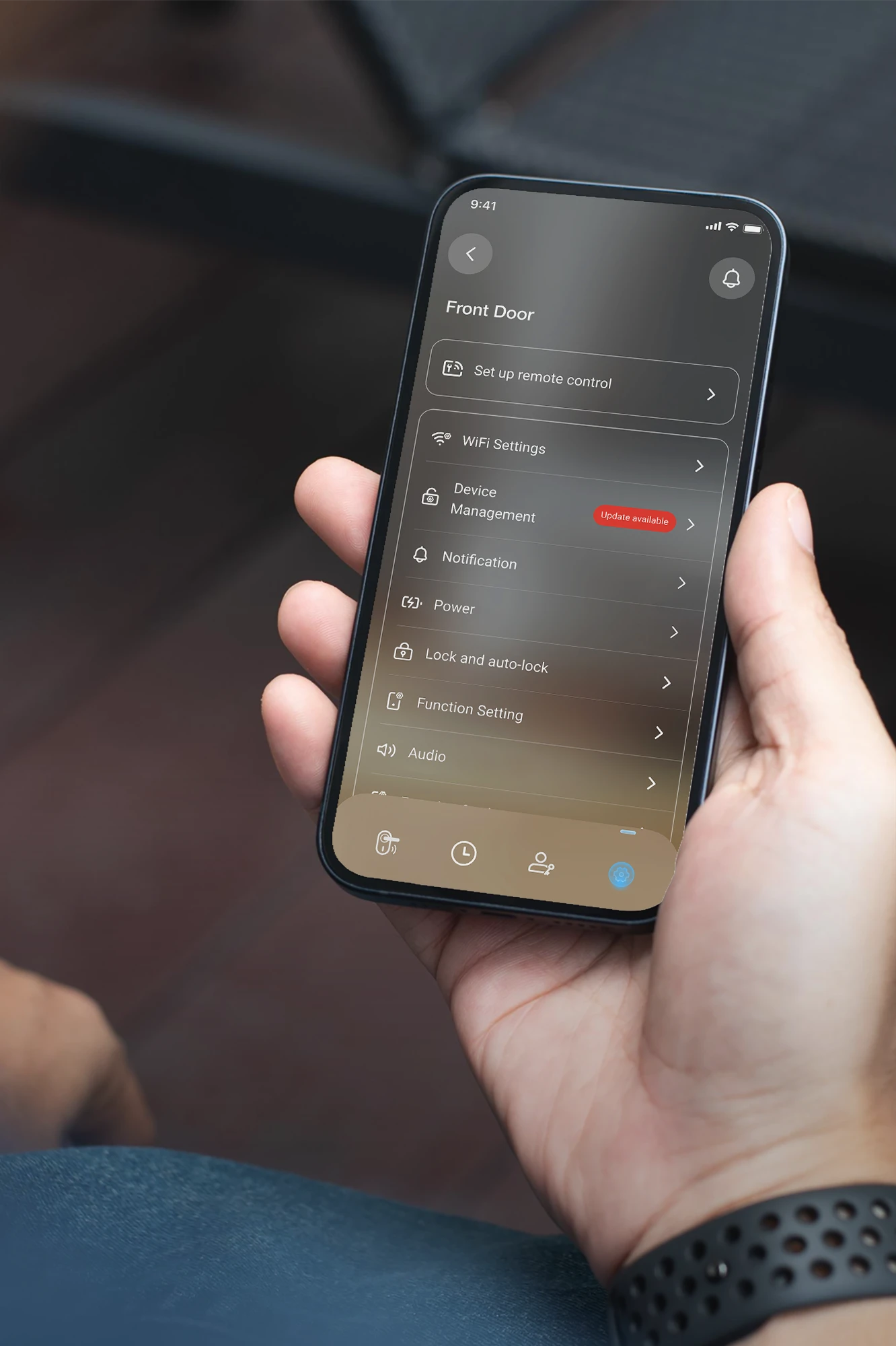
Optimize your lock's functionality and customize features to your liking via the Lockly Home app for the best experience.
Setting up your Model X with ease
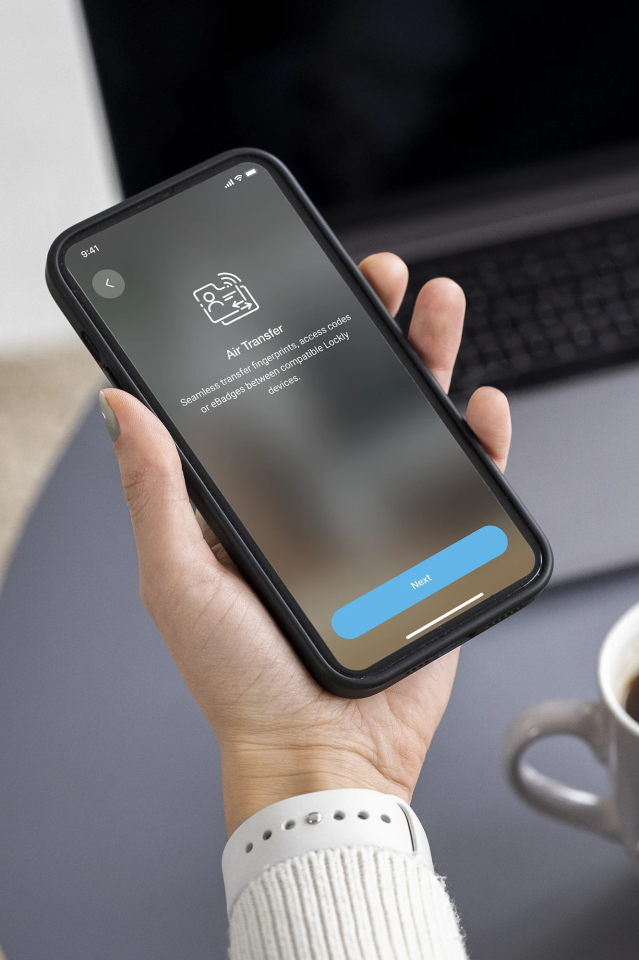
With Air Transfer⁶, you can seamlessly transfer designated credentials⁷ from a user profile on your existing Lockly device to your new lock using the Lockly Home app. It’s quick, secure, and convenient.
⁶ Transfer up to 50 credentials per month for free. Subscribe to LocklyOS™ for more.
⁷ The eBadge for the selected profile will be transferred. Fingerprint credentials can be transferred to or from a Model X smart lock only when Air Transfer is performed between designated compatible devices.
Family mode⁸
Manage all your Lockly locks with a single app and enable Family Mode for an even more streamlined experience.
⁸ Requires a Secure Link Wi‑Fi Hub (sold separately).
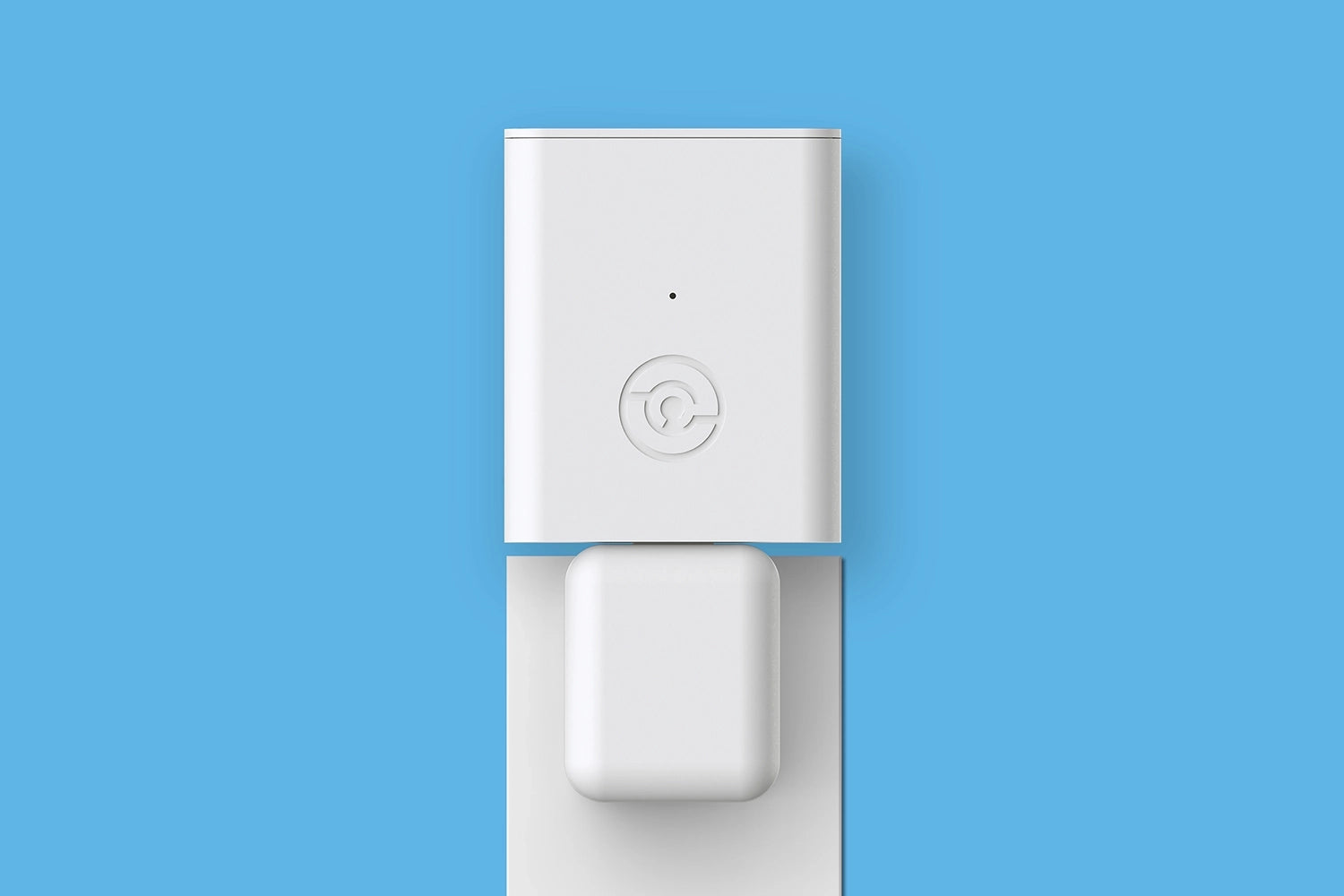
Unlock More with
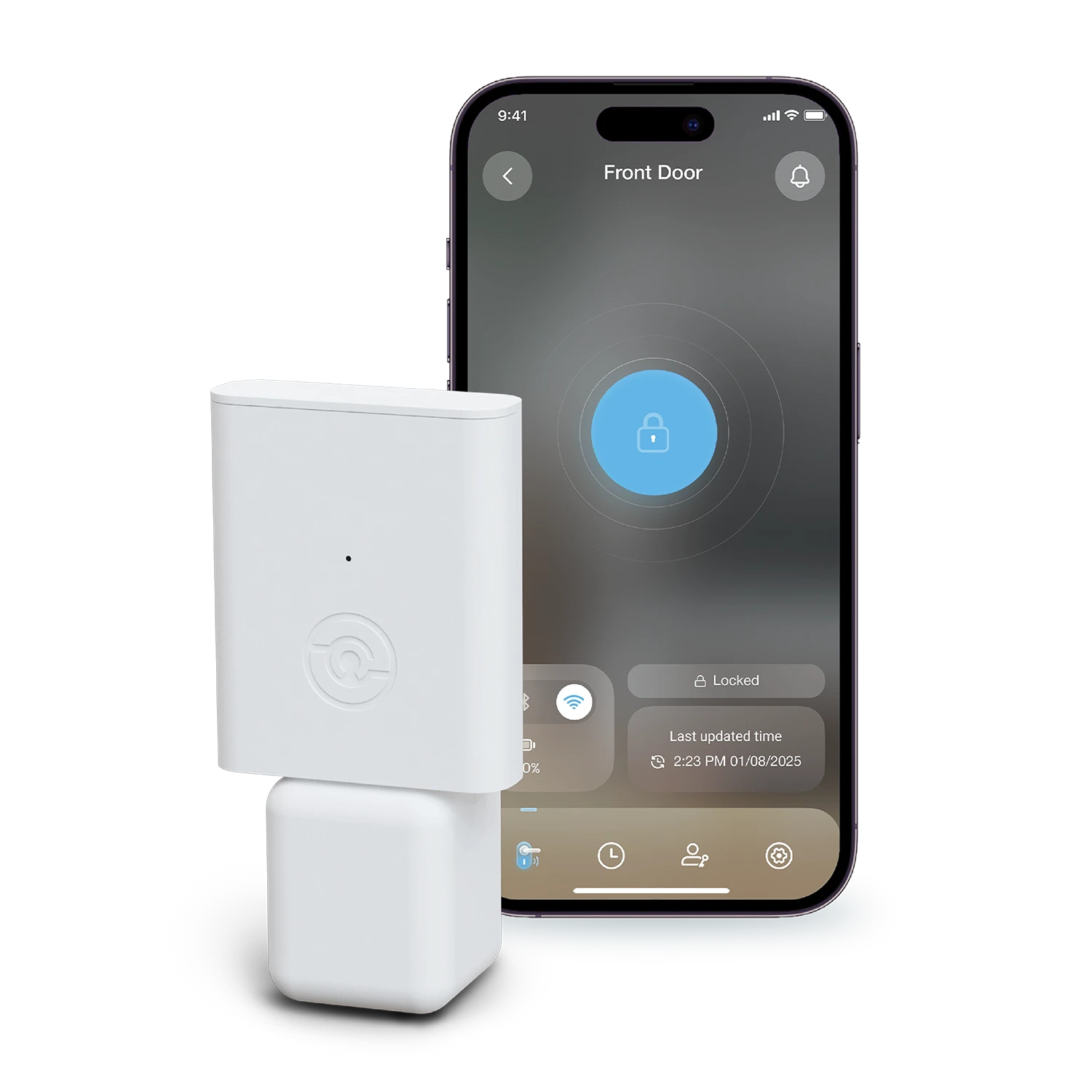
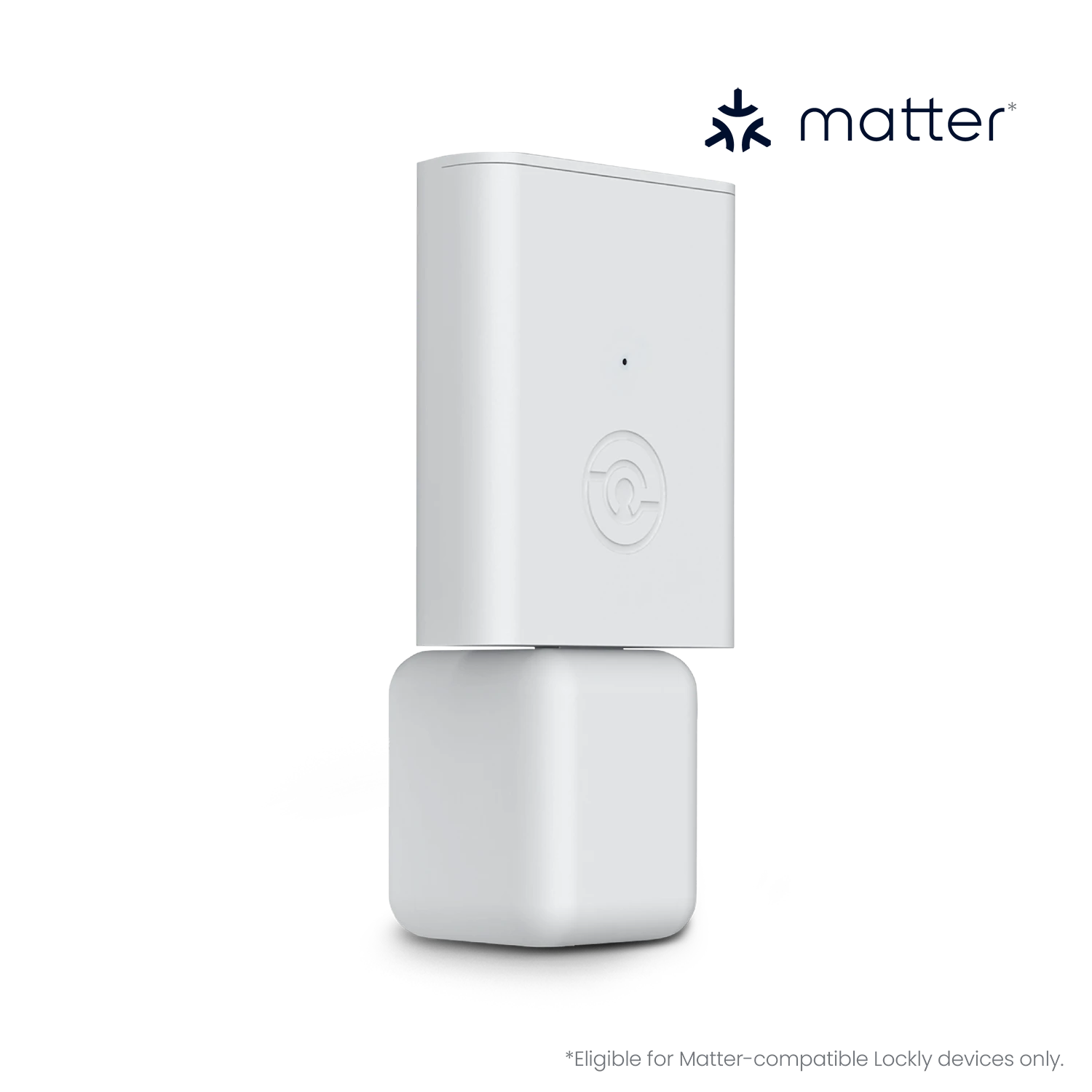
Boost your Model X smart lock's capabilities by adding the optional Secure Link Wi-Fi Hub.
Buy now
Control from anywhere, anytime
Add a Secure Link Wi-Fi Hub to control, monitor, receive alerts, and grant access remotely from your smartphone, available anytime, anywhere.

Always in the know
The Secure Link Wi-Fi Hub lets you track entries and spot unusual access from anywhere, at any time. Stay informed and keep your priorities secure, even when busy with tasks.

Unlock with your voice
You can effortlessly use voice commands through Amazon Alexa or Google Assistant to control and monitor your door status by adding the Secure Link Wi-Fi Hub.
Unlock new possibilities
Enjoy Smart Living
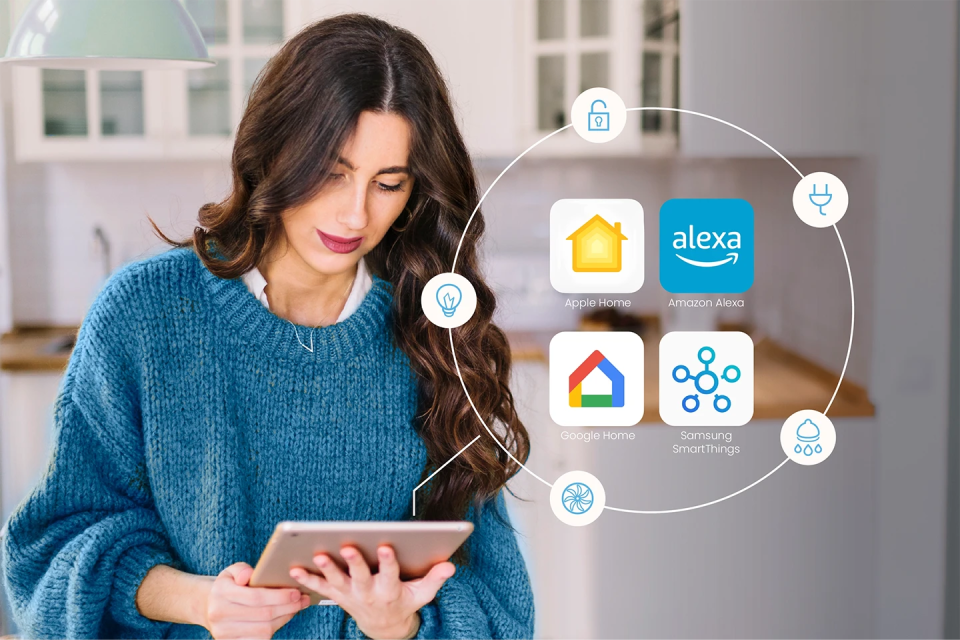
With the latest version of Secure Link Wi-Fi Hub, you can also effortlessly control a Model X smart lock using the Apple Home app or simply ask Siri to open the door or check the lock status.
What’s more, you can connect the lock to other smart home ecosystems like Amazon Alexa, Google Home, and Samsung SmartThings for a truly integrated experience.
Buy nowImportant Note: Make sure to update the firmware of your compatible Lockly Smart Lock to the latest version via OTA (Over-The-Air) before pairing it with the latest version of Secure Link Wi-Fi Hub. To update your Lockly lock's firmware, begin by opening the Lockly Home app. Connect to your lock using the app, then navigate to Settings and tap on Firmware Update. Follow the prompts to complete the update, which should take approximately 5-7 minutes.
Reasonably affordable for a name-brand smart lock with fingerprint recognition

An attractive and easy-to-use fingerprint smart lock that doesn’t look like one

All you need is a tap of your finger to lock and unlock your door

A perfect gift for someone that’s just getting into the world of smart home tech


Jay Fournier
Very easy to install. Works flawlessly. Very inexpensive for the quality in my opinion.
Kamwana
Served the need for keyless access without the need to remember a code.
Lionking
Easy installation and user friendly app. It has been working like a charm.
PMcGraw
I recommend this deadbolt to anyone wants to get into their house as fast as possible.
Kwan
The modern look and finish enhanced our front door's overall look!

Designed for DIY installation
Key Features
Ready for any situations
Access

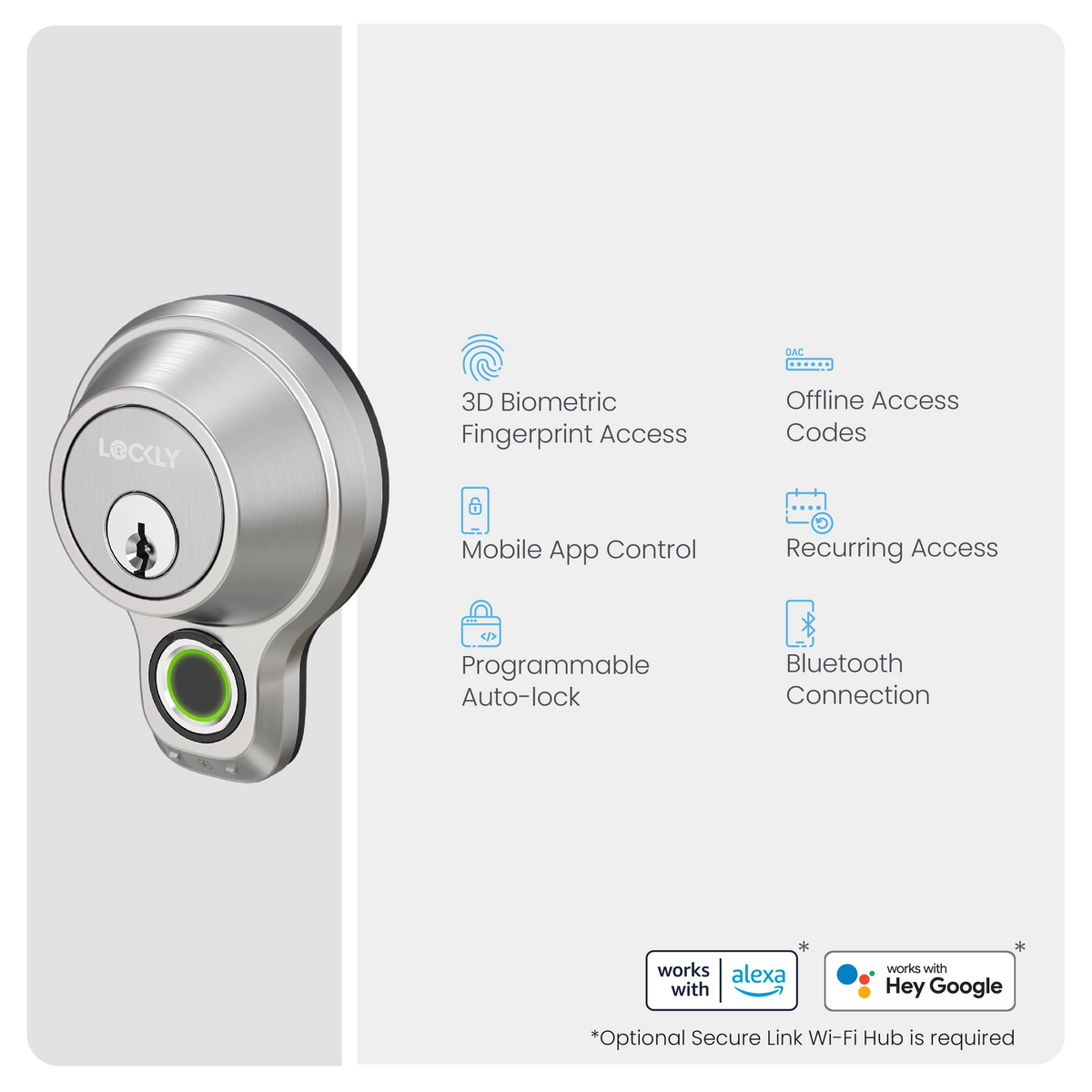
Fingerprint
Recognise your finger within 0.3 sec with AI learning. Stores up to 99 fingerprints.
Mobile App
Use the Lockly Home app on your smartphone to lock or unlock your door.

Scan-to-Open
Scan the unique QR code⁹ using the Lockly Home app scanner to unlock the door.
Voice Control¹⁰
Lock or unlock your door using voice commands with Siri¹¹, Alexa or Google Assistant.
Physical Key
2 keys included, featuring a re-keyable 5-pin cylinder easily replaced without replacing the entire lock.
⁹ The QR code is unique for each lock. Generate it from Lockly Home app if it cannot be found on your lock.
¹⁰ Requires a Secure Link Wi‑Fi Hub (sold separately).
¹¹ Requires the latest version of the Secure Link Wi‑Fi Hub that supports Matter (sold separately).
Share Access

Sub-Admin
Add a sub-admin to manage access and enjoy a similar level of control as you, limited to a valid period.

Family Users
Register fingerprints of family members for their permanent use.

Virtual Keypad
Innovative feature ensures a physical keypad-free entry with a 4 digit OAC¹², without any app download¹³.

Offline Access Codes¹²
A single-use code for guests to unlock using the Virtual Keypad, no app download needed¹³, issued remotely even if your lock is offline.

eKeys and eBadges
Enable guests to lock or unlock the door with the Lockly Home app and use the Scan-to-Open feature for easy access.
Welcome Mode
Welcome your guests with purposeful unlocking, keeping the door open for a designated time for instant access.
¹² Create up to 3 free single-use OAC per month. Subscribe to LocklyOS™ for more.
¹³ iOS users are required to download the Lockly Access app from the App Store due to Apple's regulations.
Convenience
Auto-Locking
Never worry about if you locked your door properly with programmable timer tailored to your lifestyle.

Low Battery Alerts
Receive notifications when your door jams or battery levels are low.
Access Logs
View lock activities from the Lockly Home app.
Air Transfer¹⁴
One-click transfer of user credentials¹⁵ between designated compatible Lockly devices.
Real-time Alerts¹⁶
Always in the know of your door activity on your phone.

Remote Control¹⁶
Lock, unlock or check status / history of your door from anywhere, anytime.
Rekeying Capability
Keep your master key, or replace the key cylinder without replacing your whole device.

Forward Capability
We constantly bring new features and enhance your experience.
¹⁴ Transfer up to 50 credentials per month for free. Subscribe to LocklyOS™ for more.
¹⁵ The eBadge for the selected profile will be transferred. Fingerprint credentials can be transferred to or from a Model X smart lock only when Air Transfer is performed between designated compatible devices: Model X (PGD7YAZ), Flex Touch (PGD7Y), Access Touch Pro (PGD7YW), Access Touch (PGD7A), Flex Touch Pro (PGD7AW), Lockly Vision (PGD798), Vision Elite (PGD798NV), Lockly Guard Vision Latch (PGD698), Lockly Guard Duo (PGD679D / PGD679L), Lockly Vision Lux (PGD898), and Lockly Vision Lux+ (PGD898D).
¹⁶ Requires a Secure Link Wi-Fi Hub (sold separately).
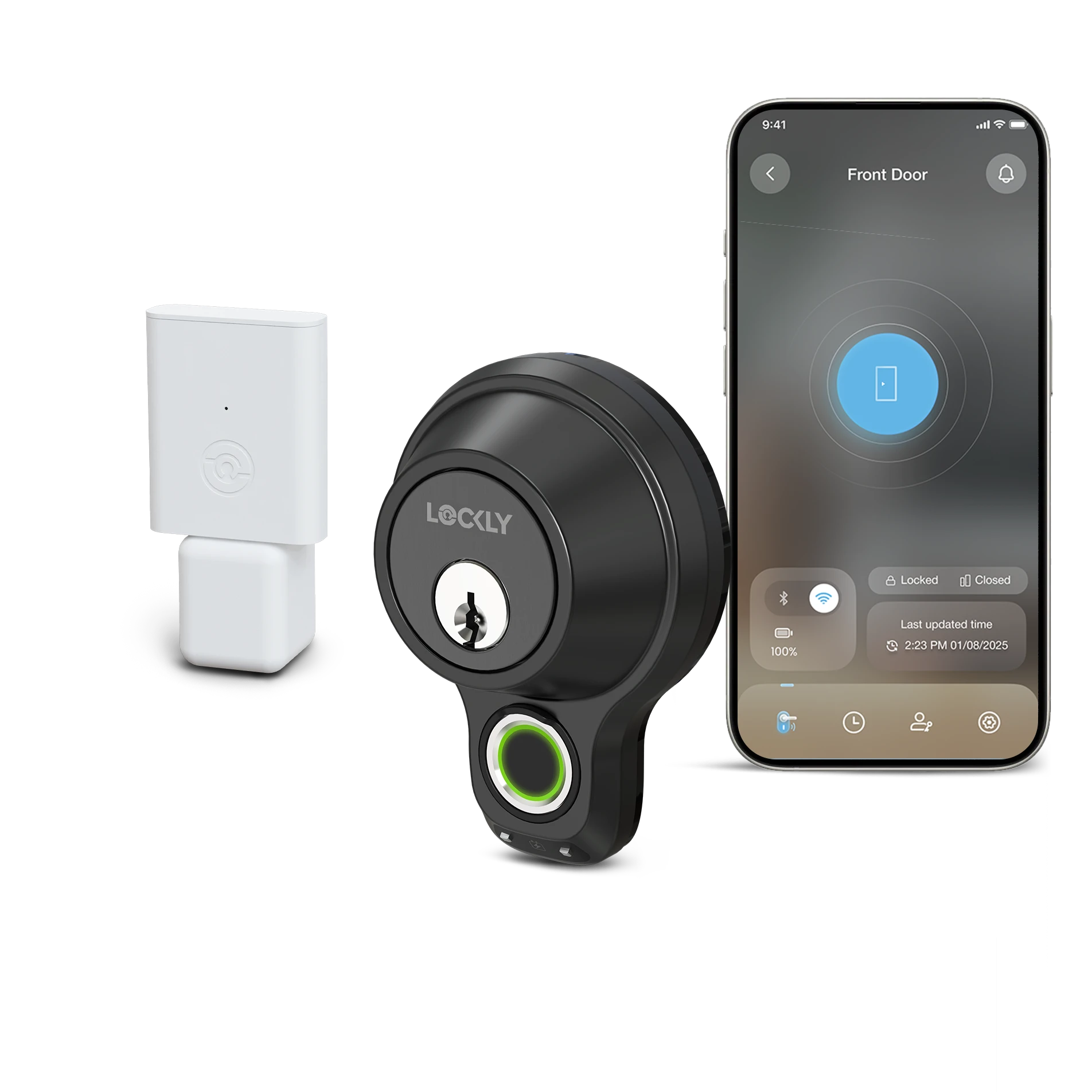
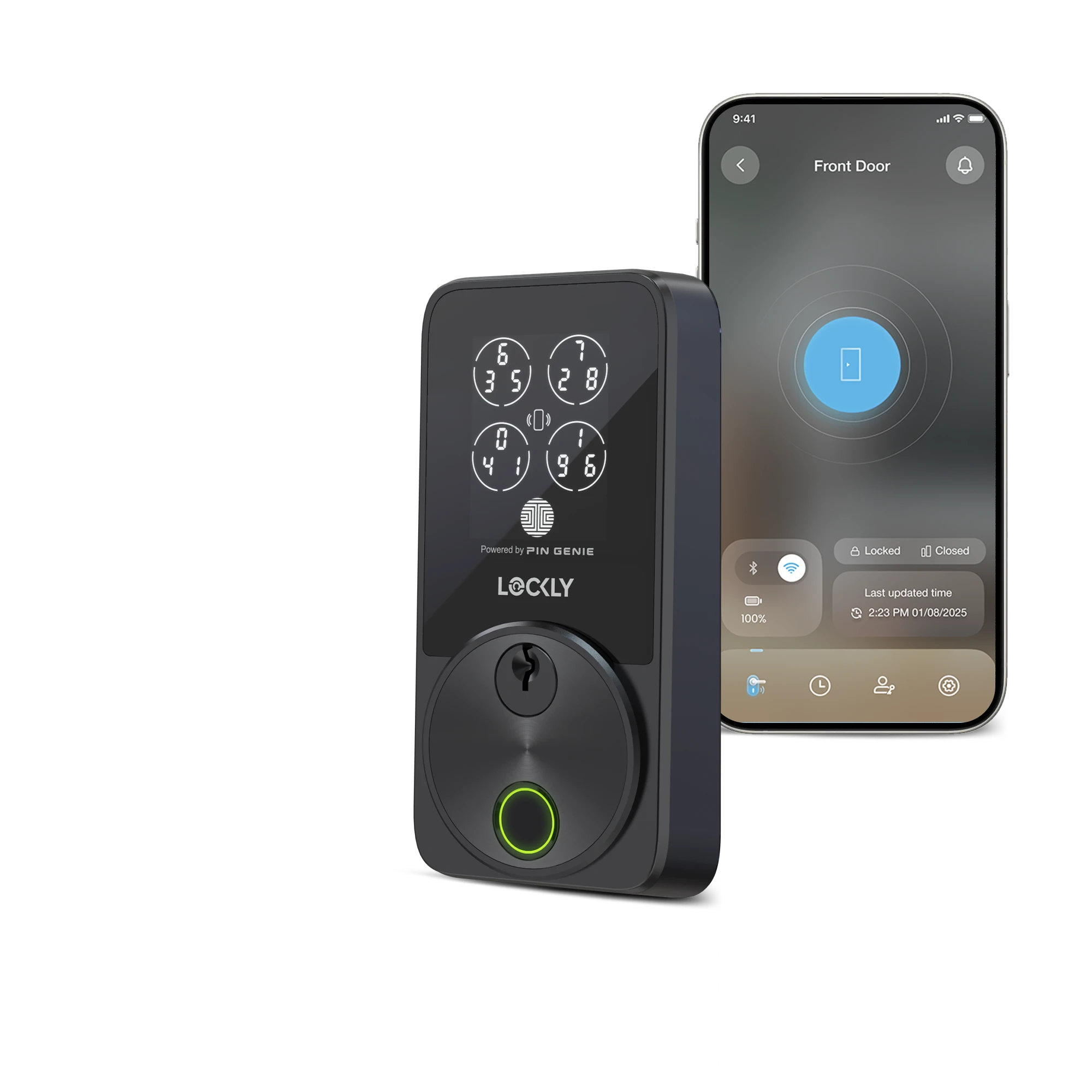
Which Lockly is right for you?
Got questions? Our Lockly specialist is here for you.
Specifications
Model X Smart Lock
Deadbolt Assembly
Physical Keys x2
Fixing Screws & Foam Pads
Strike Plate
Mounting Plate
AA Alkaline Batteries x4
Activation Card
Quick Start Guide
Installation Manual
Drill Template
User Manual
Deadbolt
6-pin cylinder
Exterior Lock (H x W x D)
3 ⅝ in x 2 ⅝ in x 3 ¼ in
92 mm x 66 mm x 83 mm
Interior Lock (H x W x D)
7 ⅜ in x 3 ⅛ in x 1 ⅞ in
188 mm x 80 mm x 49 mm
1 ⅜ in - 2 in (35 mm - 50 mm)
Adjustable, fits 2 ⅜ in or 2 ¾ in (60 mm or 70 mm)
2 ⅛ in (54 mm)
1 in (25 mm)
AA alkaline batteries x4
Up to 10 months for regular use*
* Actual performance may vary based on usage and environment conditions.
9V backup access
Fingerprints
Up to 99
Amazon Alexa*
Apple Home (Siri)^
Google Home (Google Assistant)*
Matter^
Samsung SmartThings^
* Requires a Secure Link Wi-Fi Hub (sold separately).
^ Requires the latest version of the Secure Link Wi‑Fi Hub that supports Matter (sold separately).
Encrypted Bluetooth pairing
Wi-Fi (2.4GHz) pairing*
* Requires a Secure Link Wi‑Fi Hub (sold separately).
Access Logs
Up to 90 days* - up to 50 records stored in device^
eBadges
Up to 3 per month*
Single-Use Offline Access Code (OAC)
Up to 3 per month*
Support Air Transfer꙳
Up to 50 credentials per month*
* Subscribe to LocklyOS™ for more.
^ Once the limit is reached, the oldest record on the device will be replaced by the newest.
꙳ The eBadge for the selected profile will be transferred. Fingerprint credentials can be transferred to or from a Model X smart lock only when Air Transfer is performed between designated compatible devices.
Support*
* Utilize the functionality of the single-use Offline Access Code.
IP65
Works with Alexa
Works with Google Home
FCC
RoHS
Built to meet ANSI Grade 2 standards
1-year mechanical & finish warranty
1-year electronics warranty
Lifetime technical support
Accessories
Shop Together, Enjoy the Best Experience