




Lockly TapCom Plate + Up To 6-Month Premium Subscription
6‑Month Premium Plan included for a Compatible Lockly Smart Lock | 3‑Month Premium Plan included for a Supported Lock from Other Brand
Description
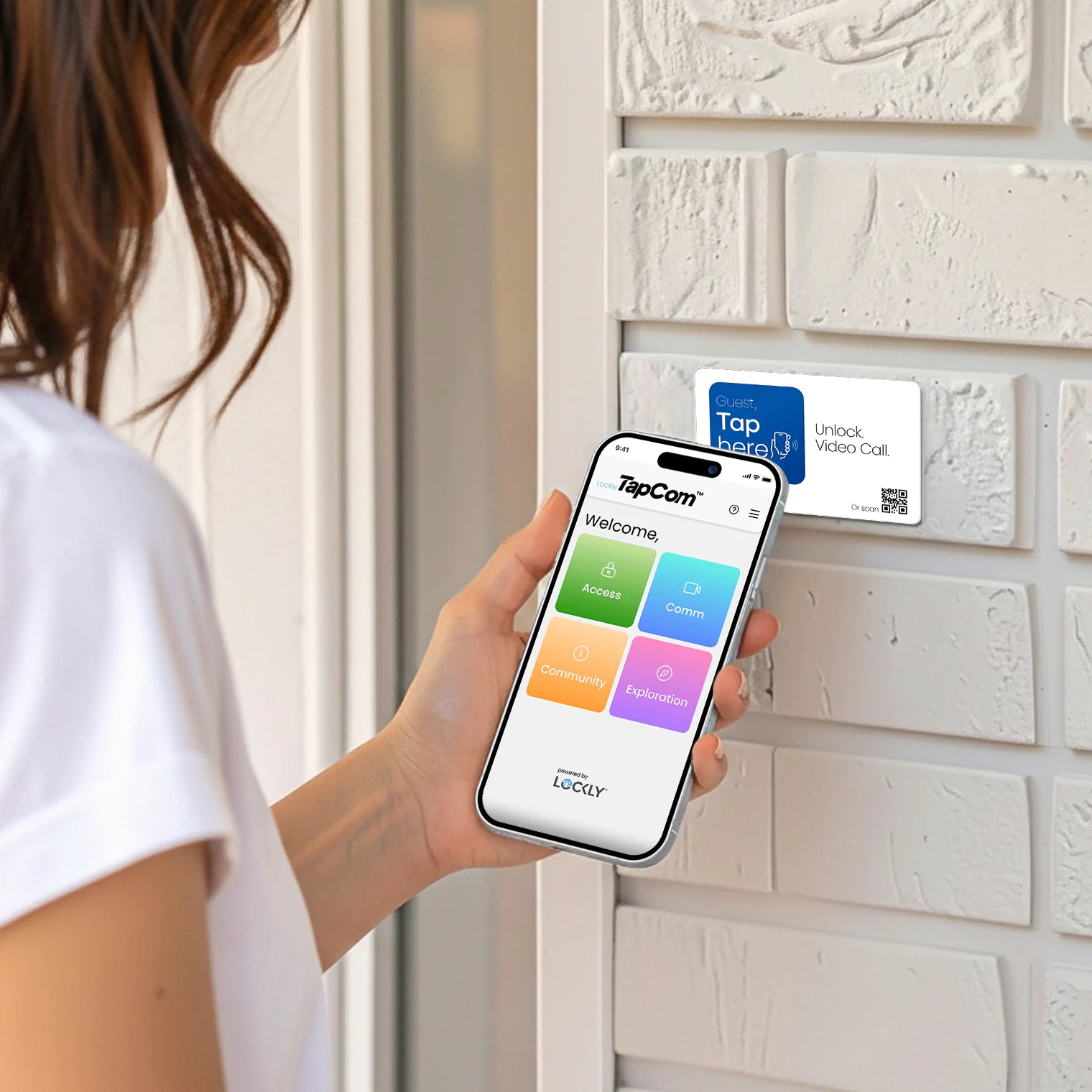
Lockly TapCom is an app-less video intercom and smart access system that lets guests tap, see, and unlock instantly—no downloads, no friction, just seamless arrival.
Check compatibility
Check if your device is TapCom‑compatible before purchase.
Compatibility List >
Got questions? Our Lockly specialists are here for you.
Important note
Update the firmware of your Lockly - Even if your device is TapCom-compatible, make sure to update its firmware to the latest version via an over-the-air (OTA) update before pairing it with the TapCom card. The update takes about 5–7 minutes and helps ensure optimal performance and a seamless pairing experience.
Support and returns
Lifetime 24/7 technical support.
Return your purchase within 30 days for a full refund. Hassle-free, guaranteed. Learn more >

Simplify Your Hosting Experience
Make Hosting Effortless
App-free remote unlocking, video intercom, and more—giving your guests remote access right from their phones.

No More Keys or Manual Code Setup
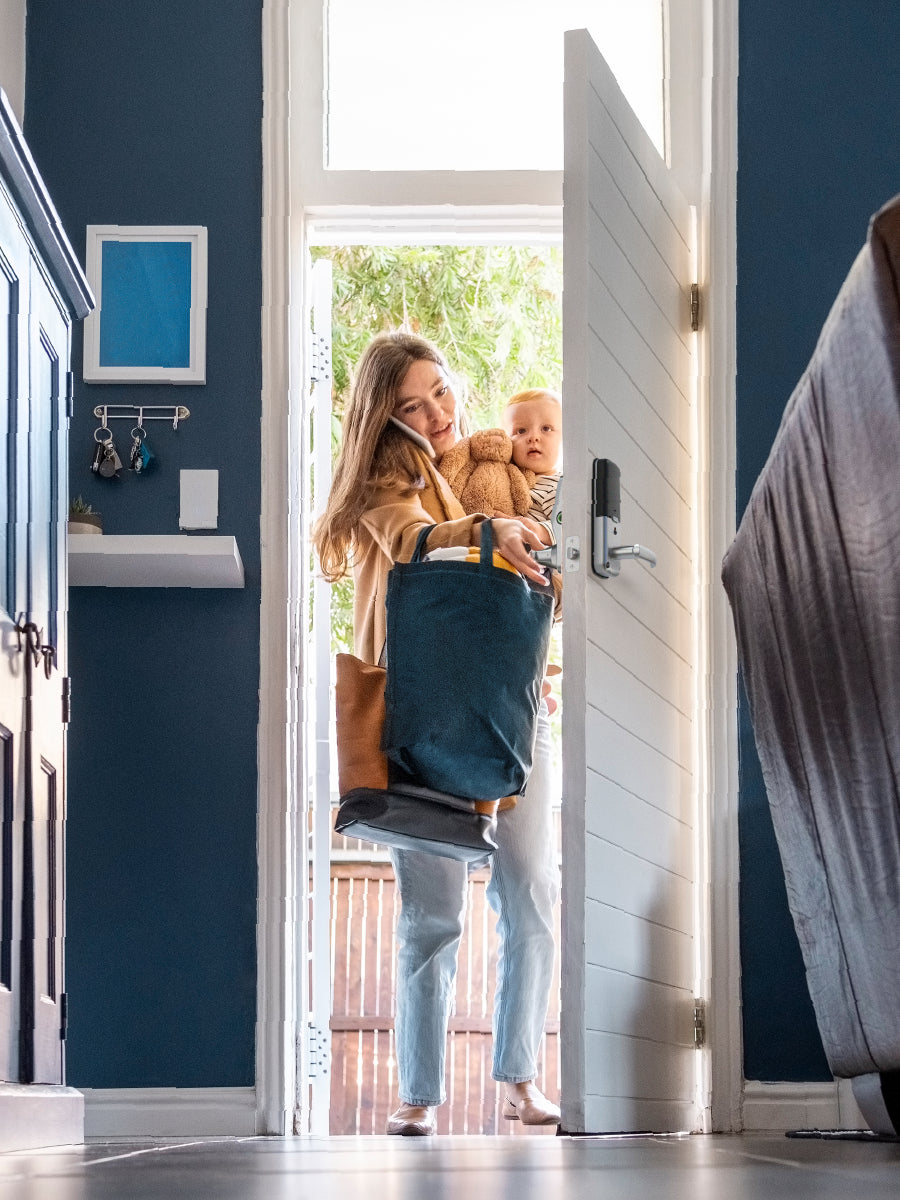
Share a revocable TapCom Code with your guests or renters before they arrive—all from your phone, with no physical keys or manual code setup!
Best Part: You can set a validity period that expires at a chosen time, make it recurring, or keep it active for frequent visitors. If plans change, you can easily manage or revoke any TapCom Code.

Tap and Unlock
Give your guests remote access right from their phones—simply tap their phone on the TapCom card and enter the code, no app or account needed.
Best Part: After a one-time verification, your guests can instantly unlock with their phones for the duration of their stay or until the code expires.

Two-Way Video Support
With TapCom, your guests or visitors can initiate a video call with you or your property manager for instant support—even if your lock doesn’t have a built-in video doorbell. Quick and hassle-free.
Best Part: You can answer calls in the Lockly Home app and choose to unlock or share a TapCom Code during the call. You can also set Do Not Disturb periods and receive call alerts on multiple devices using the same login.

Works Even When Your Lockly is Offline¹
Keep your Lockly smart lock offline and your guests can still use all TapCom features.² Perfect for short-term rentals, rural properties, and buildings with spotty Wi‑Fi.
¹ This feature is exclusive to TapCom-compatible Lockly smart locks.
² A network connection on the guest’s smartphone is required to use TapCom features, including (but not limited to) remote access and two-way video calls.
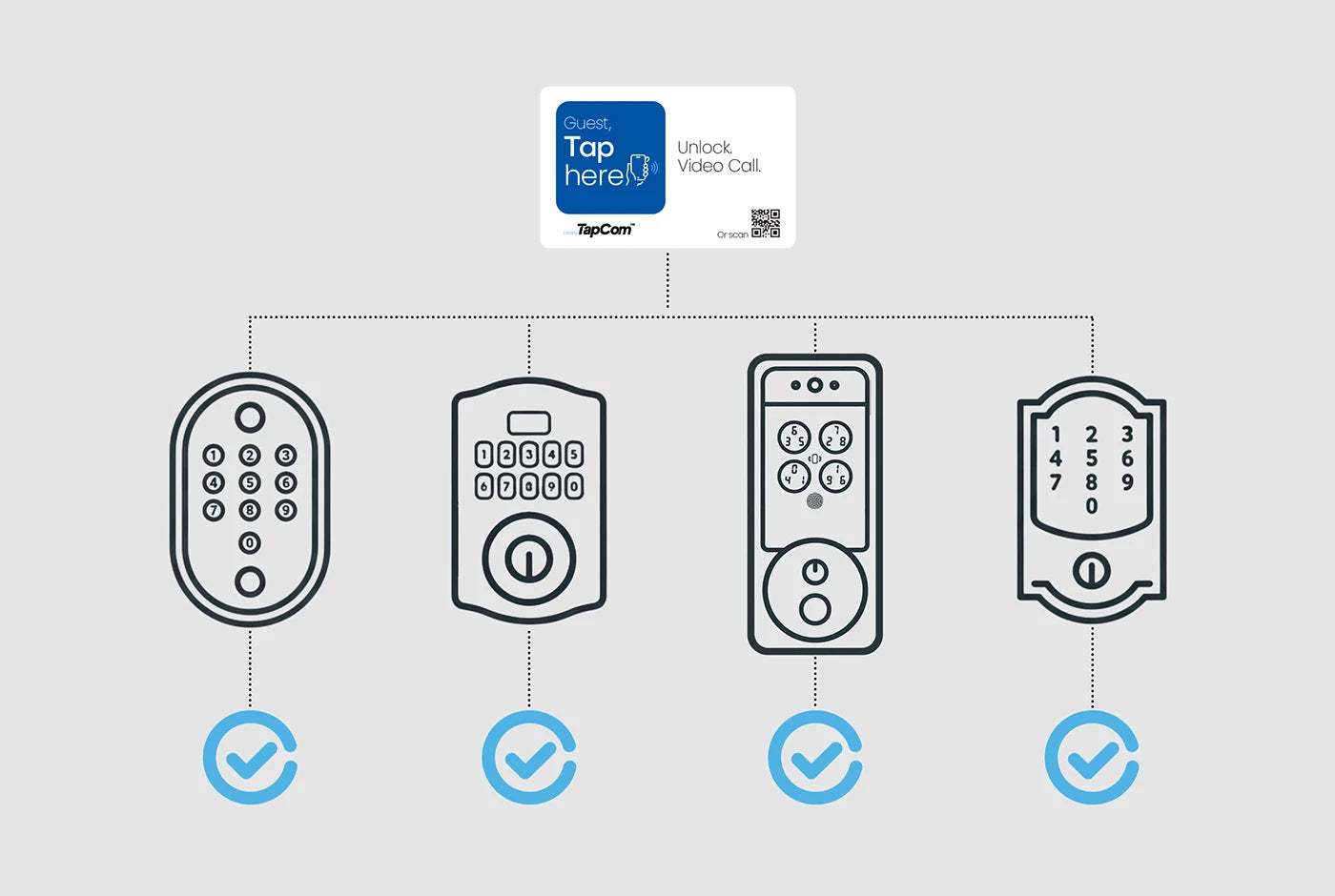
Compatible with Leading Smart Locks
Lockly, Kwikset, Yale, Schlage, and Many More³
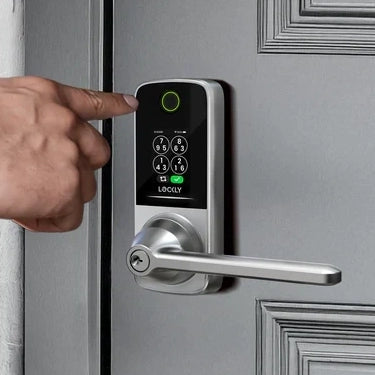
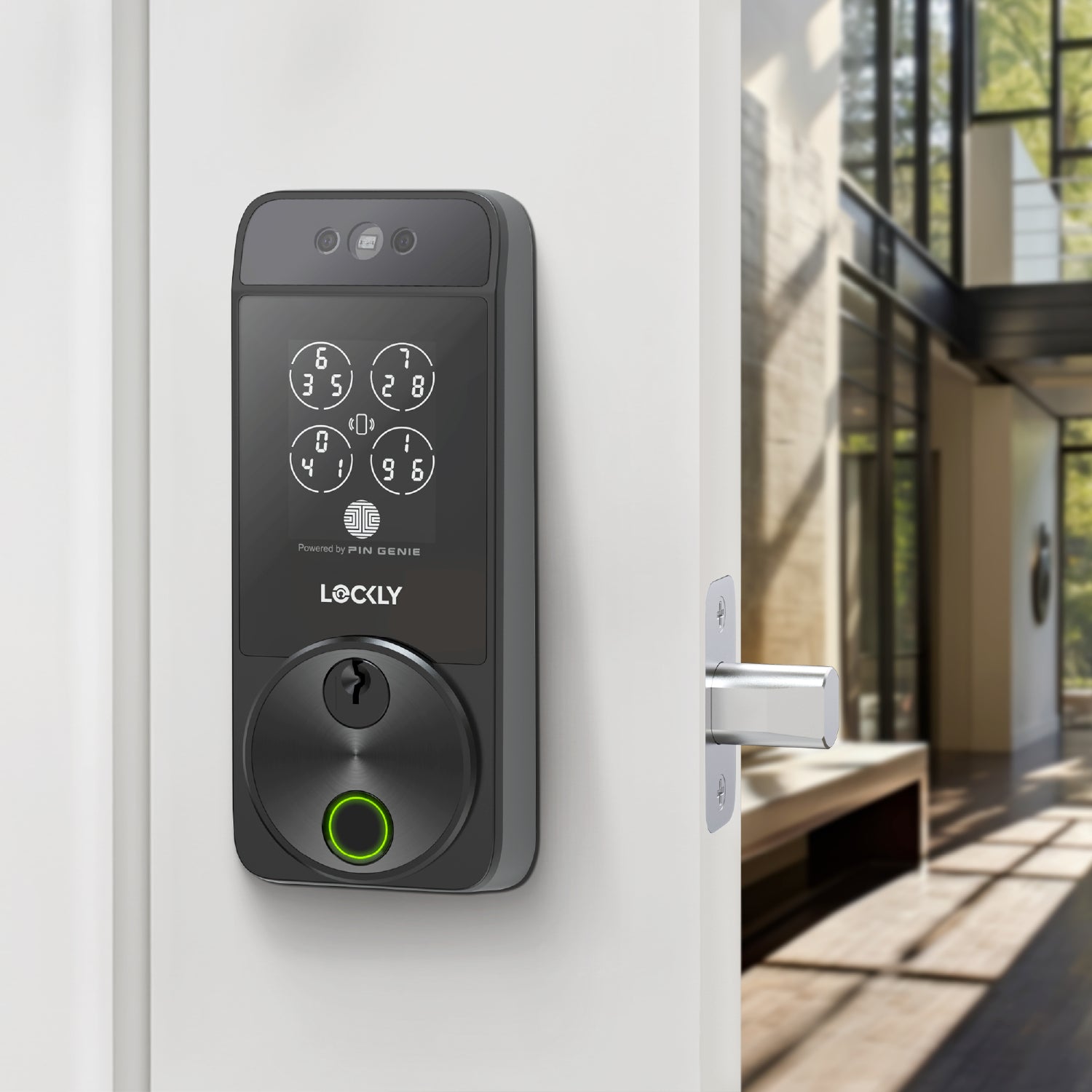
Built for today’s most common smart locks, TapCom connects to the locks you already use—no extra hardware, no hassle. After pairing in the Lockly Home app, you can manage TapCom settings and review TapCom activity logs—all in one place.
³ Availability and compatibility may vary by brand and model. Please check the latest brand and model list before purchasing.
Get Started today with a TapCom Plate⁴
Get a new TapCom Plate and enjoy 6 months of premium TapCom service for your supported Lockly smart lock—or 3 months for supported smart locks from other brands⁵—when paired with any compatible device. After the free period, keep the same features for as little as $1.99/$3.99 per month.
Here are the premium features you’ll get with the designated subscription: share secure access via revocable TapCom codes (one‑time, recurring, or time‑limited), allow your guests to connect with video/audio intercom, review up to 1 year of TapCom activity logs, and share updates with guests through Community—plus more premium perks are coming!
Frequently Asked Questions
Does my lock work with Lockly TapCom?
Only TapCom‑compatible devices work with Lockly TapCom. Please check your device’s compatibility before purchasing.
Can I pair a TapCom Plate with multiple locks?
No. Each TapCom Plate can be paired with only one Lockly device at a time, and each device can pair with only one Plate.
- You can unlink a Plate from a lock and pair it with another if you get a new lock.
- When you unlink a Plate, all TapCom Codes are immediately deleted and cannot be used again.
- You will stop receiving TapCom calls until the Plate is linked to a lock again.
How do I create a TapCom Code for a guest?
Go to Access → Add User → Lockly TapCom in the Lockly Home app. Create a TapCom Code and set how long it’s valid. You can also generate a code during a TapCom video call—it will appear on your guest’s screen automatically.
How does my guest activate Lockly TapCom?
Guests can activate TapCom by tapping the Lockly TapCom Plate via NFC or scanning the QR code. A lightweight window opens with no downloads required, allowing them to call you or use their TapCom Code. Guests must have internet for TapCom to load.
Who will receive the TapCom video call?
TapCom calls go to the lock owner’s device. If you're signed in on multiple devices, all of them will ring—but only the first device that picks up the call will be connected.
What happens when the 6‑month premium plan that comes with the Plate ends?
After the included 3-/6‑month premium period ends, you can either:
- Continue using premium features by starting a monthly subscription from just 1.99/month (Lockly smart lock) or 3.99/month (supported lthird-party lock), or
- Keep using TapCom with limited features via the freemium plan, available exclusively for Lockly devices.
Can someone misuse my Lockly TapCom QR code by taking a photo of it?
To prevent unwanted calls or misuse, enable Geofencing. With Geofencing on, guests can only start a TapCom call when they’re physically near your door, reducing the risk of someone using a photo of your QR code from elsewhere.
Specifications
Lockly TapCom Plate x 1
TapCom Premium Subscription x Up To 6 Months*
* 6 months for a supported Lockly smart lock; 3 months for a supported third-party lock.
PET
(H x W)
2 ⅛ in x 3 ⅜ in
54 mm x 86 mm
Designated devices from Lockly or a supported brand*, check if your device is TapCom‑compatible before purchase.
Compatibility List >
*Third‑Party Compatibility Disclaimer
Lockly works with select devices from other brands via integrations provided by independent third parties. Because these services are not managed by Lockly, compatibility can vary by brand, model, region, and firmware—and may change without notice.
We do our best to keep this page current, but details may differ from the third‑party provider’s latest information. Lockly cannot guarantee ongoing compatibility and is not responsible for changes that affect functionality.
Lockly makes no warranties, express or implied, regarding third‑party integrations and disclaims liability for any discrepancies, interruptions, or limitations arising from third‑party services.