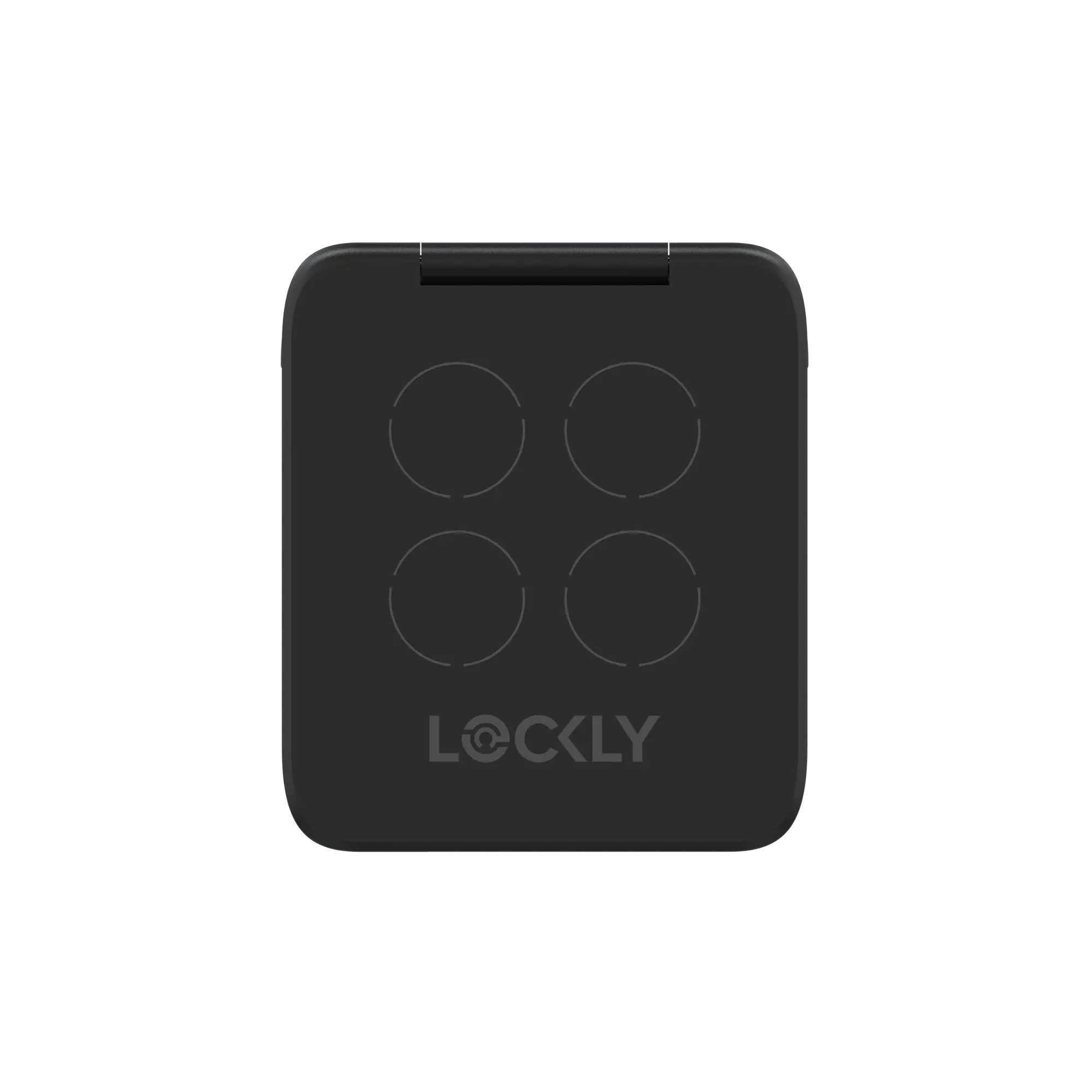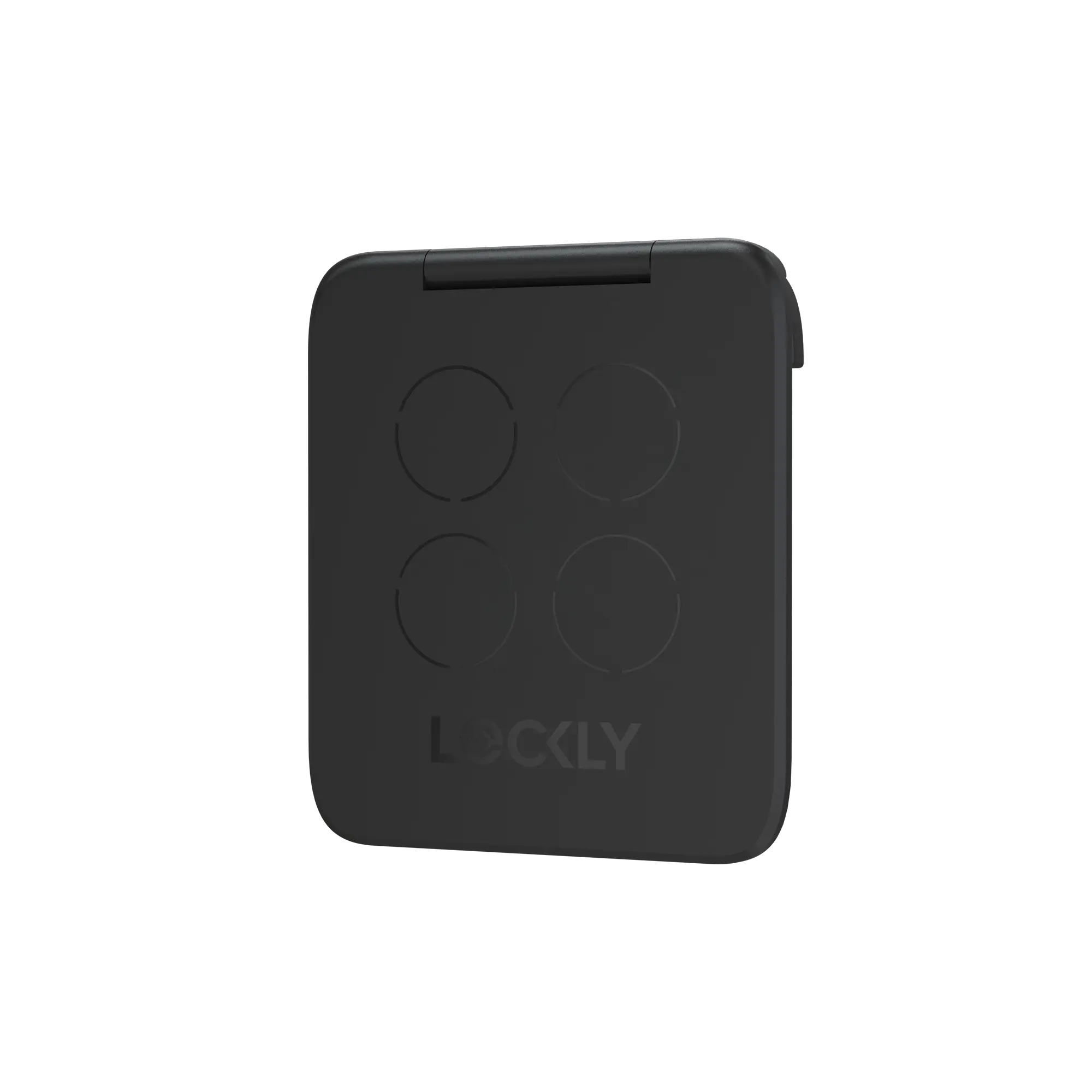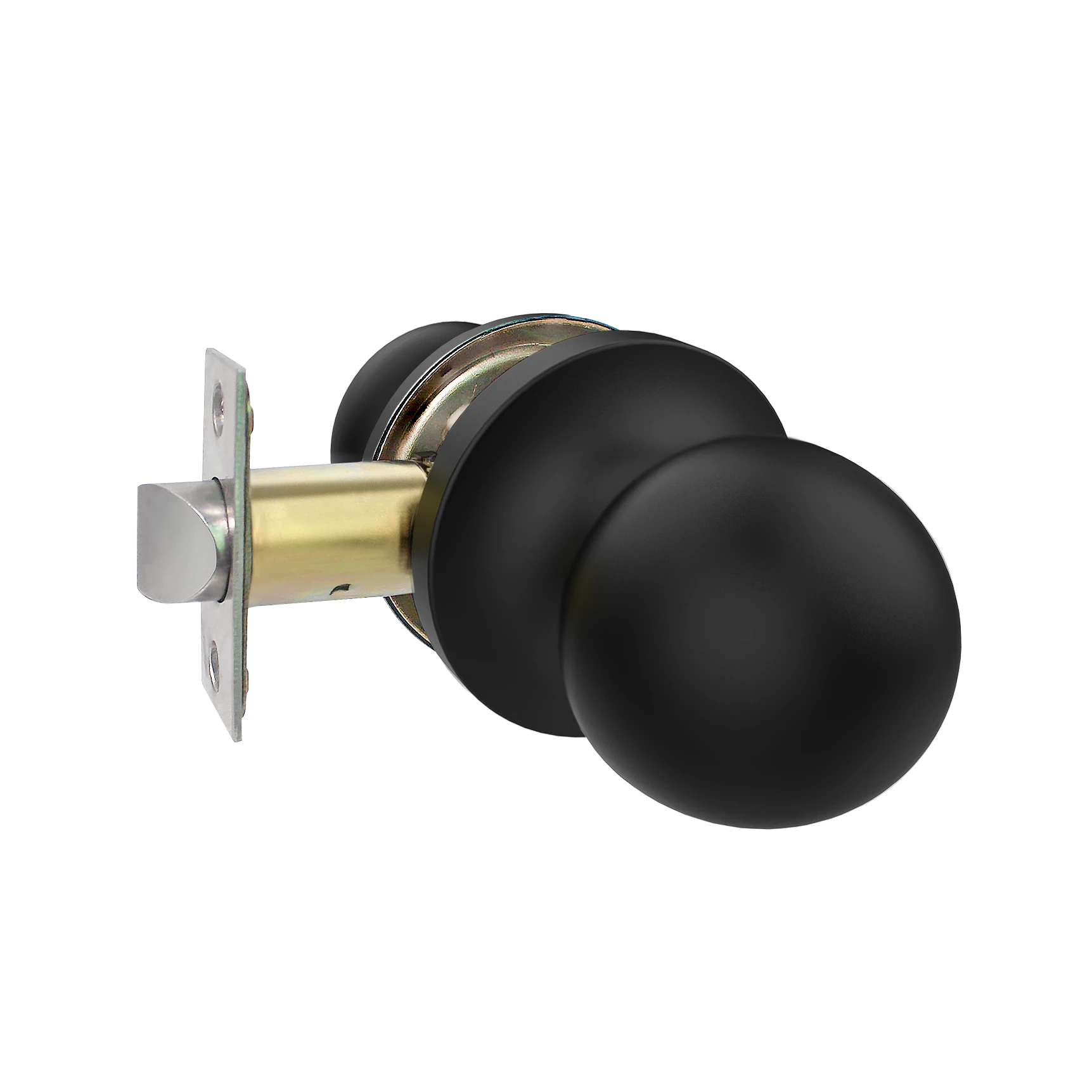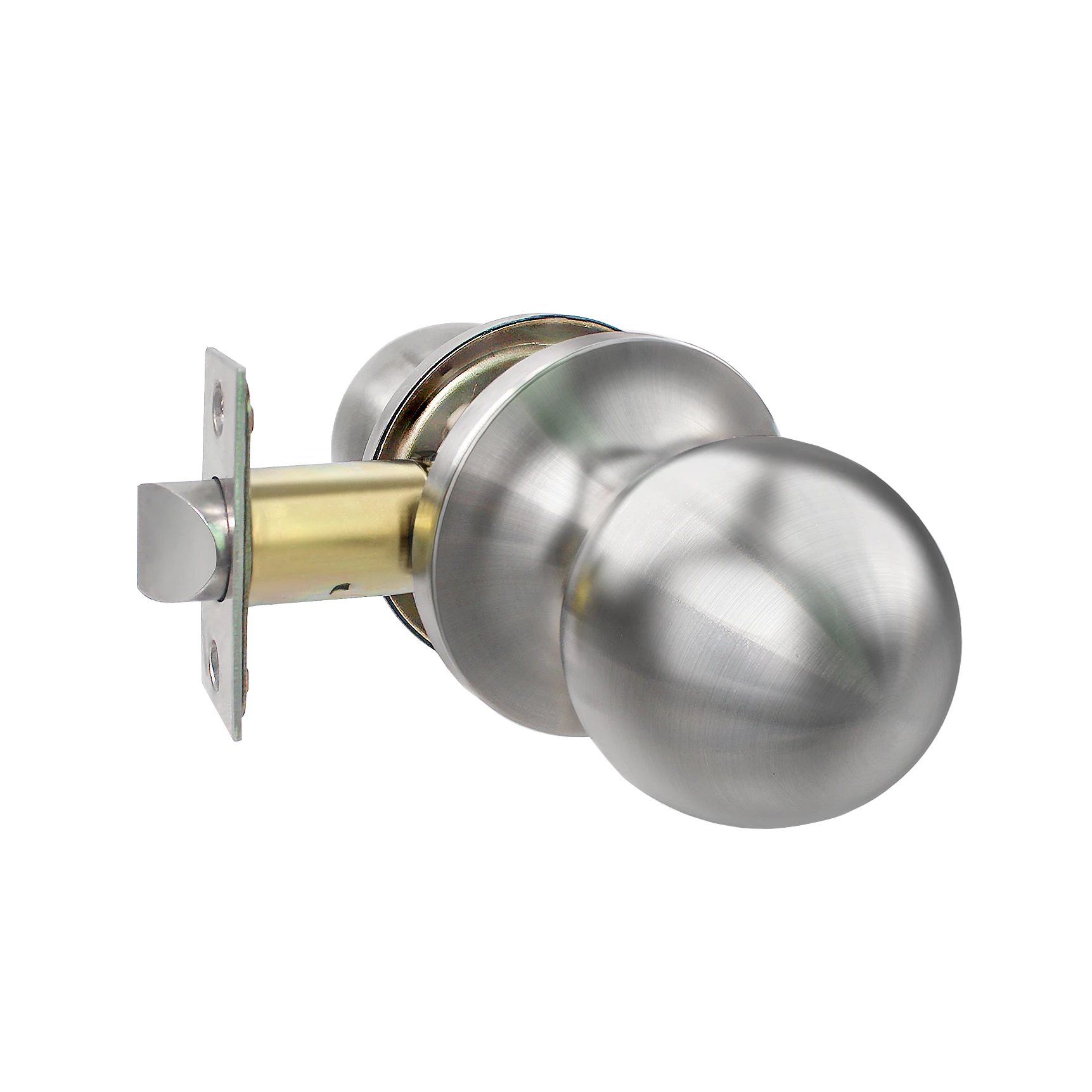


Lockly Secure ProHT Deadbolt Special High Traffic Edition
For Heavy Use | Wi-Fi Smart Lock | Keyless Entry | Biometric Fingerprint | PIN Genie® Keypad | Smartphone Control | Manage from Lockly Home App
Description
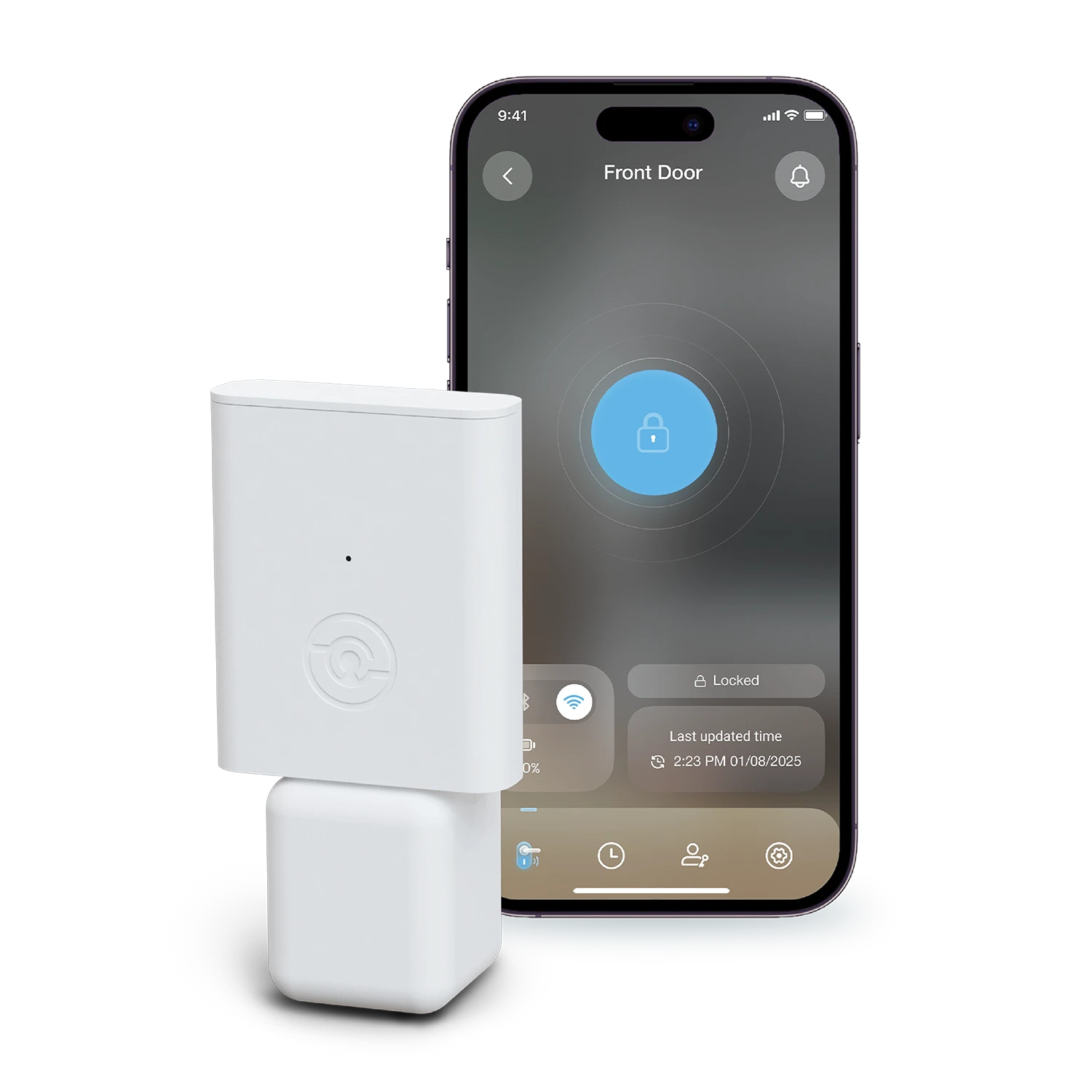
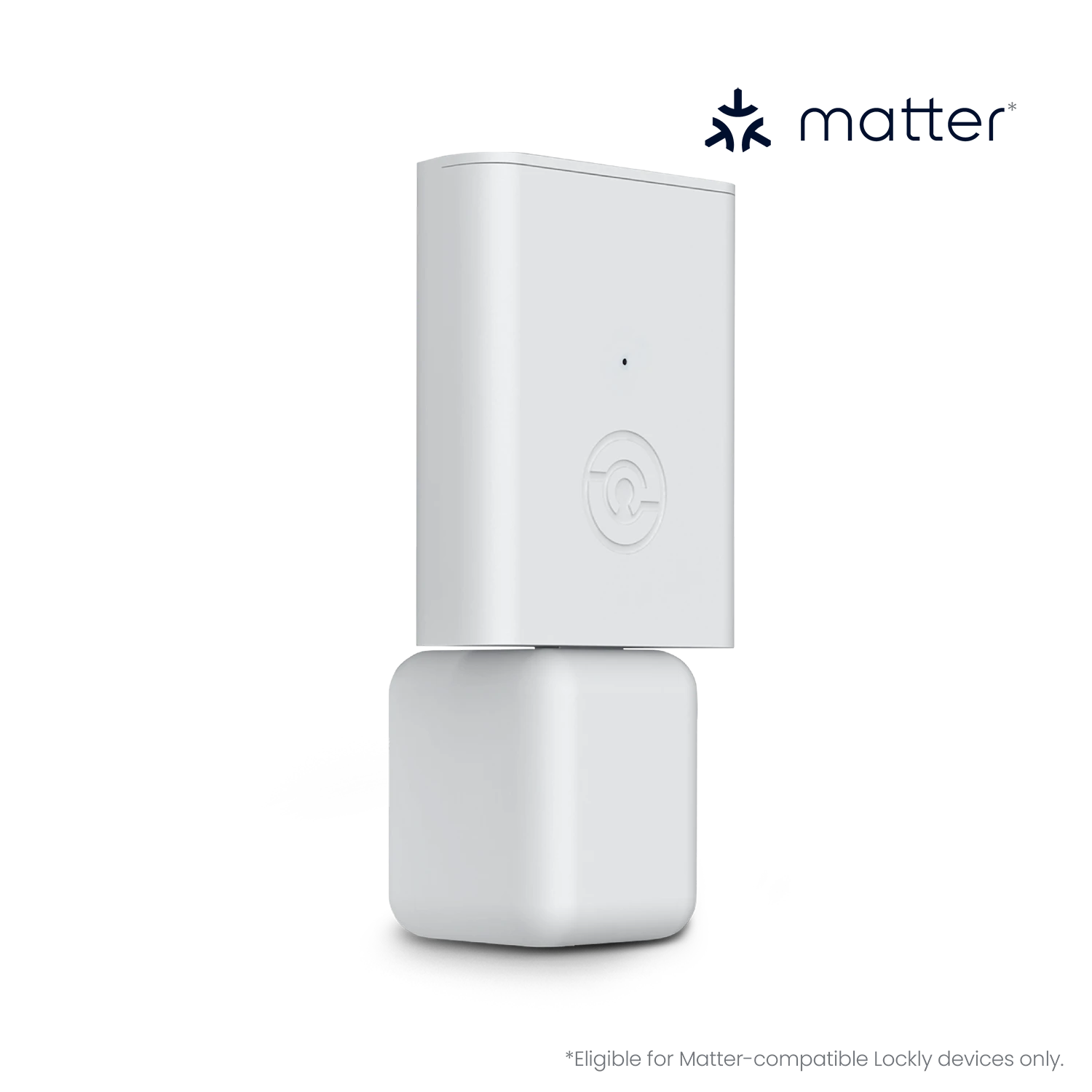
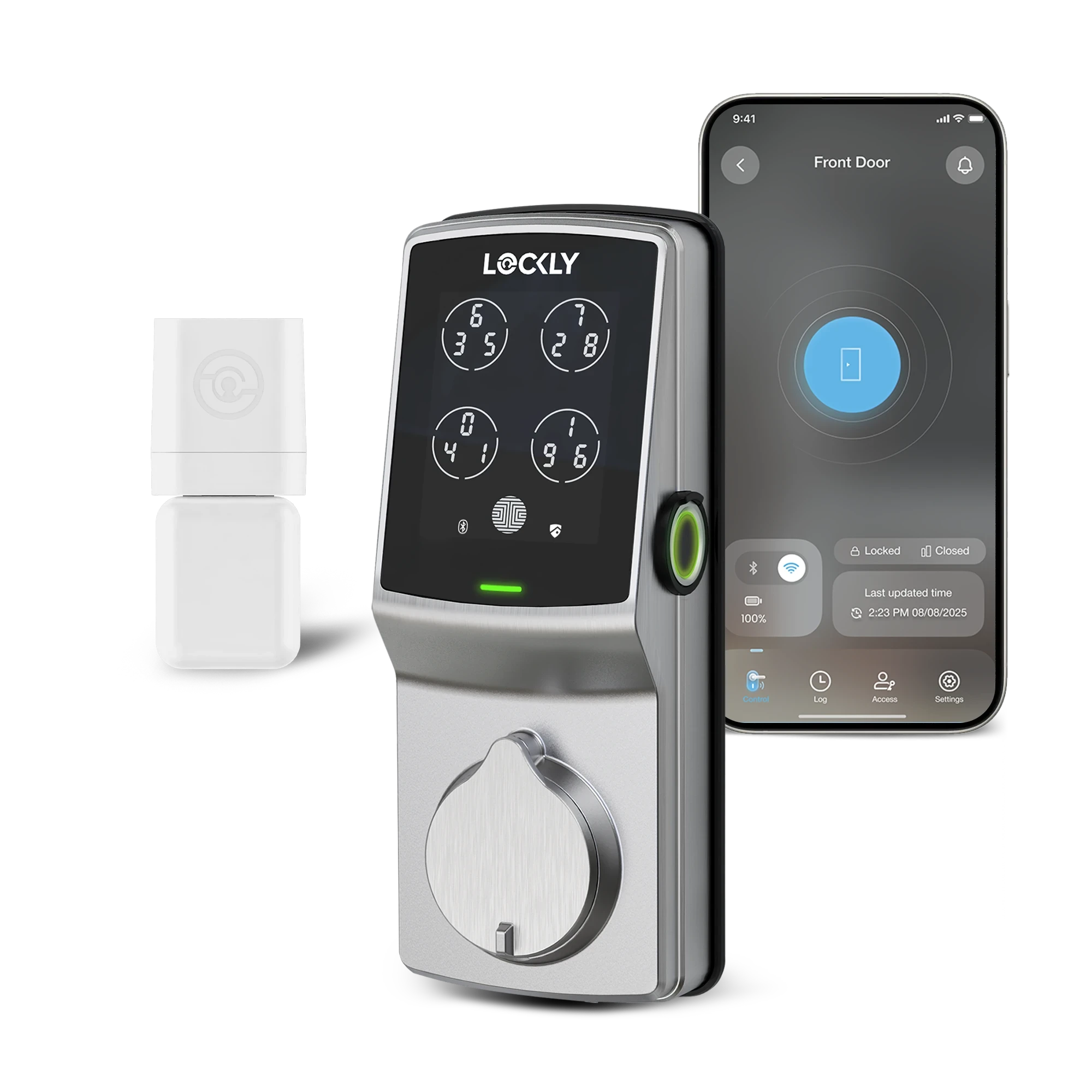
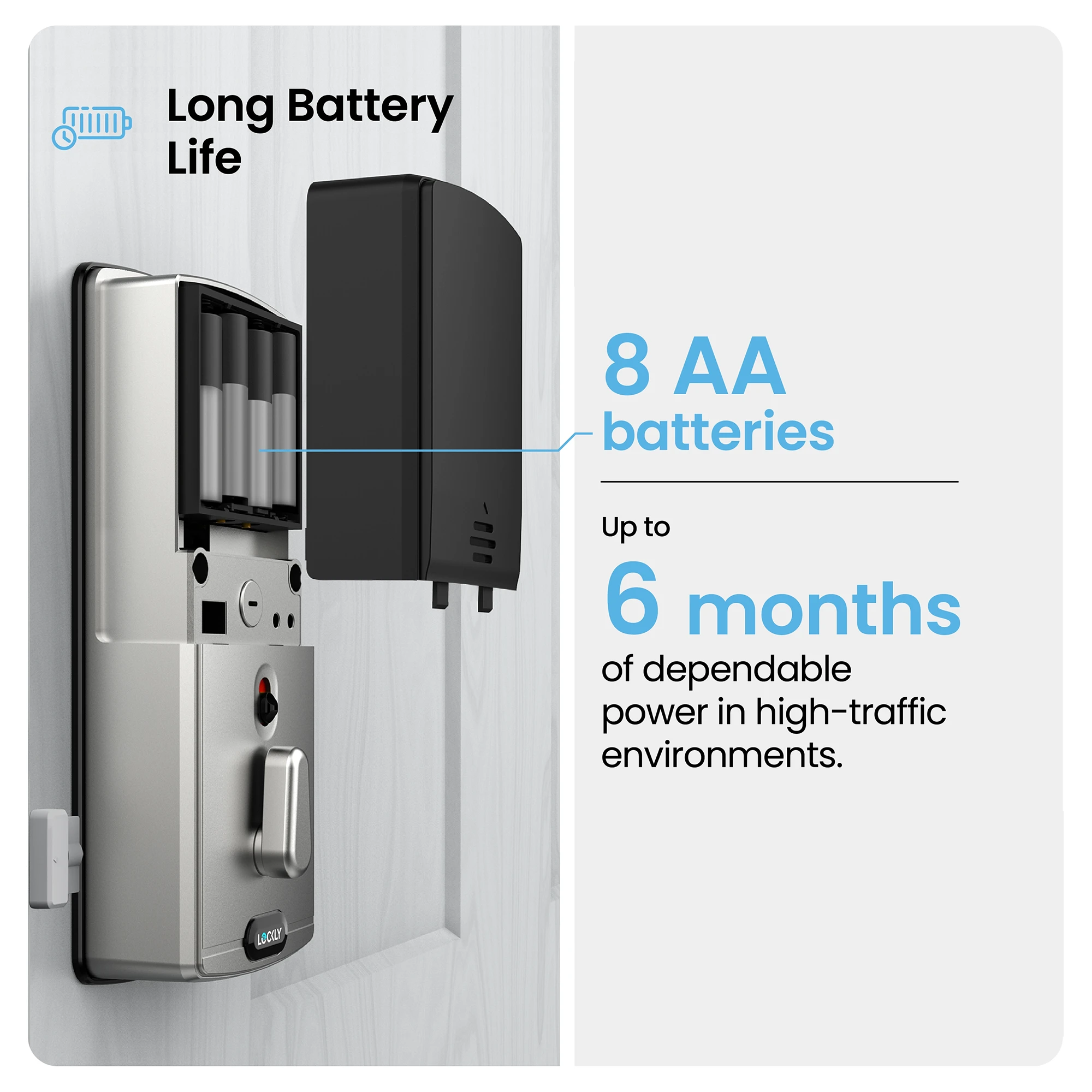
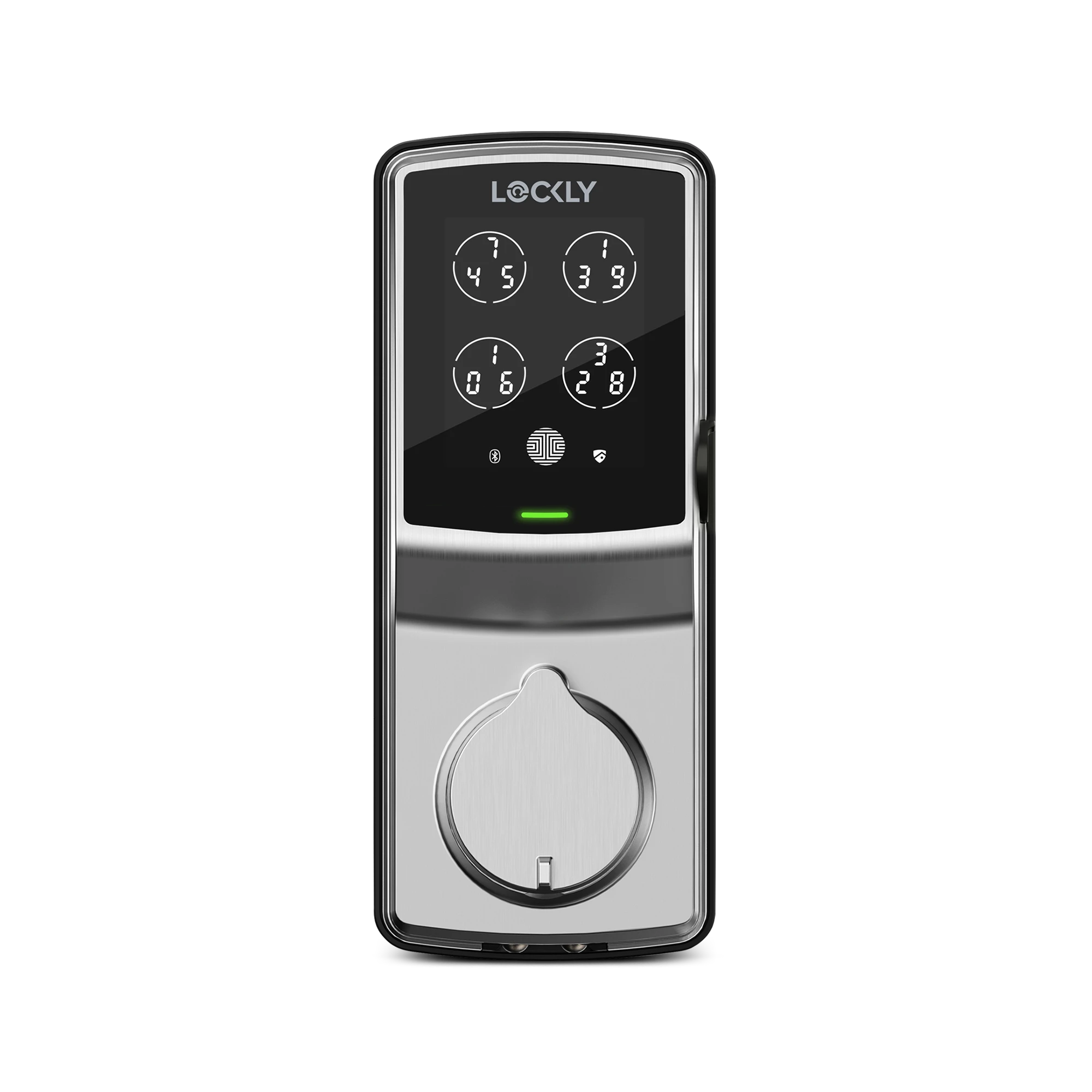
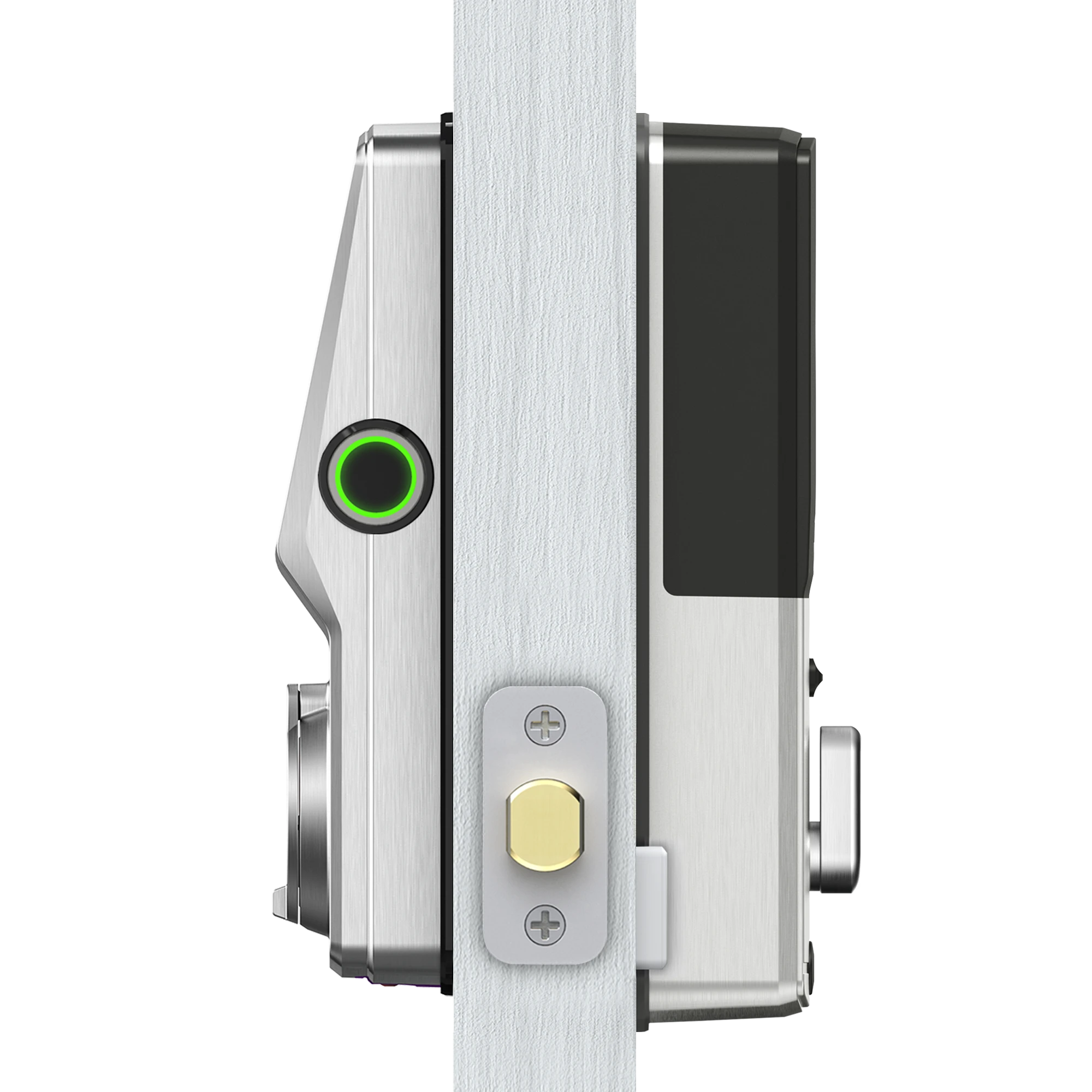
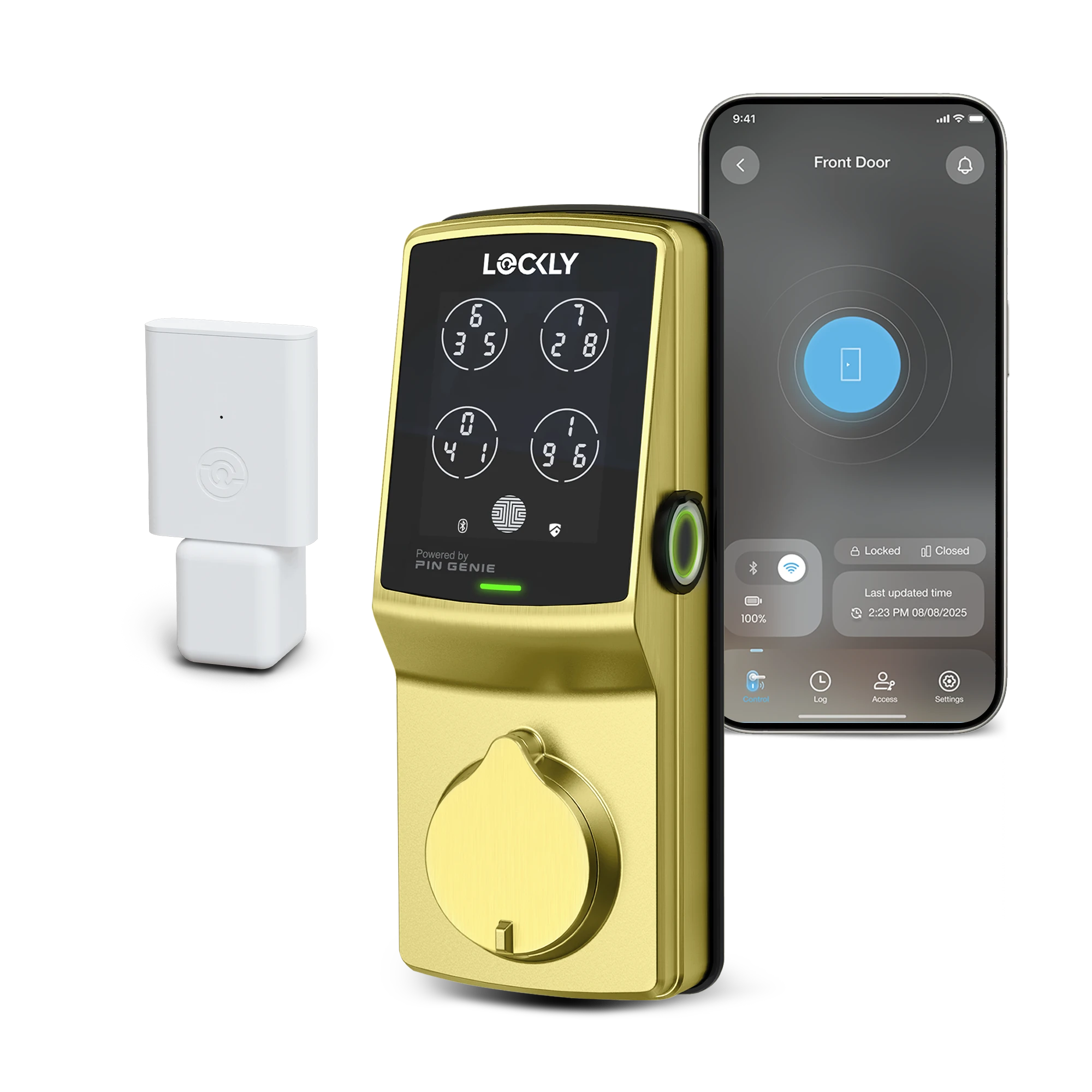
Built for heavy use and high‑traffic entryways, this Secure ProHT Deadbolt Special Hight Traffic Edition doubles the battery capacity for extended power (8 batteries)—ideal for doors that see constant activity. Unlock with PIN Genie keypad, 3D biometric fingerprint, smartphone, voice assistants, or a physical key. The included Secure Link Wi‑Fi Hub (Compact Size) and wired door sensor enable remote control, real‑time monitoring, alerts, and activity logs. Durable, reliable, and ready to protect what matters most—day in, day out.
Support, warranty and returns
Lifetime 24/7 technical support.
Limited 5-year mechanical & finish warranty and 2-year electronics warranty. Learn more >
Return your purchase within 30 days for a full refund. Hassle-free, guaranteed. Learn more >
Installation and documentations
Designed for 30-minute DIY installation with a step-by-step installation video. Check door compatibility before purchase.

Special High Traffic Edition
Enjoy the Freedom of Keyless Entry
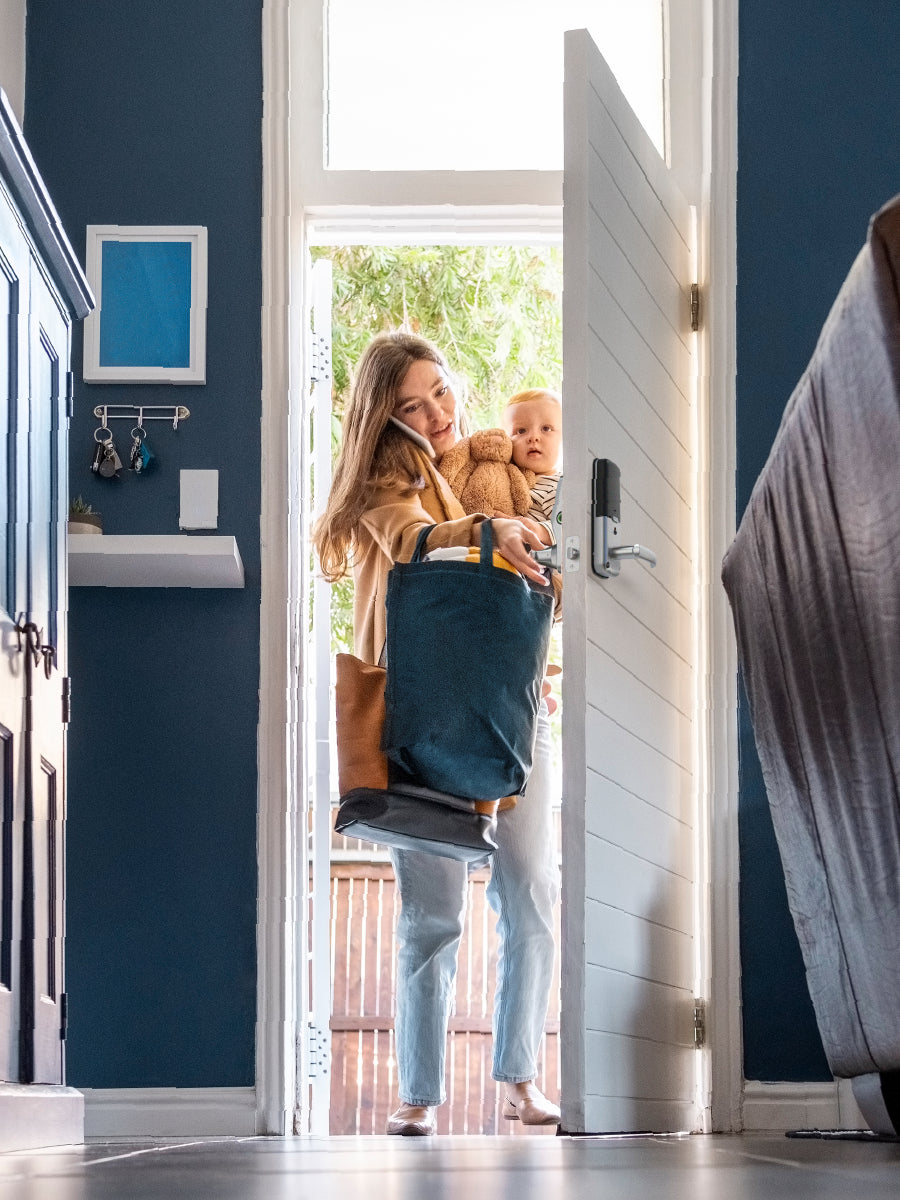
Unlock a world of convenience! Go keyless and grant access to guests effortlessly — stay smart, secure and worry-free!
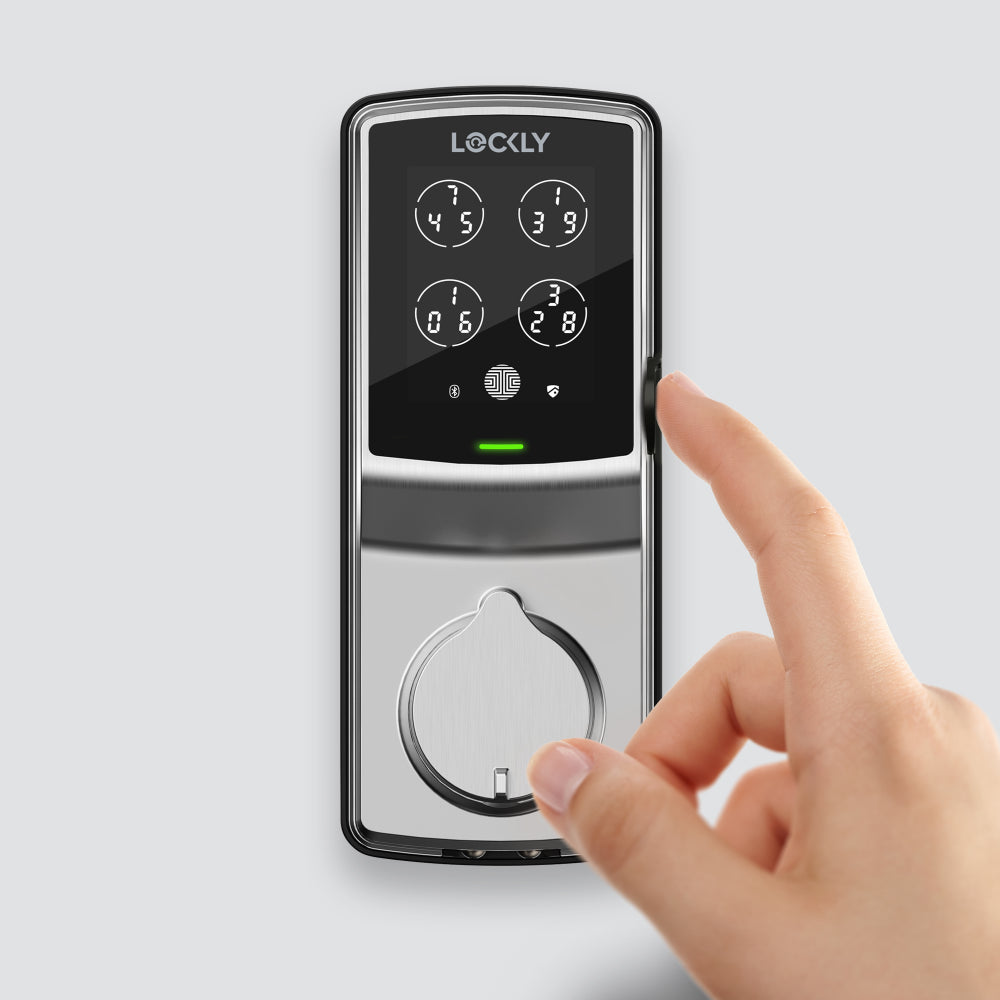

0.3 sec recognition, 3D biometric fingerprint sensor with AI learning to improve speed and accuracy over time. Millions of accesses have been granted and are still counting.
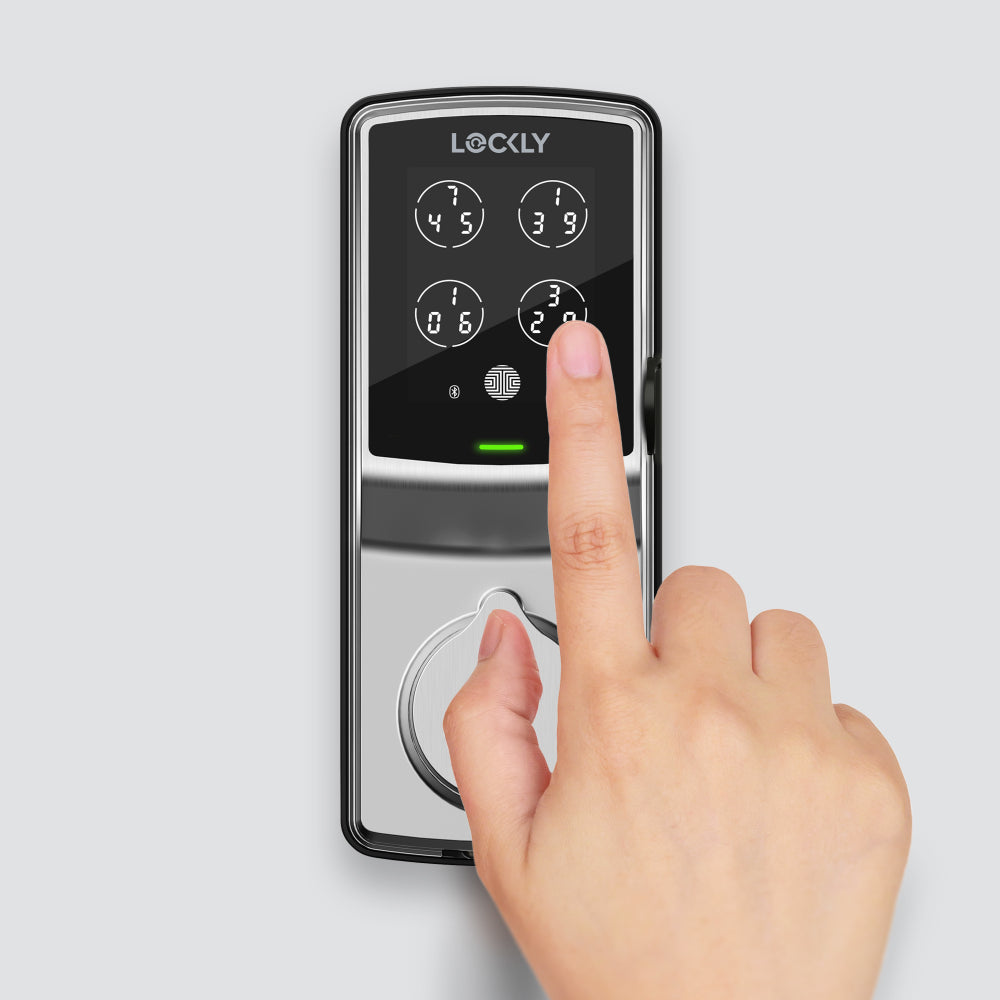

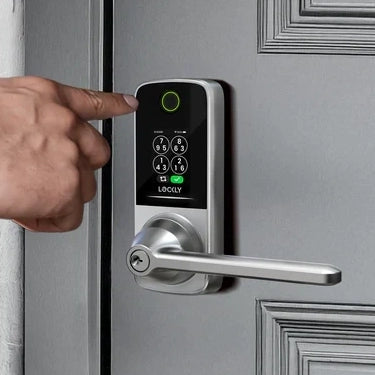
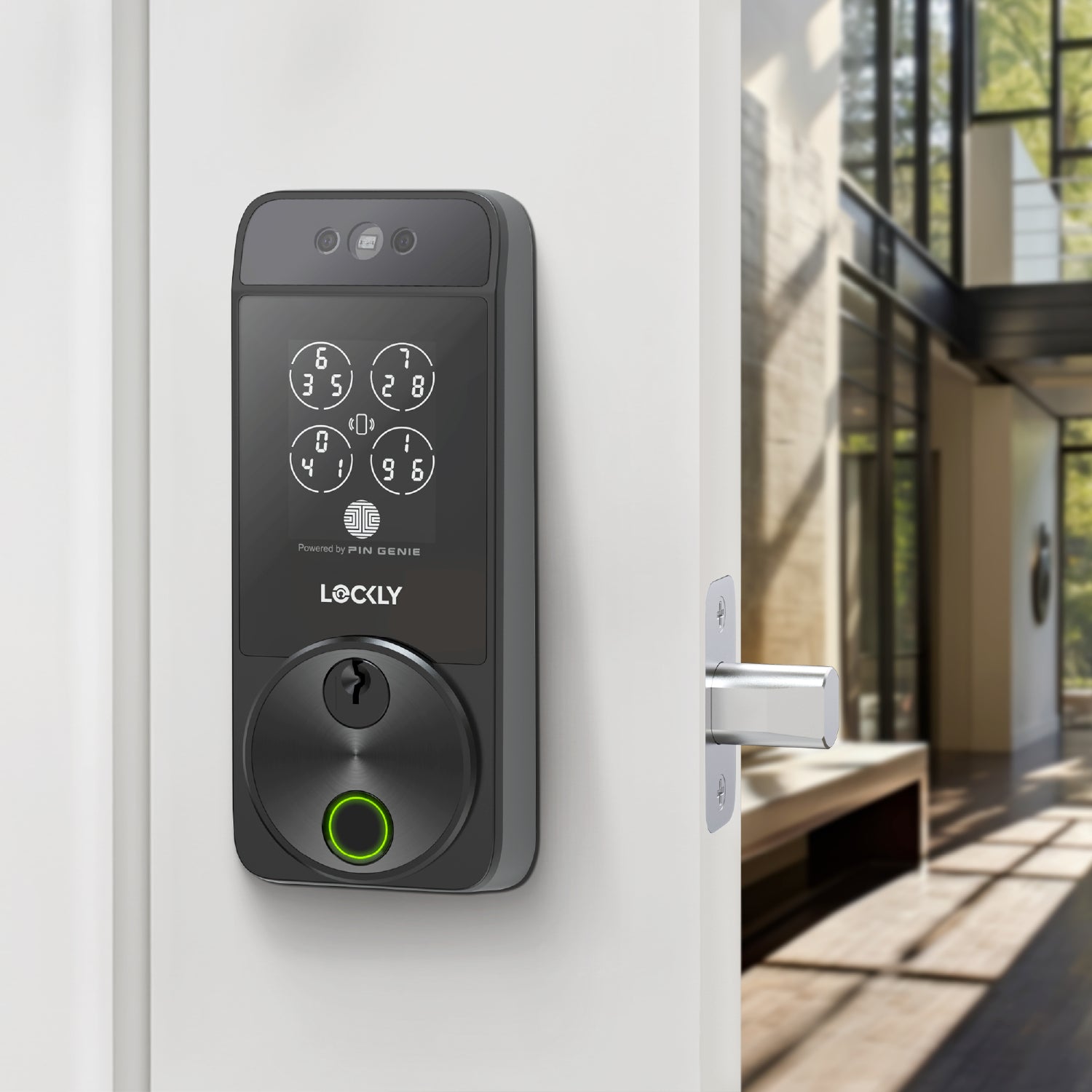
Patented security technology randomly shuffles the PIN numbers, preventing strangers from guessing your code.
Learn more >
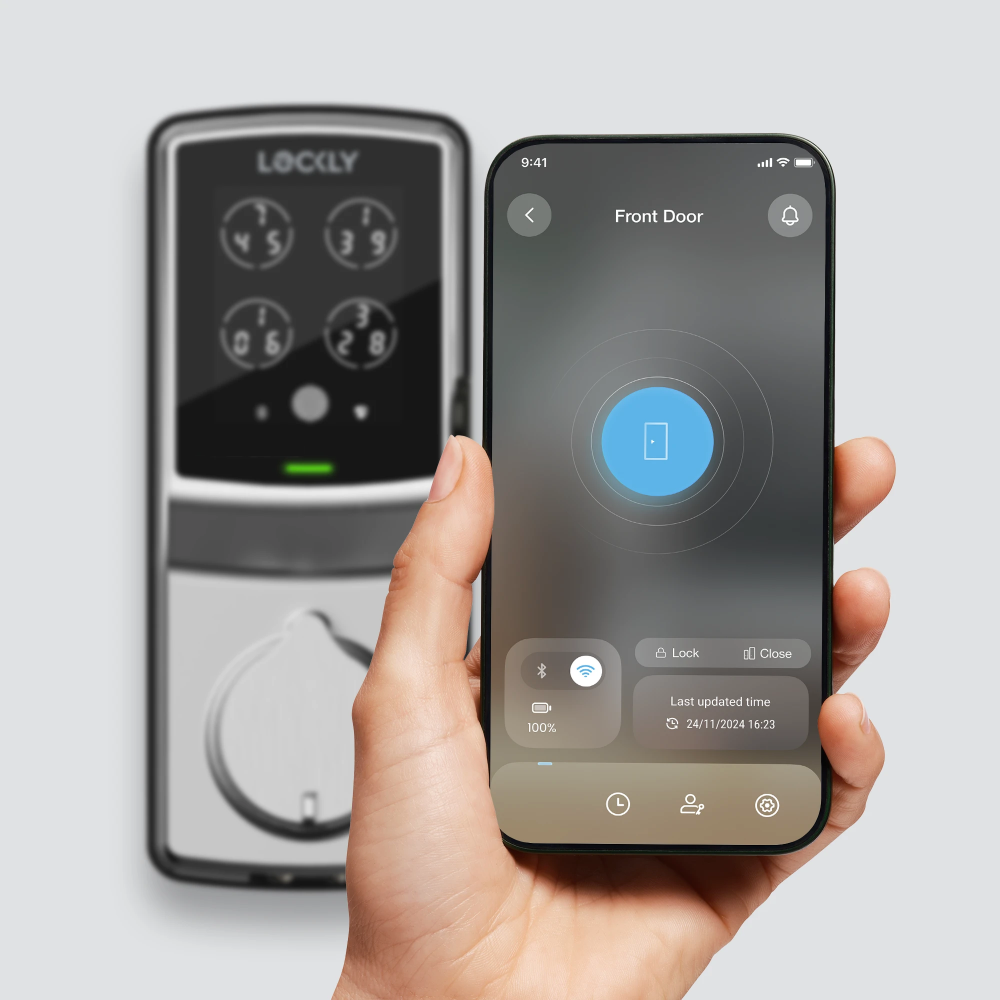
Open or close it with a simple tap, and easily share or revoke access for others through the free Lockly Home app.¹
¹ Manage smart locks for up to 3 properties at no cost. Subscribe to LocklyOS™ for a total access solution to manage additional properties.
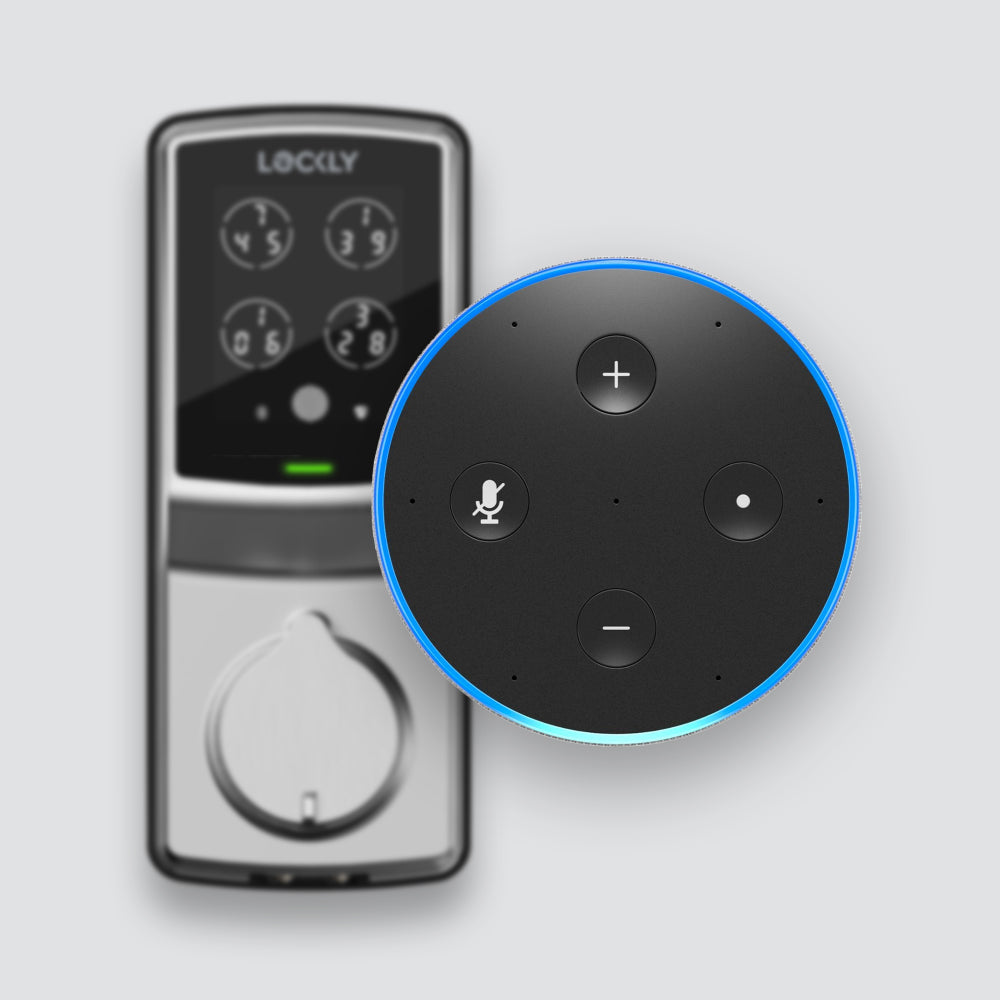

It's compatible with Amazon Alexa and Google Assistant². Lock and unlock your door using your voice, or check the door's status through your voice assistant.
² Also compatible with Siri when paired with the latest Secure Link Wi‑Fi Hub with Matter support (sold separately).
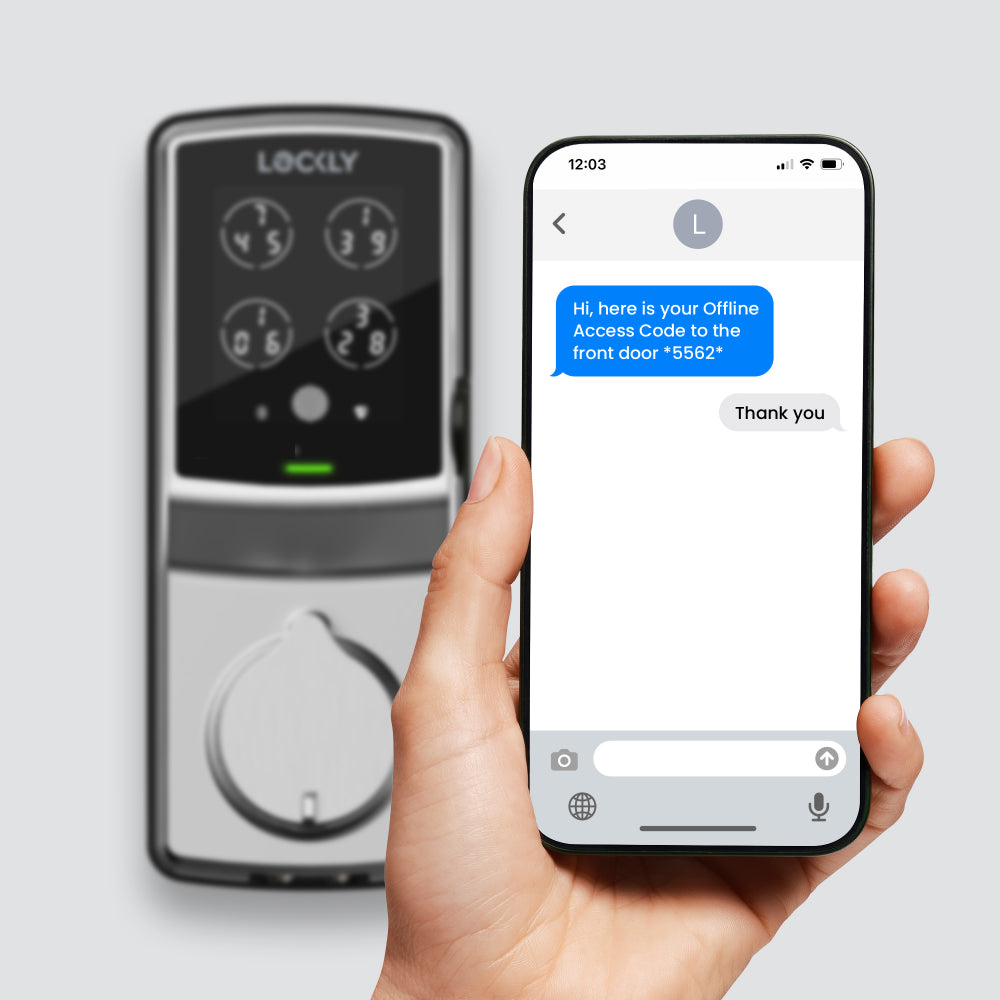

Create single-use or limited-use Offline Access Codes™ (OAC)³ for your guests to unlock your door, even when your smart lock is not connected to the network. It's safe, secure, and simple.
³ Create up to 3 free OAC per month, subscribe to LocklyOS™ for more.
0.3 sec recognition, 3D biometric fingerprint sensor with AI learning to improve speed and accuracy over time. Millions of accesses have been granted and are still counting.
Patented security technology randomly shuffles the PIN numbers, preventing strangers from guessing your code.
Learn more >
Open or close it with a simple tap, and easily share or revoke access for others through the free Lockly Home app.¹
¹ Manage smart locks for up to 3 properties at no cost. Subscribe to LocklyOS™ for a total access solution to manage additional properties.
It's compatible with Amazon Alexa and Google Assistant². Lock and unlock your door using your voice, or check the door's status through your voice assistant.
² Also compatible with Siri when paired with the latest Secure Link Wi‑Fi Hub with Matter support (sold separately).
Create single-use or limited-use Offline Access Codes™ (OAC)³ for your guests to unlock your door, even when your smart lock is not connected to the network. It's safe, secure, and simple.
³ Create up to 3 free OAC per month, subscribe to LocklyOS™ for more.



Stay connected with the Lockly Home app
Always In Control
With Lockly Home app, you’re always in control of your door, no matter where you are. Lock, unlock, receive notifications, ensuring what matters most to you is always secure.
Download Lockly Home App Now
iOS App Store|Google Play Store
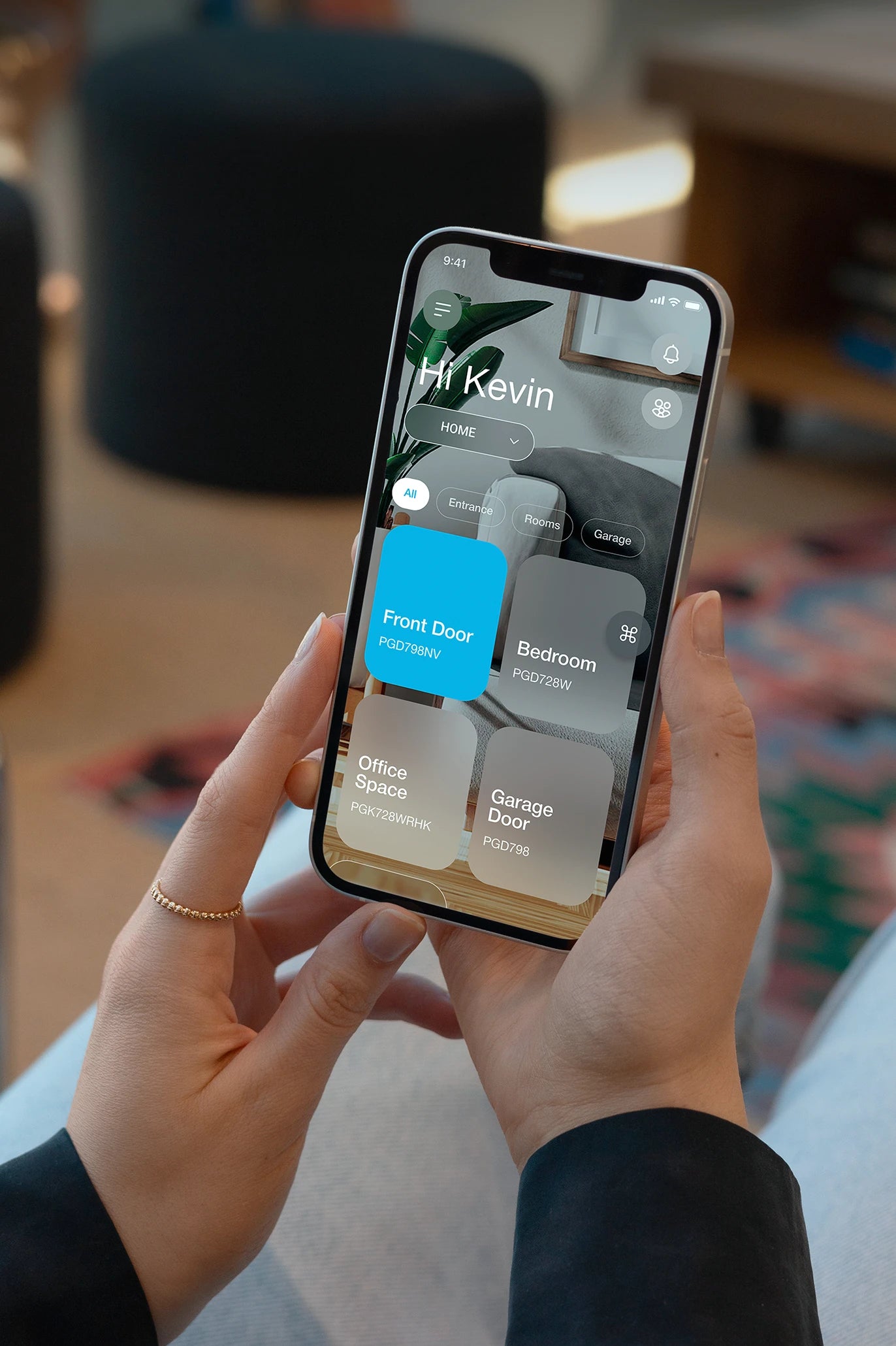
Real-time control & notifications
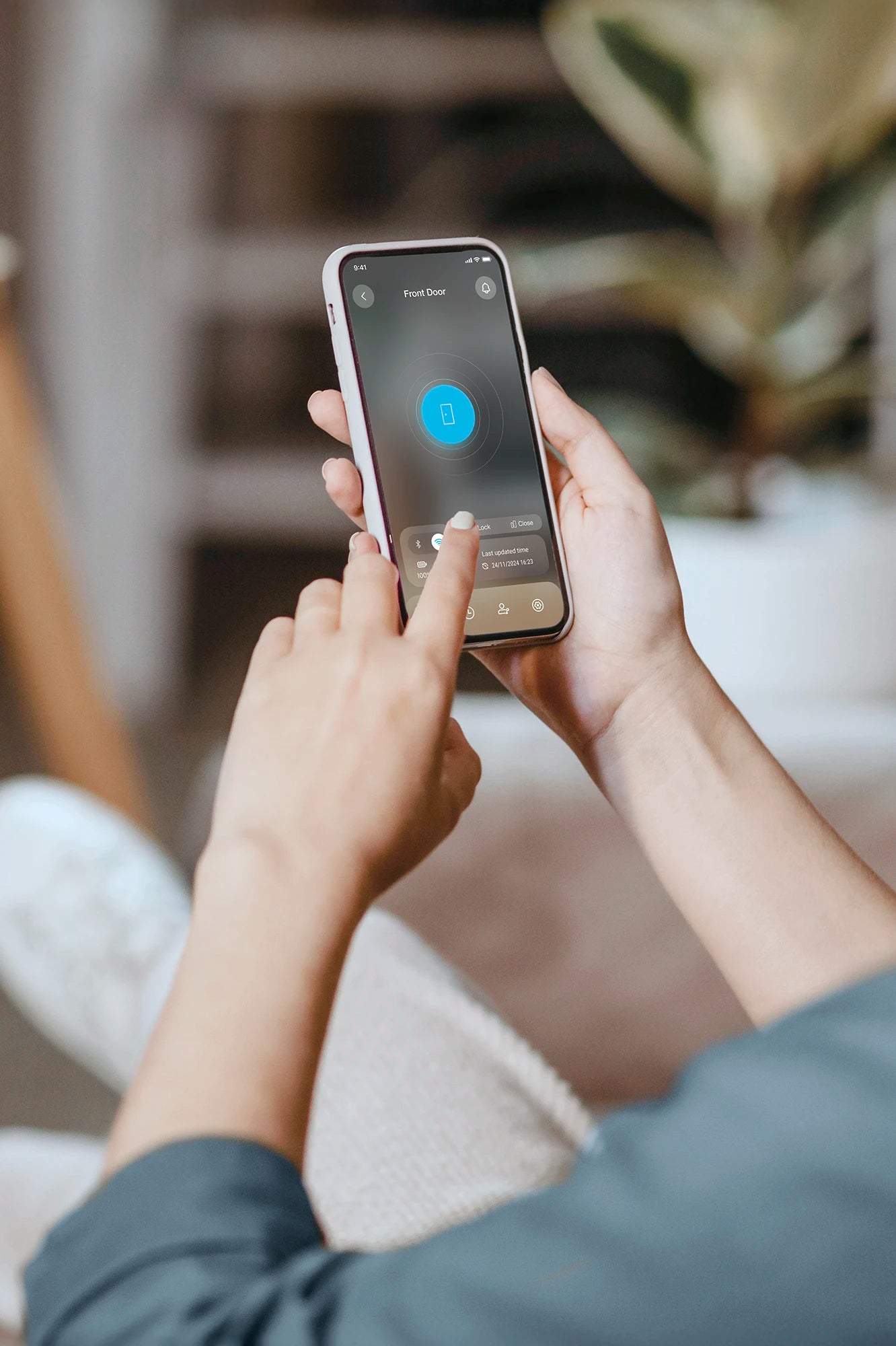
Control, monitor, receive alerts, and grant access remotely from your smartphone, available anytime, anywhere.
Access logs
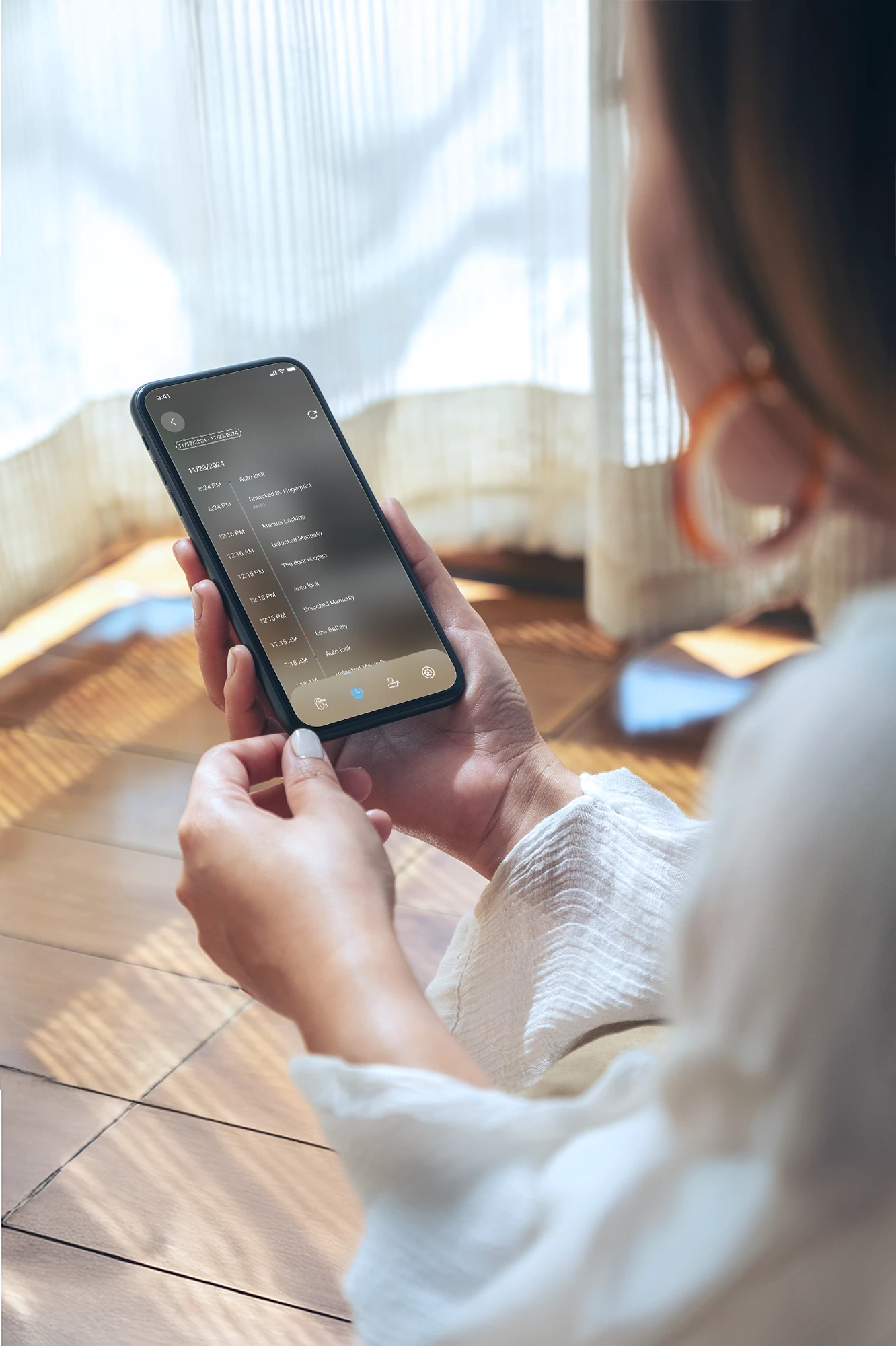
Access history logs⁴ to track entries or identify any unusual access. Stay informed and ensure that your priorities remain secure, even when you are preoccupied with other tasks.
⁴ Up to 90 days of activity history. Subscribe to LocklyOS™ for more.
Customizing your lock
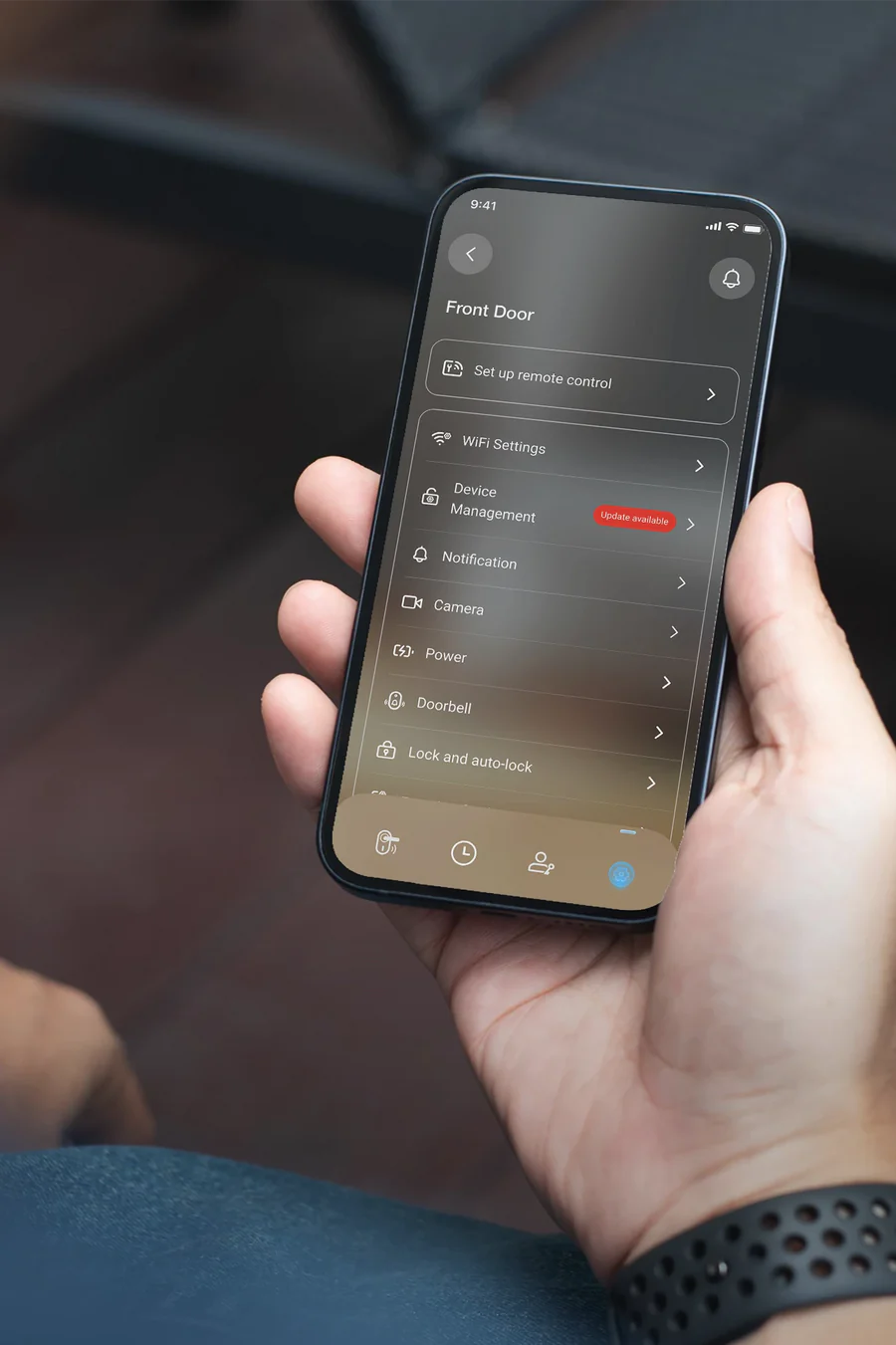
Optimize your lock's functionality and customize features to your liking via the Lockly Home app for the best experience.
Setting up your Secure ProHT with ease
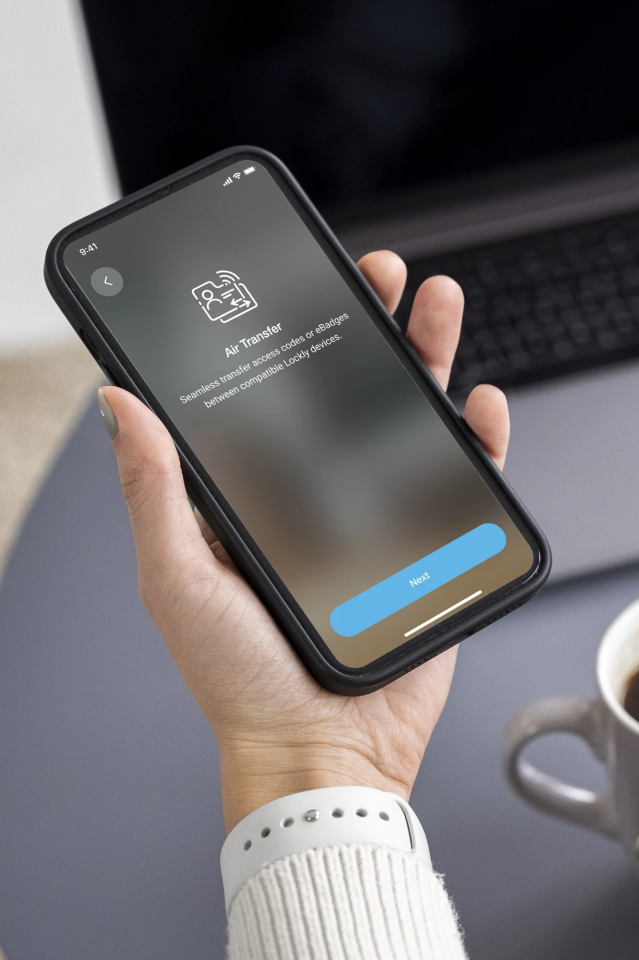
With Air Transfer⁵, you can seamlessly transfer designated credentials⁶ from your existing Lockly device to your new lock using the Lockly Home app. It’s quick, secure, and incredibly convenient.
⁵ Transfer up to 50 credentials per month for free. Subscribe to LocklyOS™ for more.
⁶ Only the access code and eBadge can be transferred.
Family mode
Manage all your Lockly locks with a single app and enable Family Mode for an even more streamlined experience.

Designed for DIY Installation
Key Features
Ready for any situations
Access

Fingerprint
Recognise your finger within 0.3 sec with AI learning. Stores up to 99 fingerprints.

Access Code
Access codes of 6-8 digits with a peek-proof PIN Genie keypad, creating up to 32⁷ uniques codes.
Mobile App
Use the Lockly Home app on your smartphone to lock or unlock your door.

Voice Control
Lock or unlock your door using voice commands with Siri⁸, Alexa or Google Assistant.

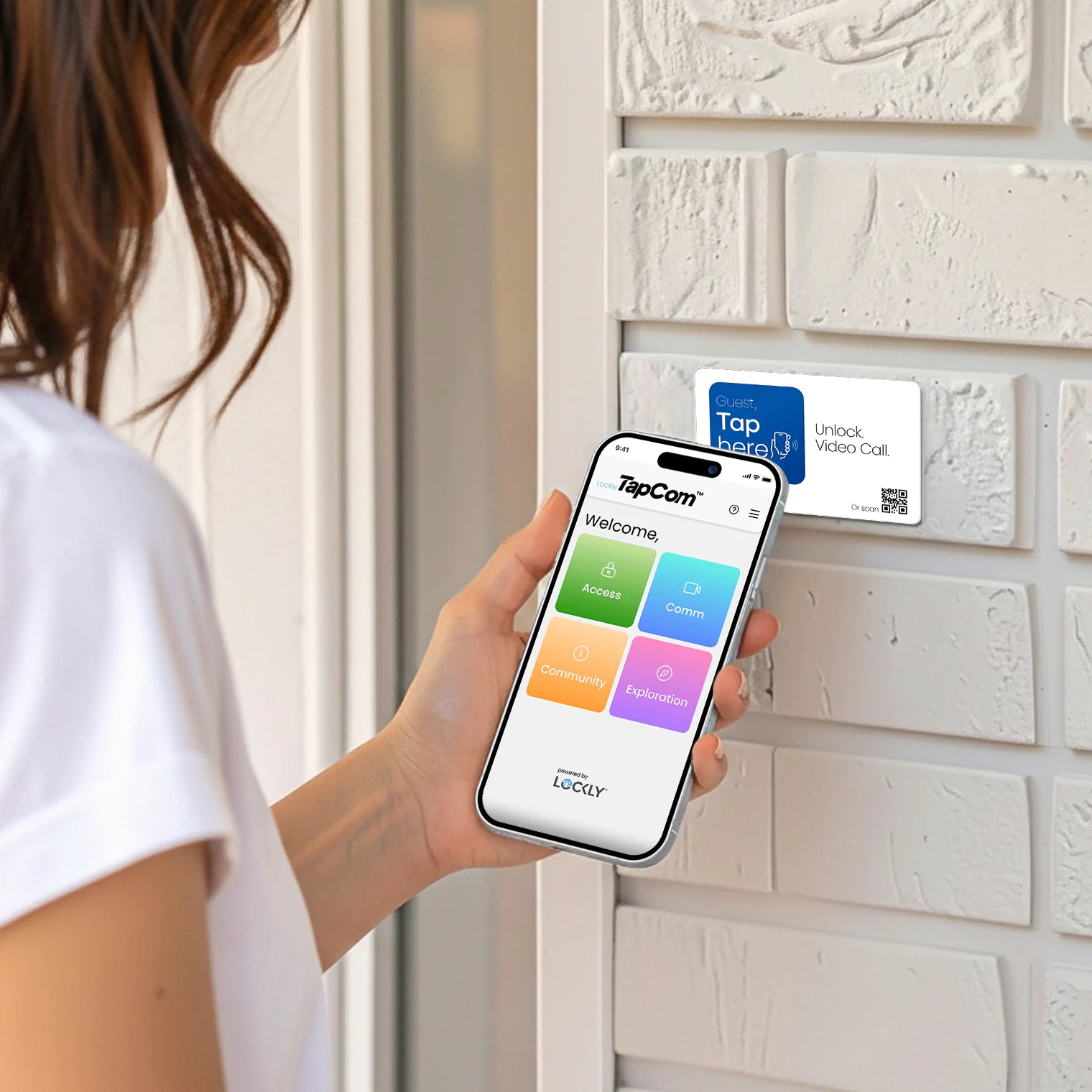
Scan-to-Open
Scan the unique QR code⁹ using the Lockly Home app scanner to unlock the door.
Physical Key
2 keys are included, featuring a rekeyable 6-pin cylinder easily replaced without replacing the entire lock.
⁷ The total capacity for all types of access codes, refer to the Specifications for more details.
⁸ Only Matter-compatible Lockly devices support Siri voice control. A Secure Link Wi-Fi Hub (latest version that supports Matter) is required (sold separately), check compatibility before purchase.
⁹ The QR code is unique for each lock. Generate it from Lockly Home app if it cannot be found on your lock.
Share Access

Sub-Admin
Add a sub-admin to manage access and enjoy a similar level of control as you, limited to a valid period.

Family Users
Create access codes or register fingerprints of family members for their permanent use.
Temporary Access
Connect to your lock to create revocable access codes for guests that expire after a set period.

Recurring Access
Connect to your lock to generate revocable codes valid for a recurring period for your frequent visitors.

One-Time Access Code
Issue a single-use access code that expires immediately after use by connecting to your lock, limited to one code at a time.
Offline Access Codes¹⁰
A single-use or time-limited code for guests, no app download needed, issued remotely even if your lock is offline.

eKeys and eBadges
Enable guests to lock or unlock the door with the Lockly Home app and use the Scan-to-Open feature for easy access.
Welcome Mode
Welcome your guests with purposeful unlocking, keeping the door open for a designated time for instant access.
¹⁰ Create up to 3 free OAC per month. Subscribe to LocklyOS™ for more.
Convenience
Real-time Alerts
Always in the know of your door activity on your phone.
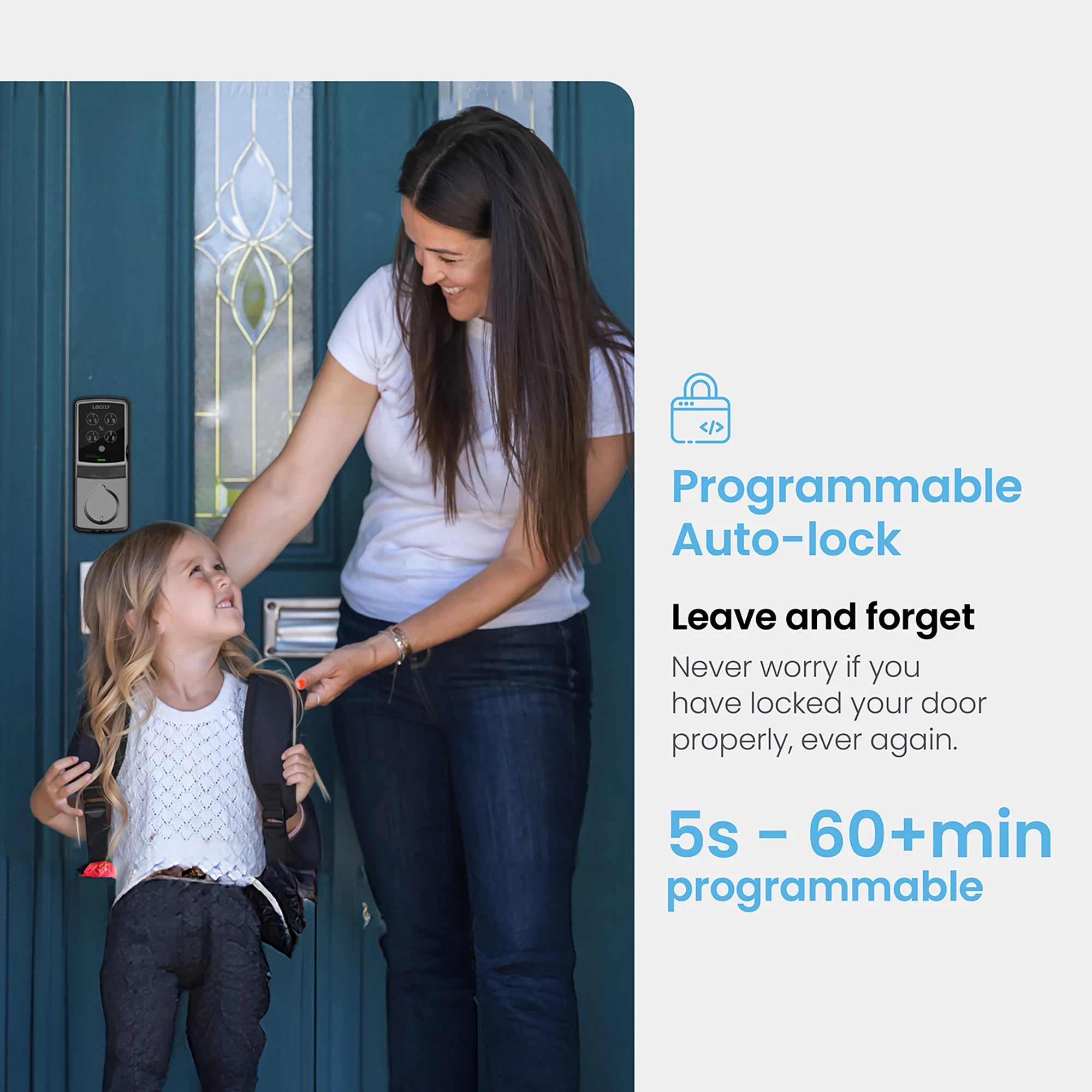
Auto-Locking
Never worry about if you locked your door properly with programmable timer tailored to your lifestyle.

Access Logs
View lock activities from the Lockly Home app.

Plug-n-Play Setup
Simply connect the Hub to the Internet for instant pairing with your smart lock.

Remote Control
Lock, unlock or check status / history of your door from anywhere, anytime.

Low Battery Alerts
Receive notifications when your door jams or battery levels are low.

Air Transfer¹¹
One-click transfer of designated access credentials¹² between compatible Lockly devices.

Rekeying Capability
Keep your master key, or replace the key cylinder without replacing your whole device.

Forward Capability
We constantly bring new features and enhance your experience.
¹¹ Transfer up to 50 credentials per month for free. Subscribe to LocklyOS™ for more.
¹² Only the access code and eBadge can be transferred. Fingerprint credential transfer is not supported.
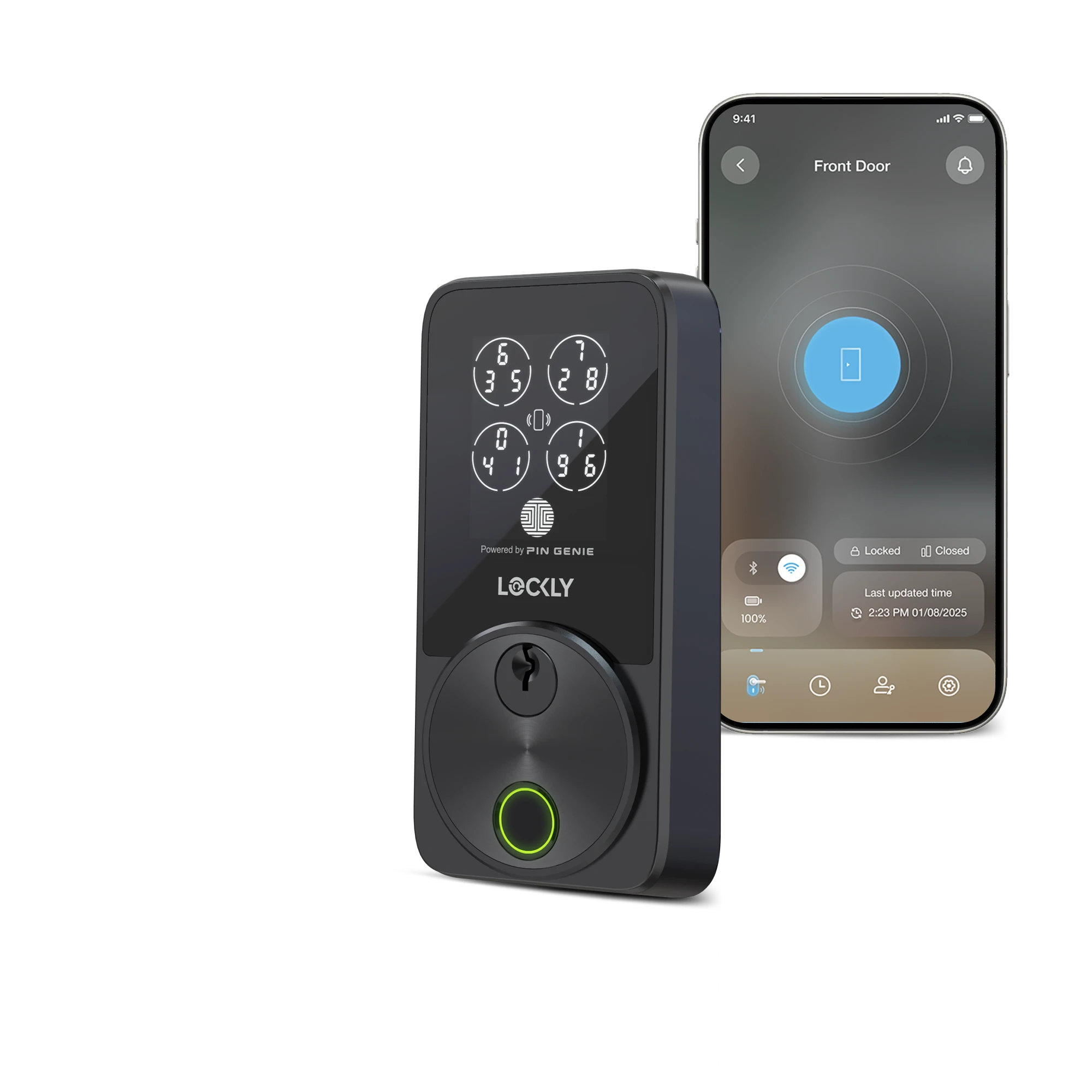
Which Lockly is right for you?
Got questions? Our Lockly specialist is here for you.
Specifications
Secure ProHT Smart Lock
Deadbolt Assembly
Physical Keys x2
Fixing Screws & Foam Pads
Strike Plate
Mounting Plate
Secure Link Wi-Fi Hub (Mini Hub)
Wired Door Sensor
AA Alkaline Batteries x8
Activation Card
Quick Start Guide
Installation Manual
Drill Template
User Manual
Deadbolt
6-pin cylinder
Exterior Lock (H x W x D)
7 in x 2 ¹⁵⁄₁₆ in x 1 ⅔ in
179 mm x 74 mm x 43 mm
Interior Lock (H x W x D)
7 ¹³⁄₁₆ in x 3 ⅛ in x 1 ¹⁵⁄₁₆ in
198 mm x 80 mm x 49 mm
1 ⅜ in - 2 in (35 mm - 50 mm)
Adjustable, fits 2 ⅜ in or 2 ¾ in (60 mm or 70 mm)
2 ⅛ in (54 mm)
1 in (25 mm)
AA alkaline batteries x8
Up to 16 months for regular use*
Up to 6 months for heavy use*
*Actual performance may vary based on usage and environment conditions.
9V backup access
Access Codes
Up to 33:
Admin Account
Admin - 1
Single-use access code - 1
Other access codes* - 14
Sub-Admin Account
Sub-admin - 1
Single-use access code - 1
Other access codes* - 15
Fingerprints
Up to 99
* Offline Access Codes are not included.
Amazon Alexa
Apple Home (Siri)*
Google Home (Google Assistant)
Matter*
Samsung SmartThings*
* Requires the latest version of the Secure Link Wi‑Fi Hub that supports Matter (sold separately).
Wi-Fi (2.4GHz) pairing*
Encrypted Bluetooth pairing
*Via a Secure Link Wi-Fi Hub (mini hub included).
Access Logs
Up to 90 days* - up to 50 records stored on the deviceᵜ
eBadges
Up to 3 per month*
Offline Access Code (OAC)
Up to 3 per month*
Support Air Transfer
Up to 50 credentialsᐞ per month*
* Subscribe to LocklyOS™ for more.
ᵜ Once the limit is reached, the oldest record on the device will be replaced by the newest.
ᐞ Only the access code and eBadge can be transferred. Fingerprint credential transfer is not supported.
IPX5
Works with Alexa
Works with Google Home
ANSI Grade 2
FCC
RoHS
5-year mechanical & finish warranty
2-year electronics warranty
Lifetime technical support
Accessories
Shop Together, Enjoy the Best Experience