



Welcome
Get Started with your Secure Pro Zeno Series!

Step 1
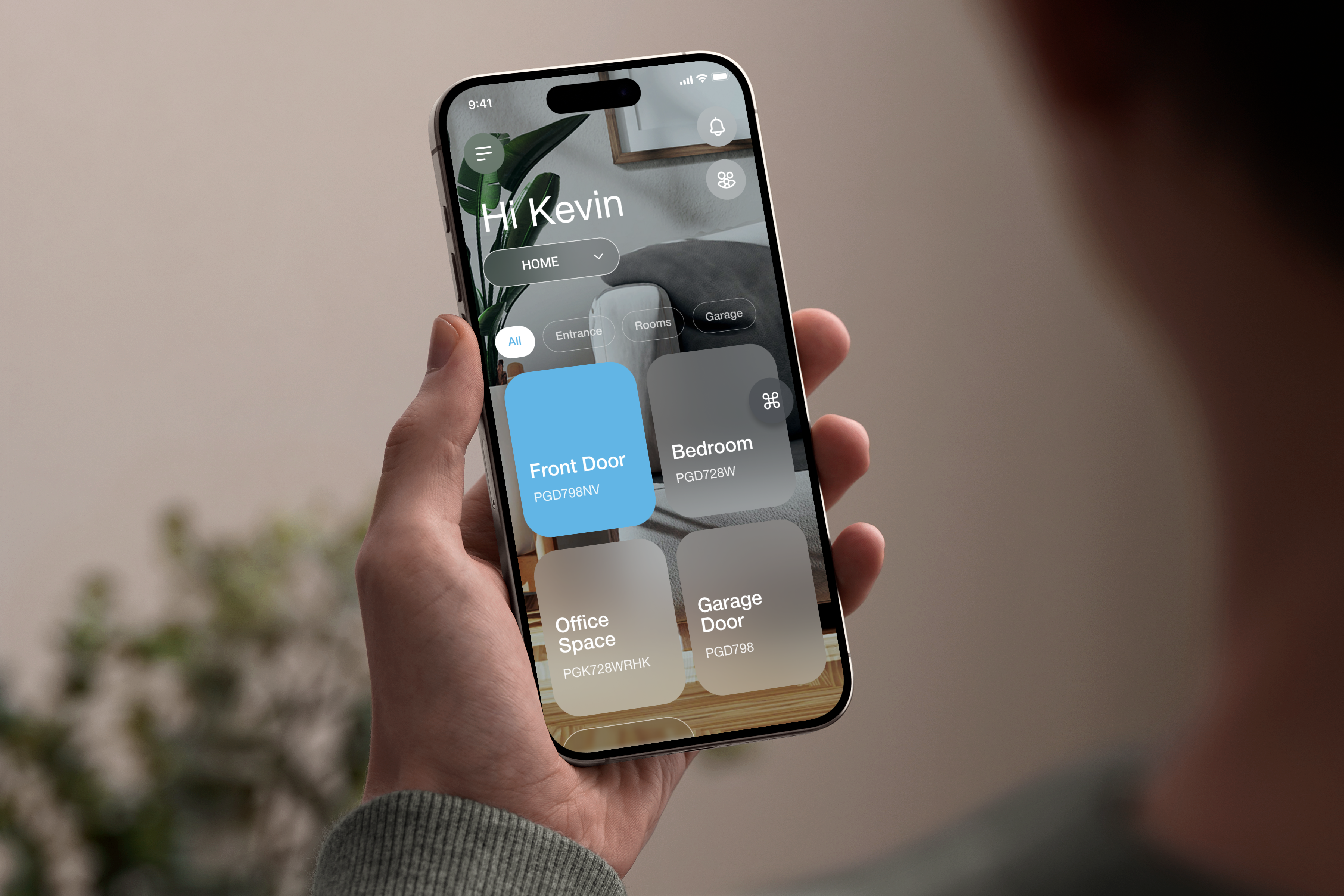
Download Lockly Home
Our new app will guide you through installation and setup of your new lock.
Step 2
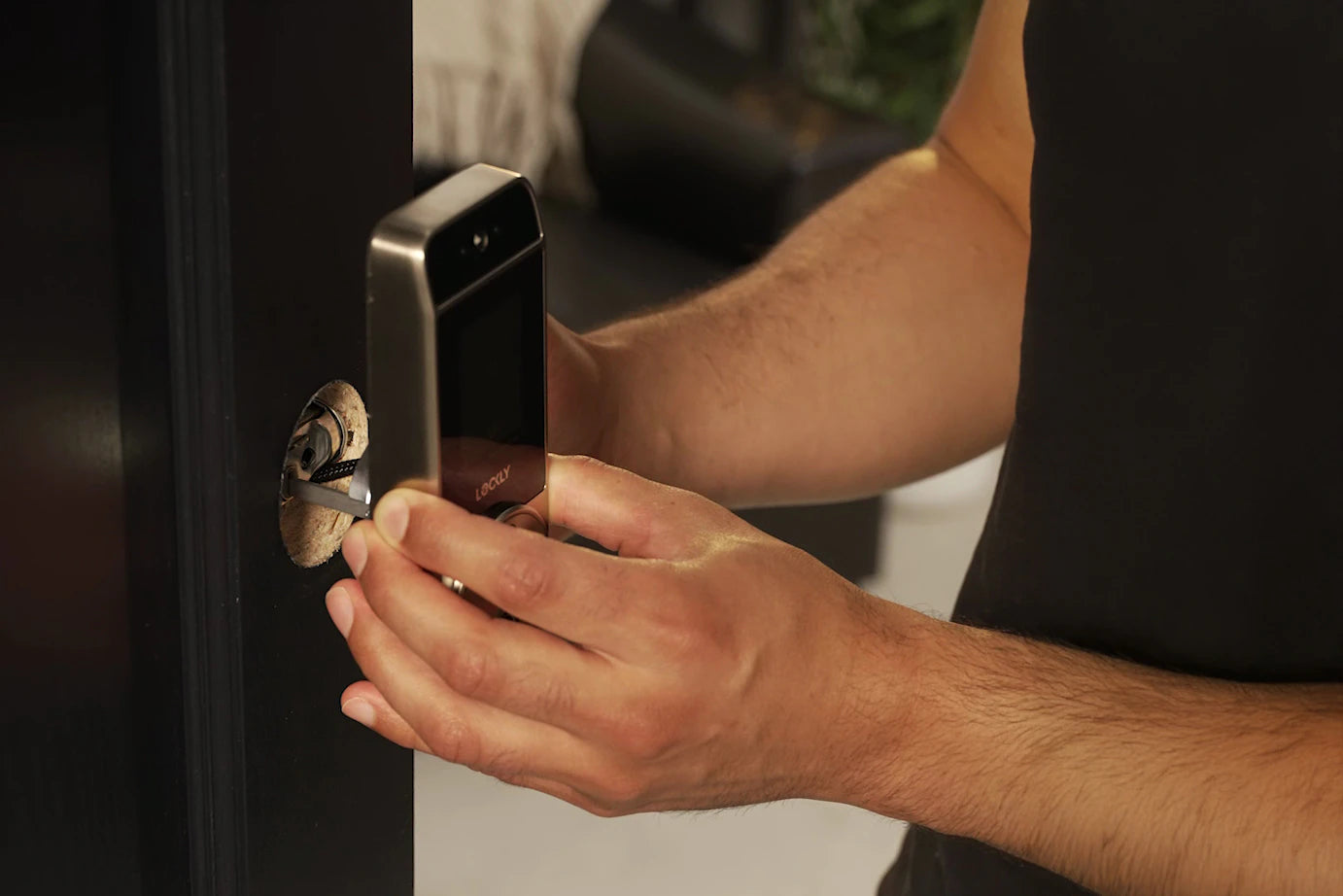
Install and Set Up
Watch the step-by-step video or download the latest installation manual and quick start guide.
Watch Installation Video >
Installation Manual (PDF) >
Quick Start Guide (PDF) >
Thick Door Kit, for door thickness 1 %," to 2ª
Thick Door Kit, for door thickness 3⅛" to 4%"

Step 3
Follow for Tips!
We constant bring updates to bring new features and enhance your experience.
Important Battery Safety Warning

Do not use damaged or previously used batteries. Cracks, dents, or leaks can cause overheating or short-circuiting inside the lock.

Install AA batteries only in their designated slots. The positive and negative ends must stay on the same layer and never make contact across layers.

Make sure each spring sits centered and does not touch the other springs. Misaligned or touching springs can create a short circuit.

Always install the bottom batteries first, then the top. This ensures proper contact and prevents short-circuiting. Follow the “+” and “–” symbols.

Priority Support
Here to help!
Your Secure Pro Zeno Series includes our SMART ASSIST onboarding service.
Get priority support at (844) 619 8089.