

Managing multiple smart locks can get overwhelming fast. Different doors, different users, and different access needs all happen at once. Family Mode in the Lockly Home app addresses this issue by consolidating all your Lockly smart locks into a single, beautifully simple control center.
Whether you have a busy household, several entry points, or rental properties to oversee, Family Mode helps you stay in control with less effort and more confidence.
What Does Family Mode Actually Do
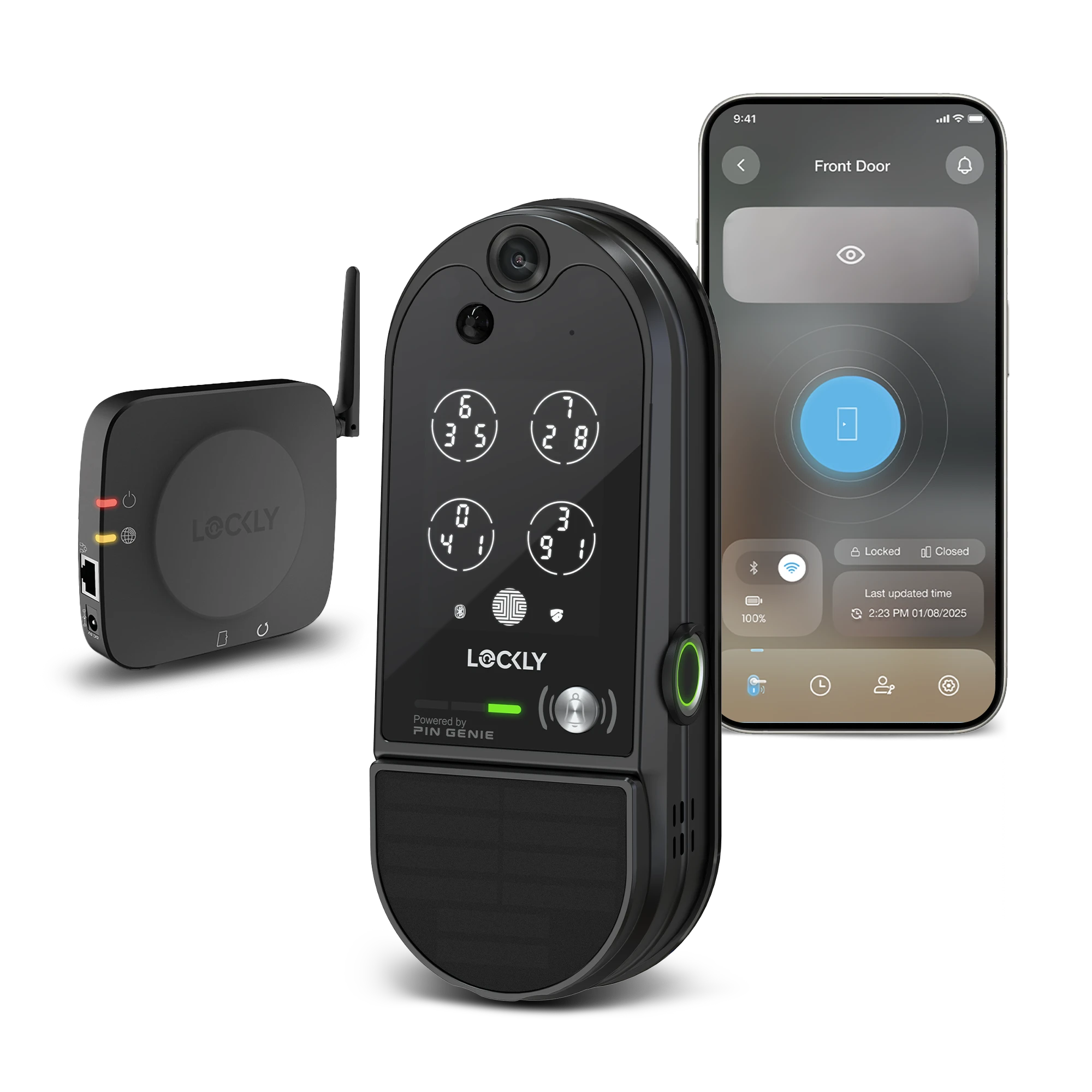
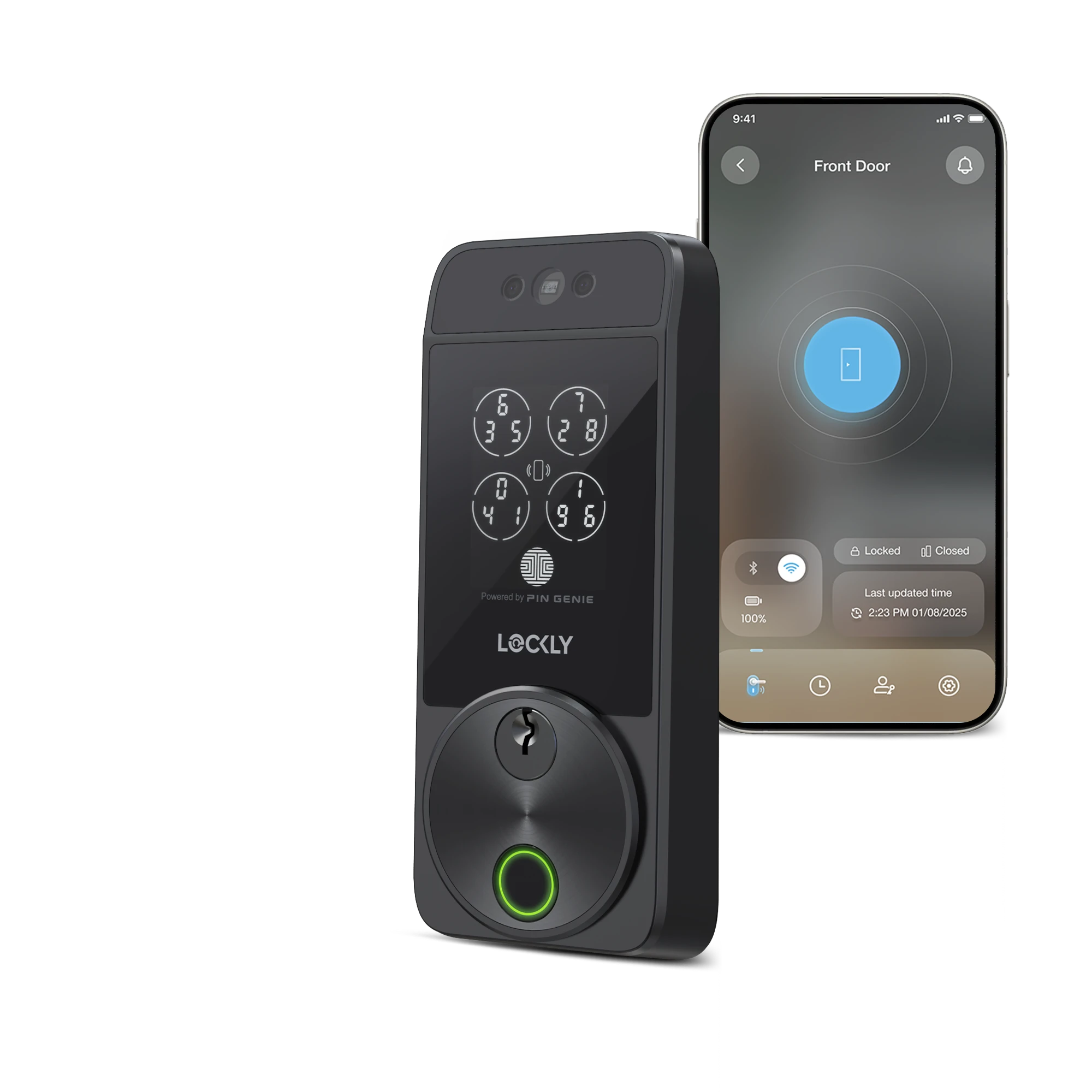
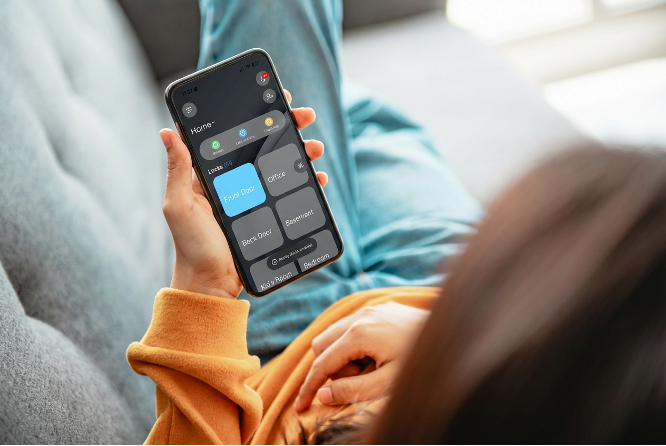
Family Mode works like your home’s command hub. Instead of bouncing between individual locks, every connected Lockly device appears in a clean, organized property view. You can instantly see what is locked, what is unlocked, who came and went, and lock all doors with 1 click.
With Family Mode, you can:
- View all Lockly smart locks for a property in one screen
- Check real-time lock status on the dashboard
- See the latest activities of all your locks
- Organize multiple doors under one property
It turns your phone into a single source of truth for your entire home’s security.
How Does Family Mode Make Everyday Life Easier
Family Mode also streamlines the moments that can slow you down. The Lock All Doors feature allows you to secure your entire property with a single tap, providing quick reassurance when you are heading out or settling in for the night. It also removes the extra steps of setting up users on each individual lock or trying to keep track of which door a guest used. Everything stays organized, clear, and easy to manage right from the app.
How Do You Turn On Family Mode
Turning on Family Mode is quick:
- Open the Lockly Home app
- Toggle on Family Mode

Which Lockly Devices Work With Family Mode
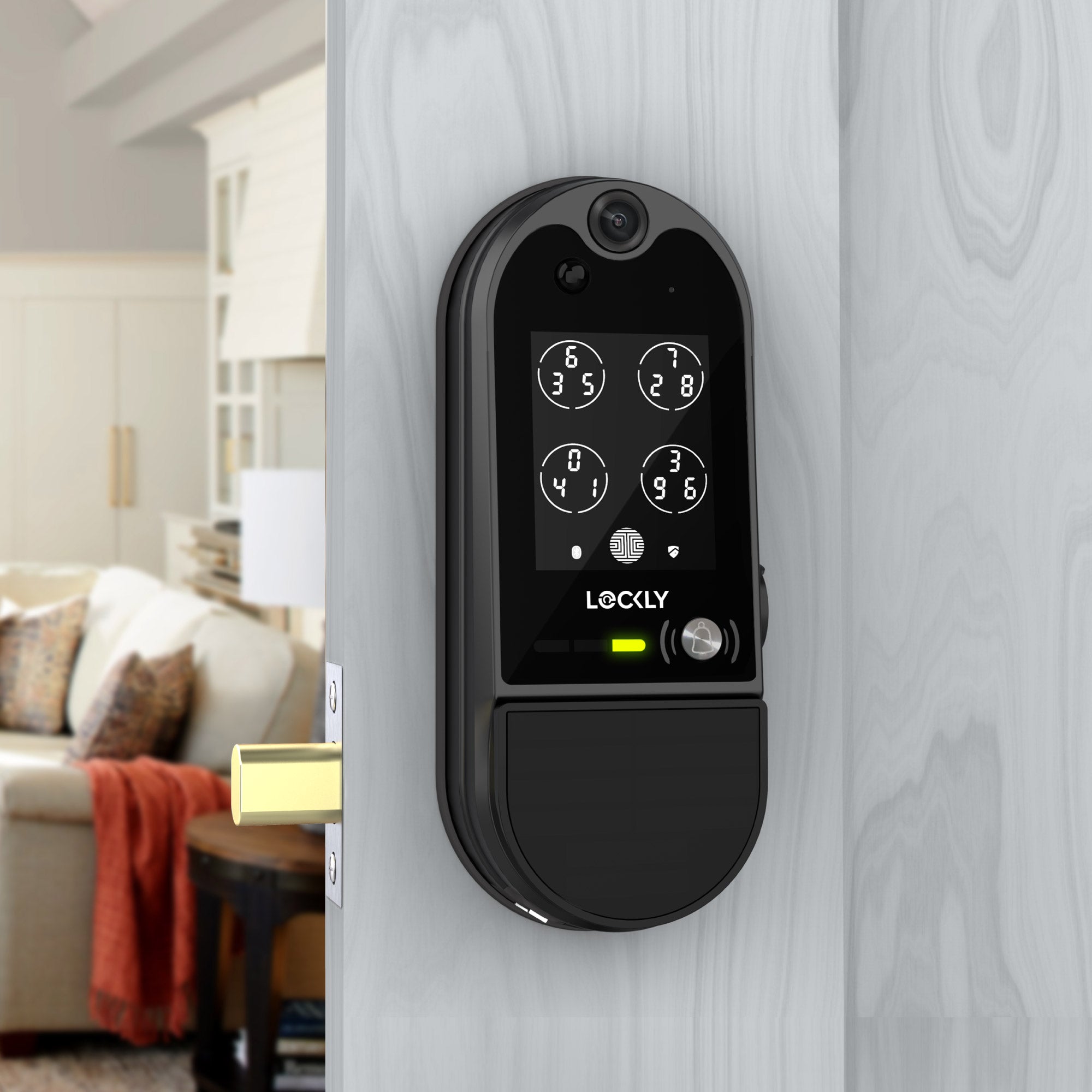
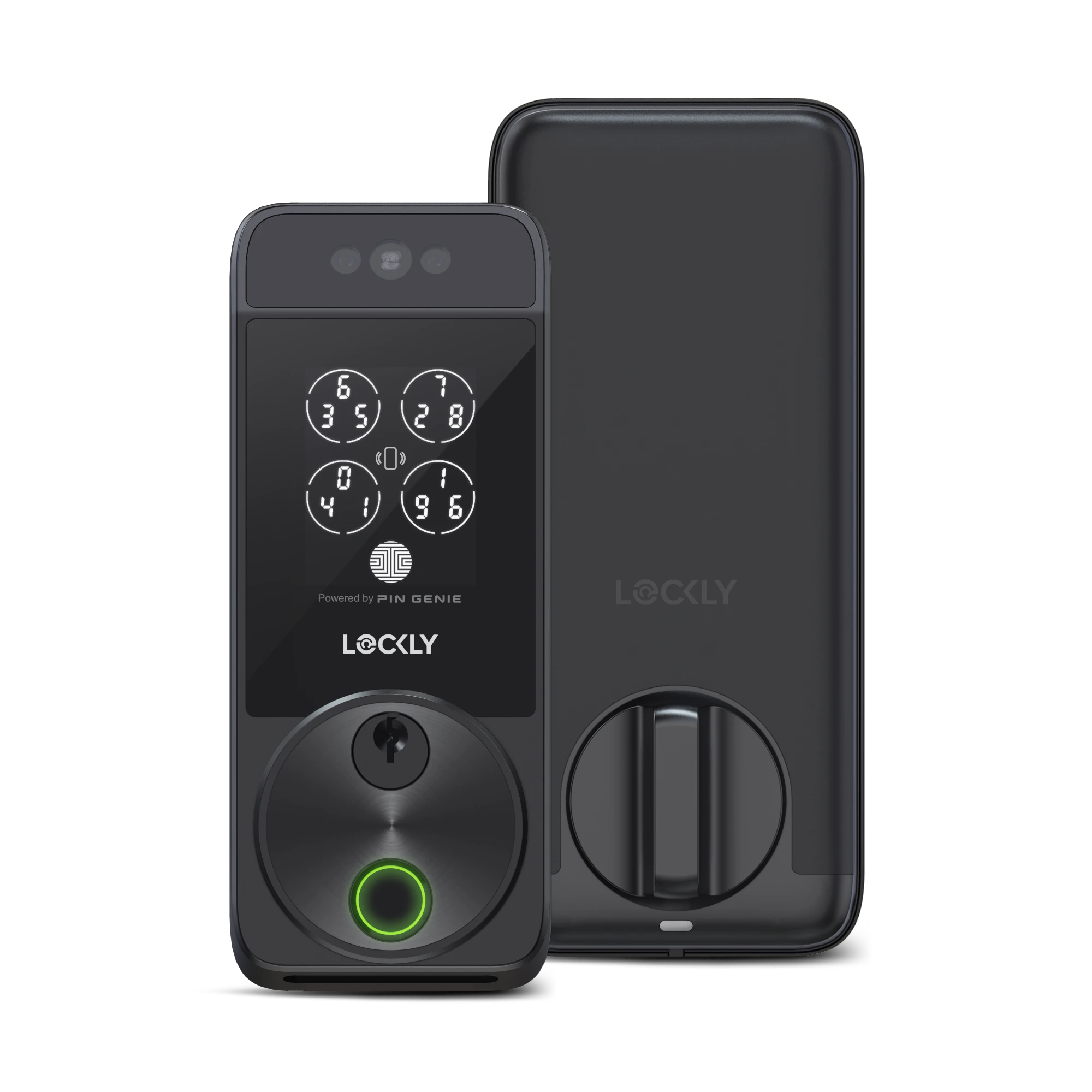
Family Mode works across the entire lineup of Lockly smart locks connected to the Lockly Home app, including top sellers such as:
- Secure Pro
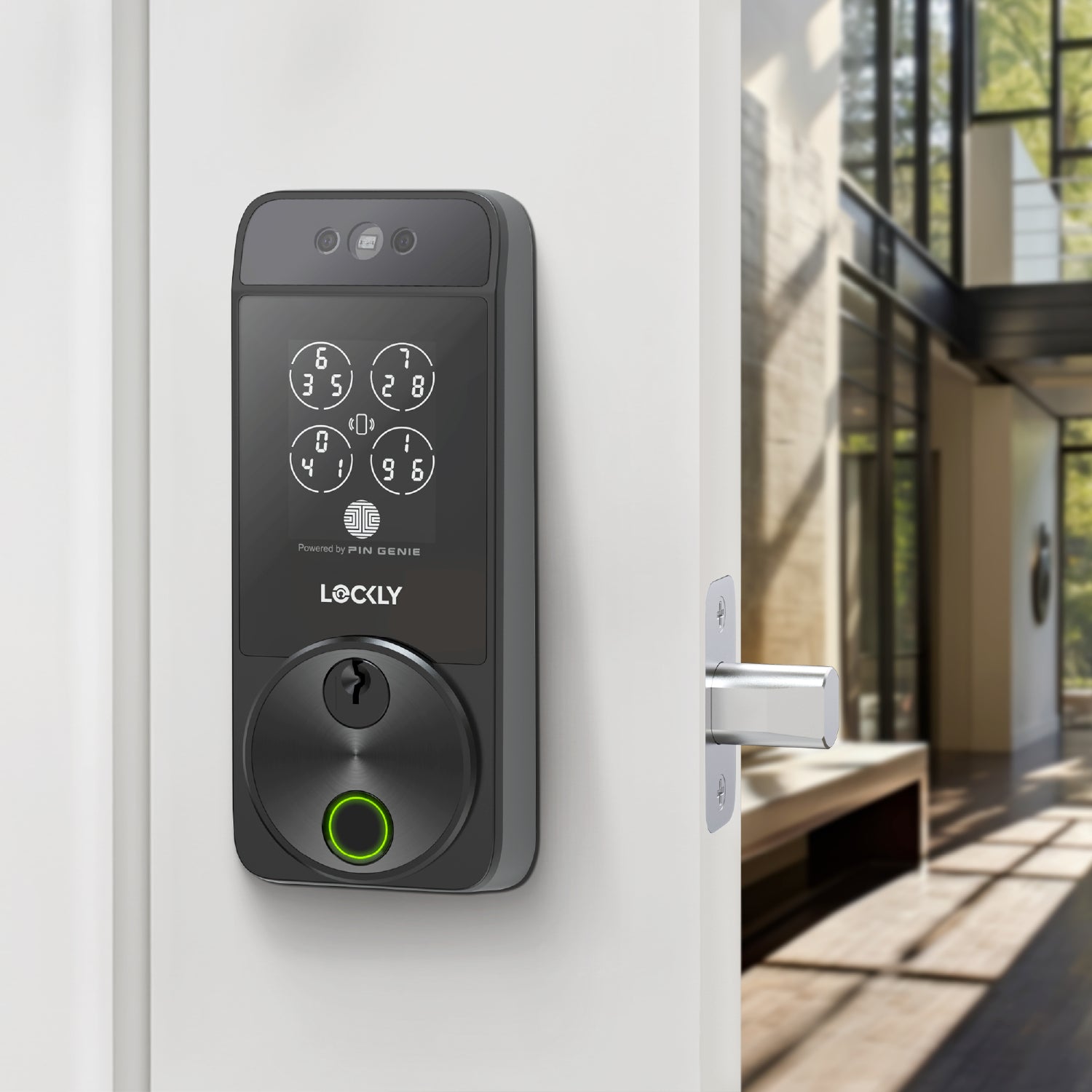
- PIN Genie Pro Zeno Series Keypad Deadbolt
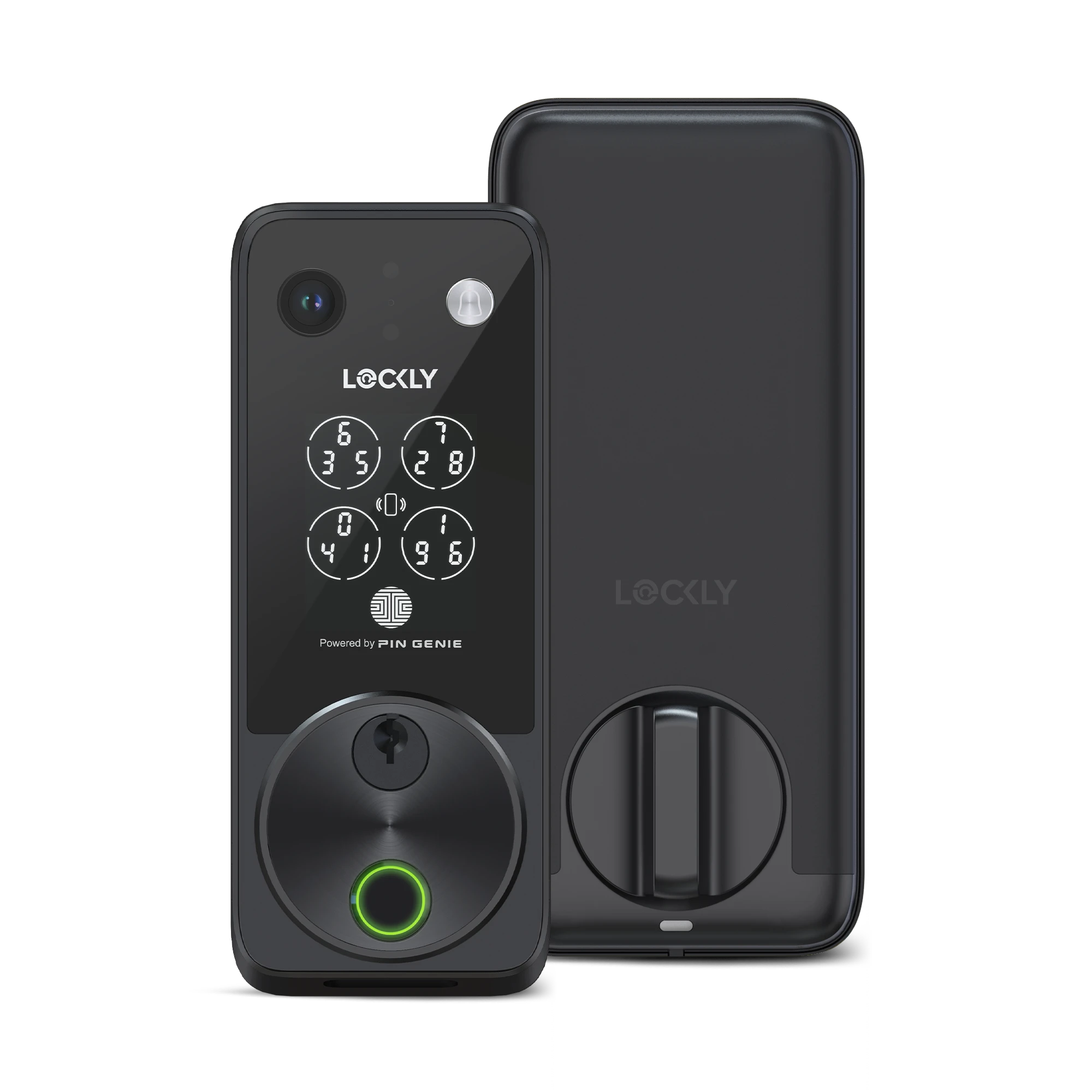
- Lockly Visage Facial Recognition Deadbolt
- Lockly Vision Video Smart Lock
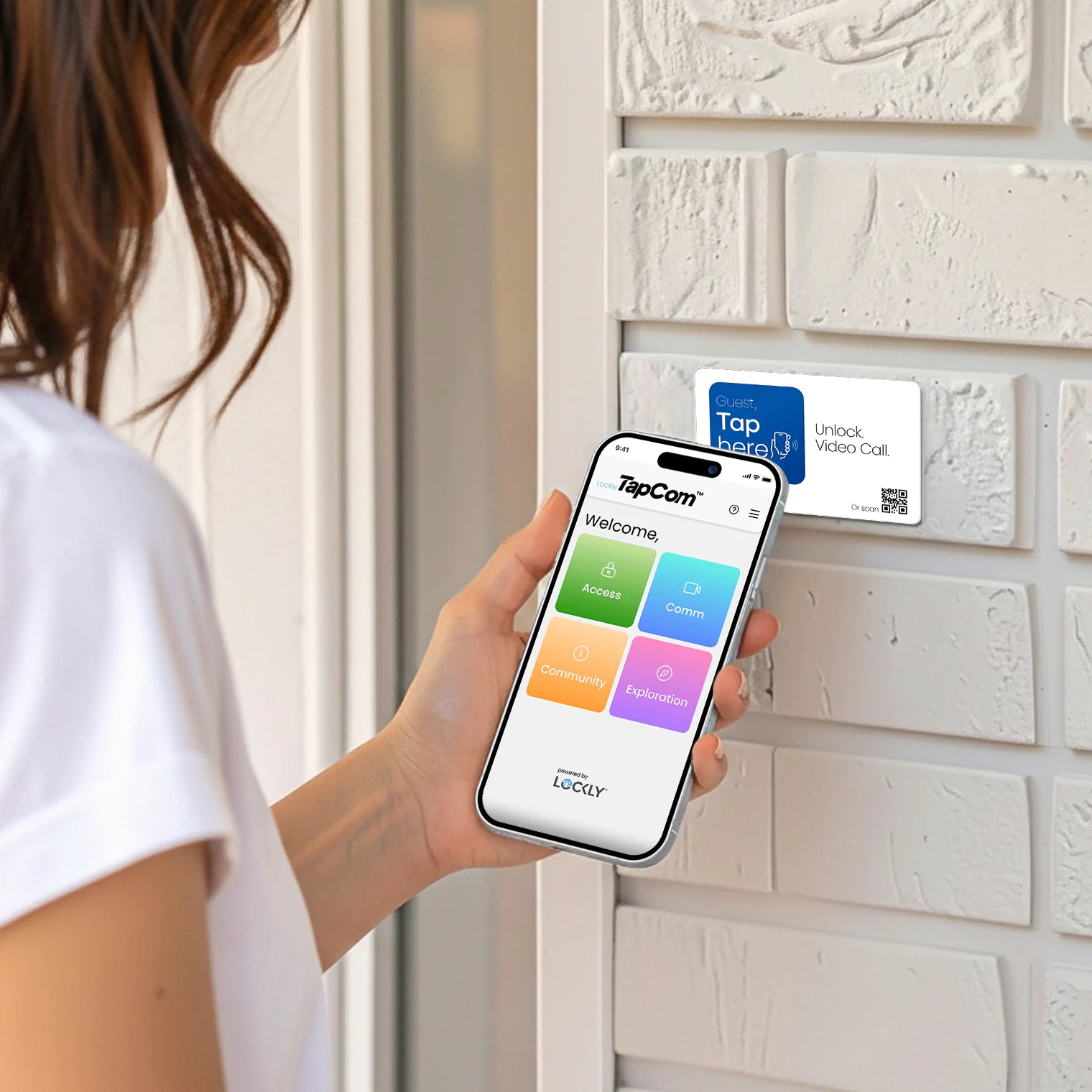
- Secure Plus Special Edition with RFID Access
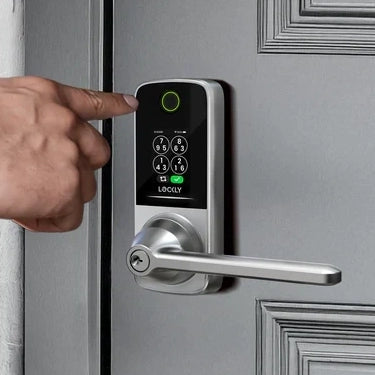
- Flex Touch Pro Retrofit Smart Lock
- Zeno Series Fingerprint Deadbolts
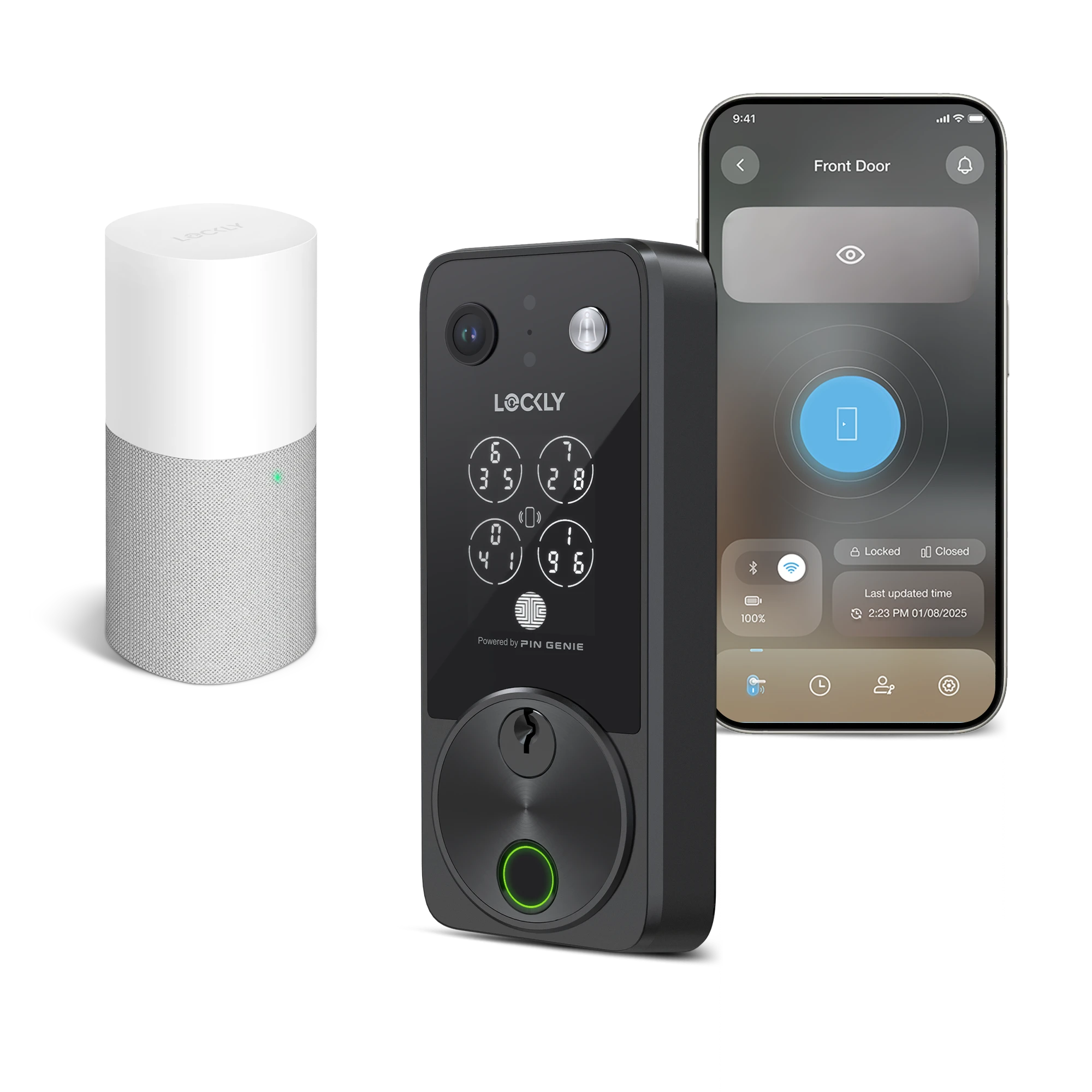
Some models may require the correct Wi Fi accessory for remote commands, but all app-compatible locks support Family Mode’s core features.
Why Family Mode Improves Multi Lock Management
Smart homes get smarter when the experience feels unified. Family Mode brings that feeling to life. Instead of treating each lock as an isolated device, your entire property becomes one coordinated system that works the way you do.
Family Mode improves multi-lock ownership by giving you:
- Clarity with a single property dashboard
- Speed with the Lock All Doors button
- Control from anywhere through the Lockly Home app
It turns handling multiple locks into a smooth, simple, and surprisingly enjoyable part of your routine.
Explore our full lineup of Lockly smart locks and find the model that fits your home, lifestyle, or rental property.